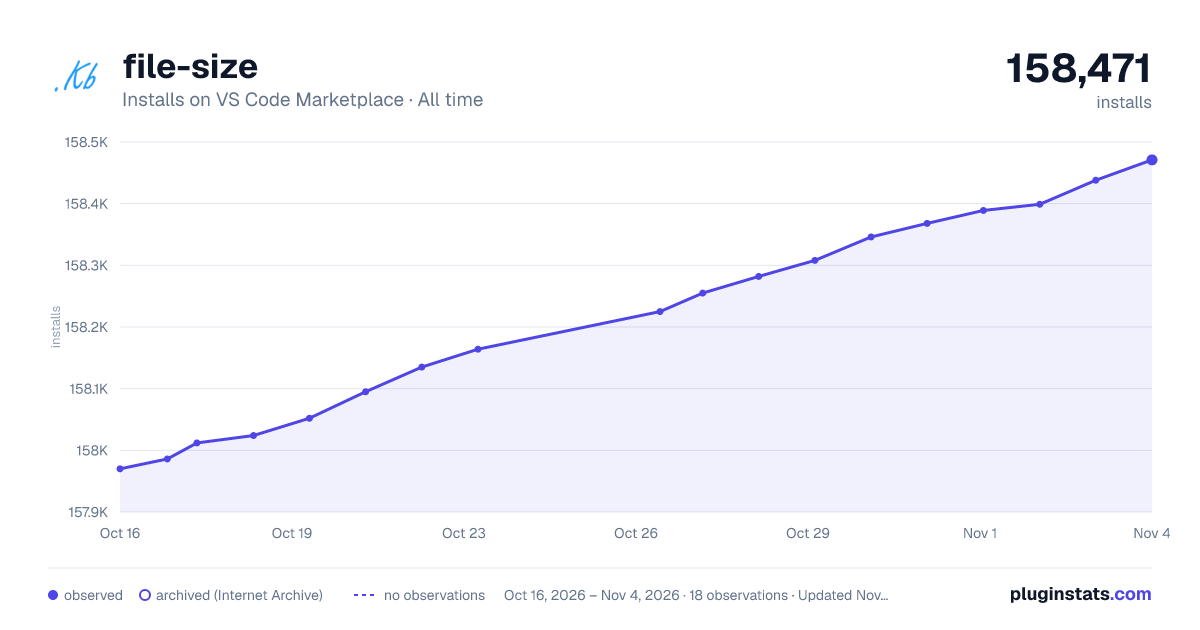
file-size has 158,052 recorded installs on VS Code Marketplace, ranking #1797 of 2,501 tracked listings.
Rating: 5.00 / 5 from 8 ratings
About file-size
file-size
A simple extension.Show current text file size in the statusbar.
The status will update when the file is saved or change active tab.
Usage
Configurations
File > Preferences > User Setting (or Workspace Setting)
文件 > 首选项 > 设置
Add/Modify the these key-value.
搜索拖入用户设置中覆盖即可
Save.(Will change immediately)
保存后会立刻产生变化
key
value
default
file-size.position
right/left
right
file-size.priority
integer
0
The priority of display in the status bar. Higher value means shown the left.
file-size.priority的值越大,位置就越向左,api上是这么说的,不过我也没太摸清规律,不起作用就往大了设,我设了100才能在右端最左边显示
Description from the VS Code Marketplace listing.
file
filesize
file-size
size
status bar
README badge
Show your rank in a README or on your website. The badge updates automatically.
Filled points are observed values; hollow points come from Internet Archive snapshots of the listing page. Dashed segments span periods with no observations — values between points are not interpolated.
Each band is one page of 20. Installs on a linear scale. Placement is projected from installs, so it can differ from the marketplace's own sort order. Hover a dot to see the listing.
Install counts, average rating, and rating counts come from the public Visual Studio Marketplace gallery API. Installs are cumulative and exclude updates.
 PluginStats