 PluginStats
One Dark Pro installs statistics
By binaryify (2 listings) · VS Code Marketplace · Themes
Atom's iconic One Dark theme for Visual Studio Code
One Dark Pro has 12,848,998 recorded installs on VS Code Marketplace, ranking #83 of 2,501 tracked listings.
Rating: 4.67 / 5 from 222 ratings
About One Dark Pro
One Dark Pro
GitHub Repo
Atom's iconic One Dark theme, and one of the most installed themes for VS Code!



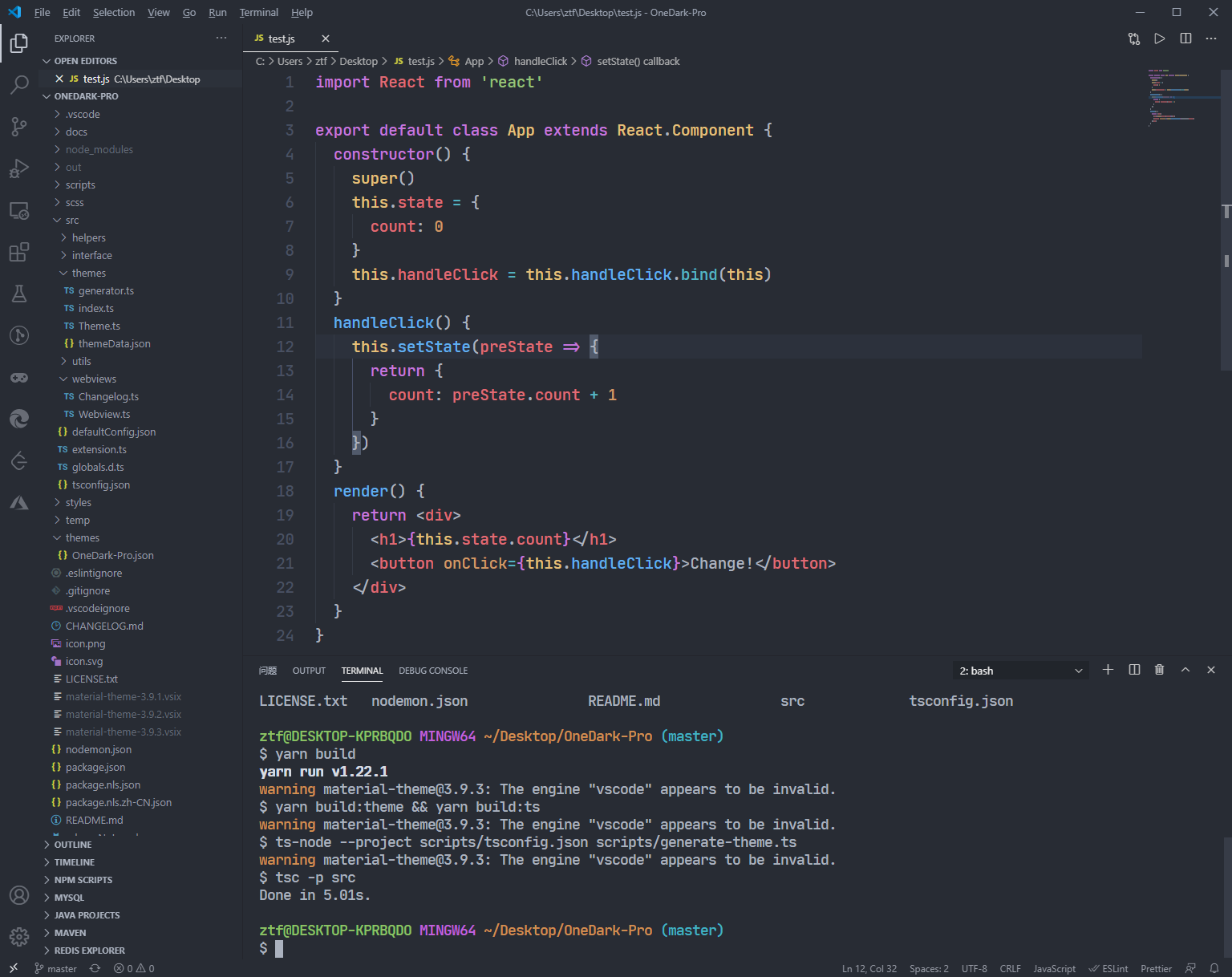
SCREENSHOT
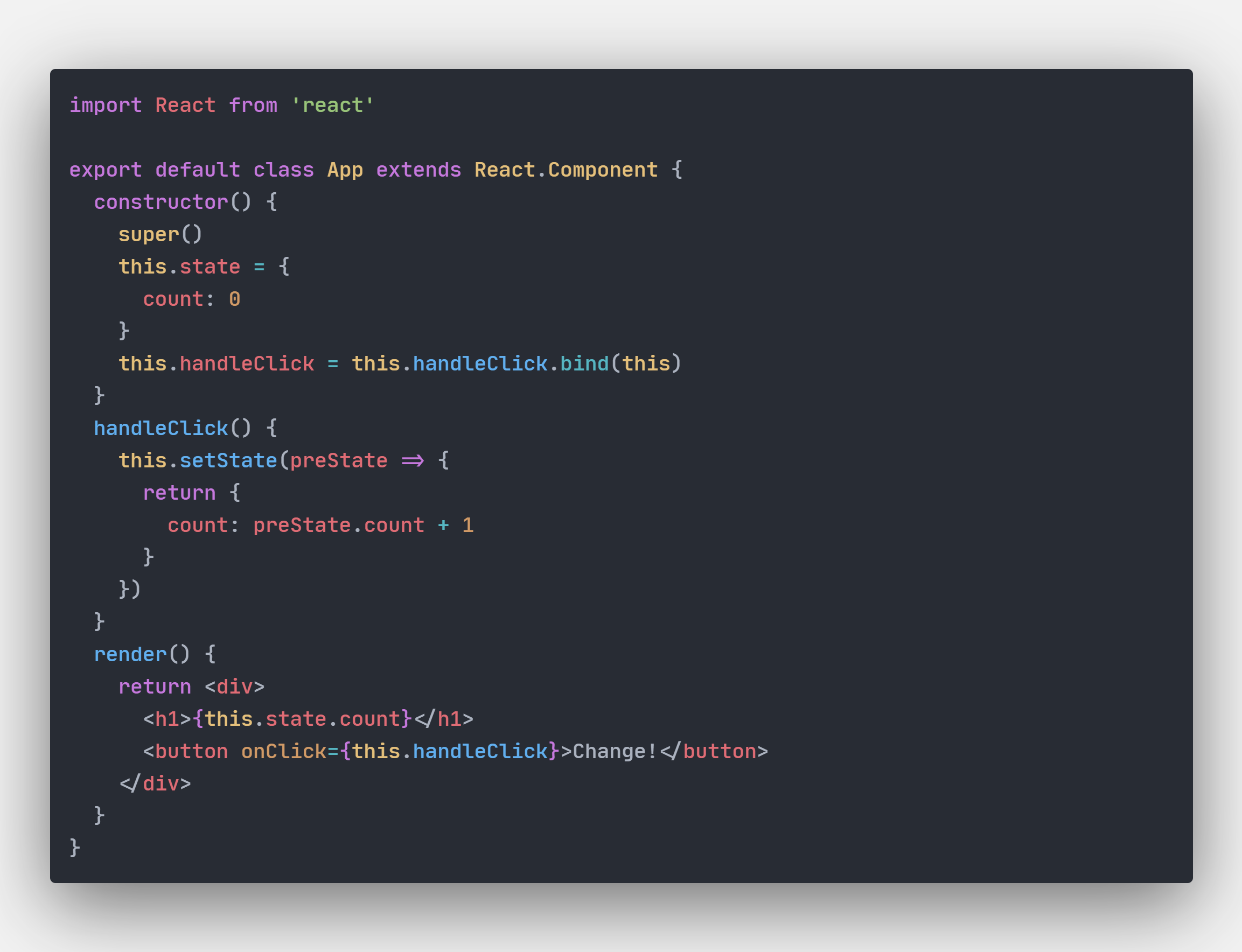
Italic
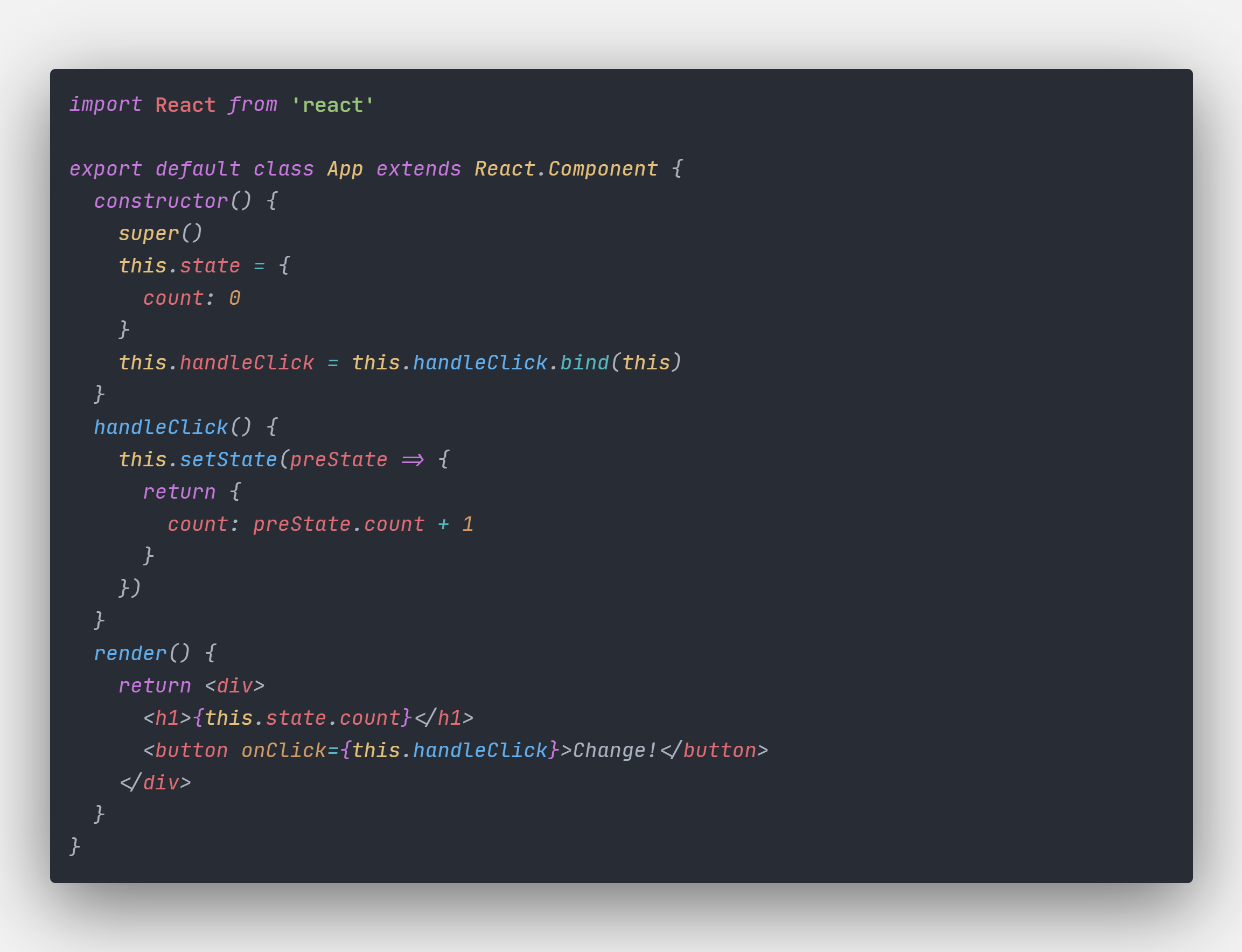
Default theme
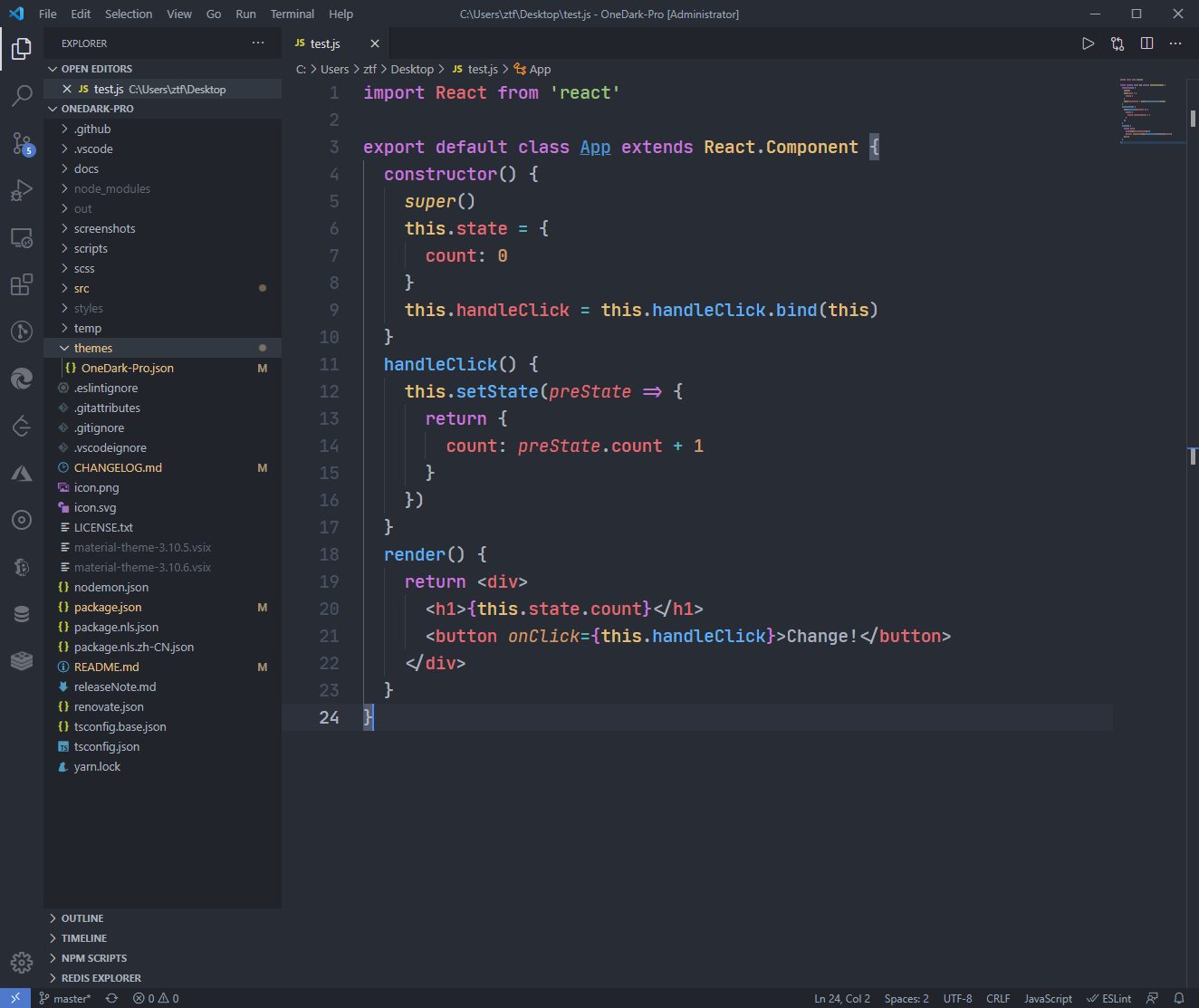
Flat theme
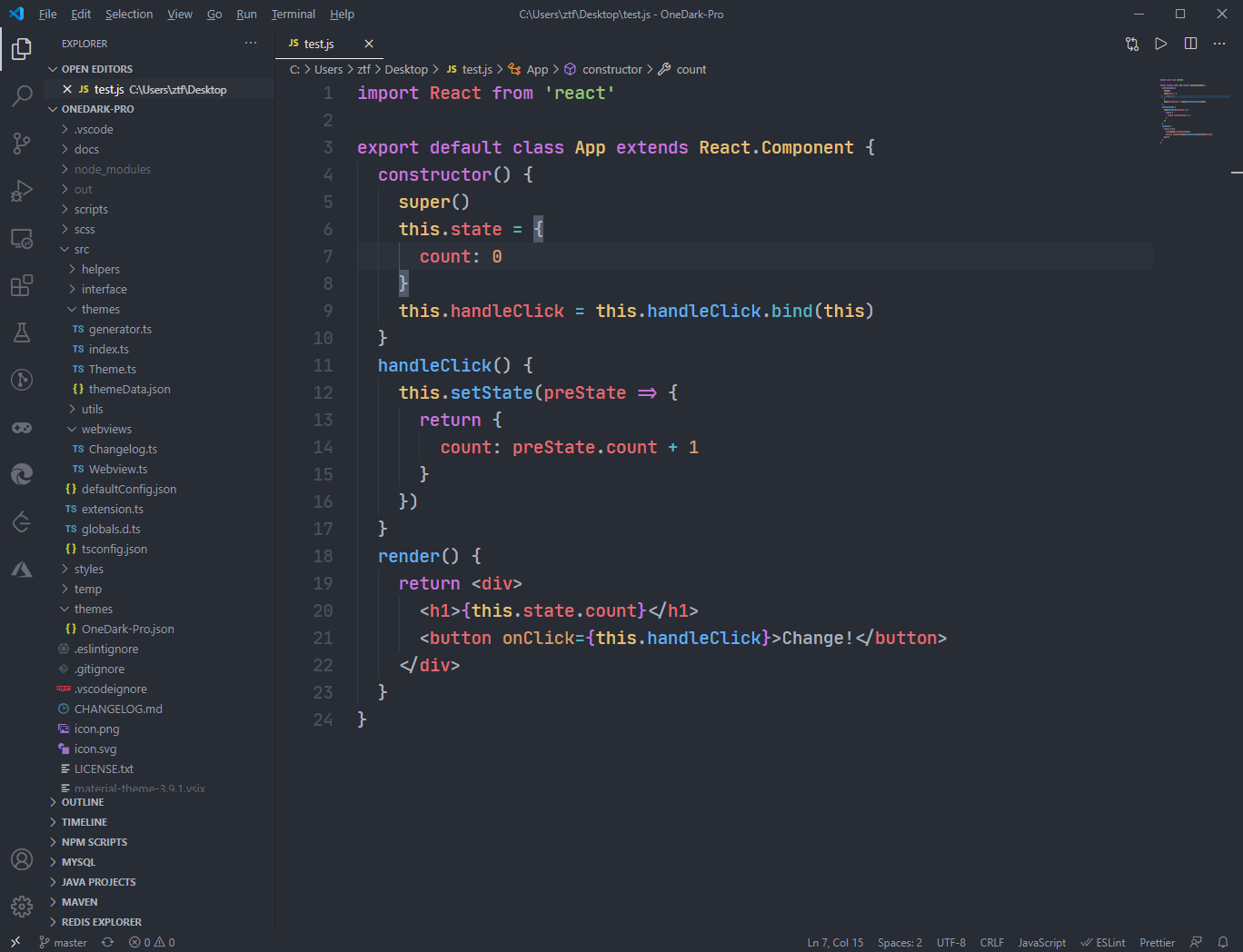
Darker theme

Night Flat theme

Retro theme

Gnome theme

Terminal
Donation
If you like this extension, you could donate via PayPal It will encourage me to make this extension better and better!
Thanks List:
- Andreas Georgiadis
Setting
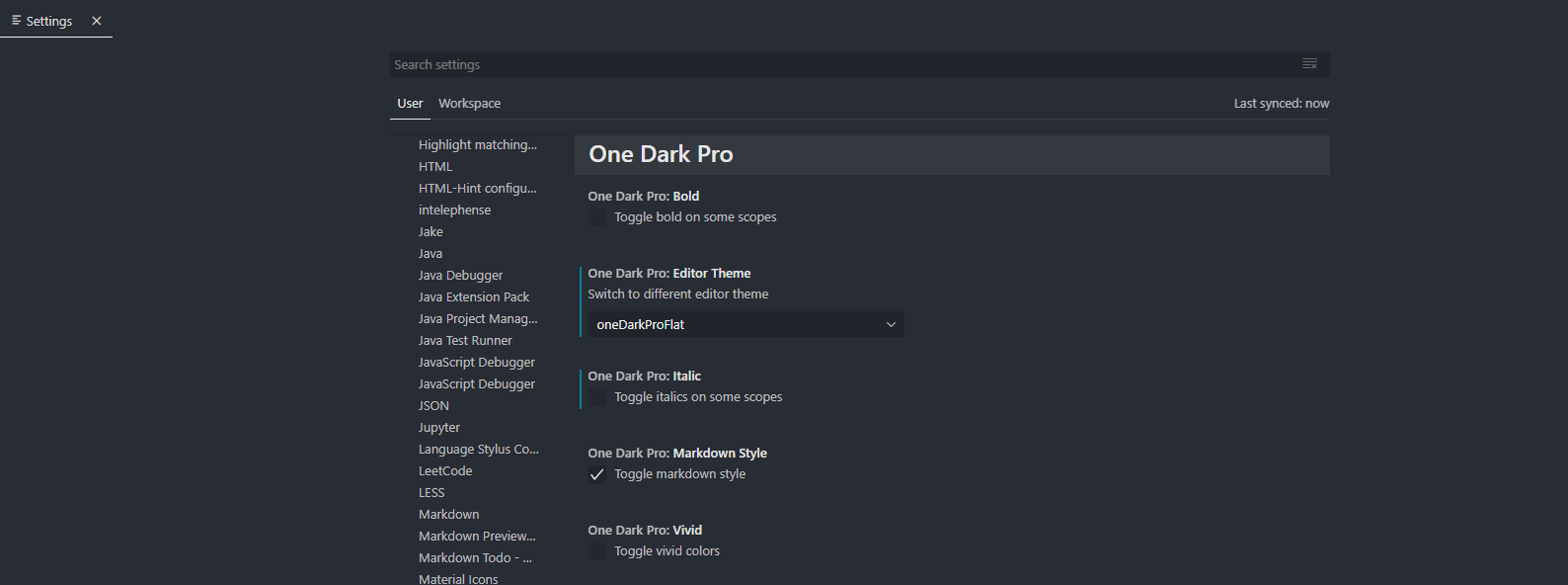
Built in themes
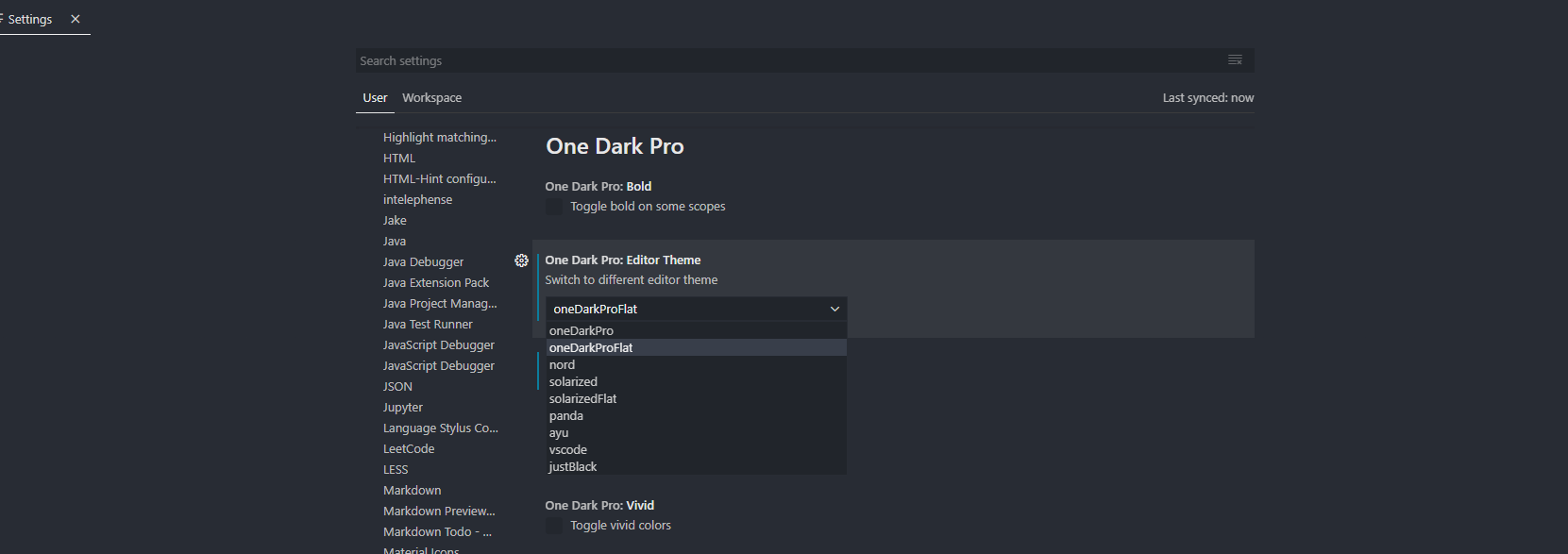
Notice
Setting only support default theme(One Dark Pro).
Markdown preview style
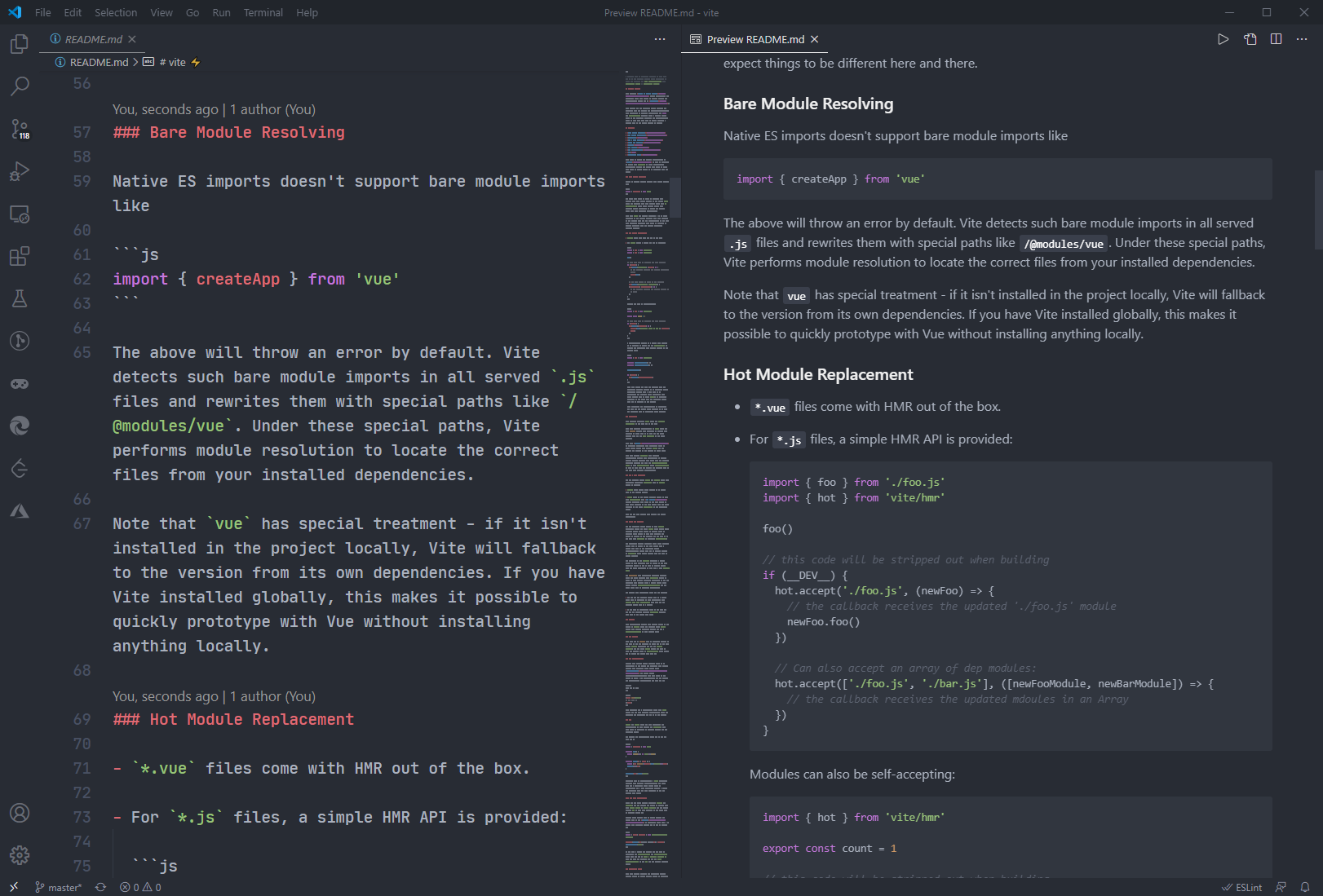 You can toggle whether to use markdown style in vscode setting (default use)
Suggest Editor Settings
 "editor.fontSize": 20,
 "editor.lineHeight": 30,
 "editor.fontFamily": "JetBrains Mono",
JetBrains Mono Download: https://www.jetbrains.com/lp/mono
Tweaks & theming
If you want to play around with new colors, use the setting
workbench.colorCustomizations to customize the currently selected theme. For
example, you can add this snippet in your "settings.json" file:
"workbench.colorCustomizations": {
  "tab.activeBackground": "#282c34",
  "activityBar.background": "#282c34",
  "sideBar.background": "#282c34",
  "tab.activeBorder": "#d19a66",
}
or use the setting editor.tokenColorCustomizations
"editor.tokenColorCustomizations": {
  "[One Dark Pro]": {
    "textMateRules": [
      {
        "scope": ["source.python"],
        "settings": {
          "foreground": "#e06c75"
        }
      }
    ]
  }
}
Italic
You could set this in your setting.json to make code be italic
"editor.tokenColorCustomizations": {
    "textMateRules": [
      {
        "name": "italic font",
        "scope": [
          "comment",
          "keyword",
          "storage",
          "keyword.control",
          "keyword.control.from",
          "keyword.control.flow",
          "keyword.operator.new",
          "keyword.control.import",
          "keyword.control.export",
          "keyword.control.default",
          "keyword.control.trycatch",
          "keyword.control.conditional",
          "storage.type",
          "storage.type.class",
          "storage.modifier.tsx",
          "storage.type.function",
          "storage.modifier.async",
          "variable.language",
          "variable.language.this",
          "variable.language.super",
          "meta.class",
          "meta.var.expr",
          "constant.language.null",
          "support.type.primitive",
          "entity.name.method.js",
          "entity.other.attribute-name",
          "punctuation.definition.comment",
          "text.html.basic entity.other.attribute-name",
          "tag.decorator.js entity.name.tag.js",
          "tag.decorator.js punctuation.definition.tag.js",
          "source.js constant.other.object.key.js string.unquoted.label.js",
        ],
        "settings": {
          "fontStyle": "italic",
        }
      },
    ]
  }
Python & Pylance users
Python users I recommend using Pylance extension for fast, feature-rich language support.
Semantic colors can be customized in settings.json by associating the Pylance semantic token types and modifiers with the desired colors.
-
Semantic token types
- class, enum
- parameter, variable, property, enumMember
- function, member
- module
- intrinsic
- magicFunction (dunder methods)
- selfParameter, clsParameter
-
Semantic token modifiers
- declaration
- readonly, static, abstract
- async
- typeHint, typeHintComment
- decorator
- builtin
The scope inspector tool allows you to explore what semantic tokens are present in a source file and what theme rules they match to.
Example of customizing semantic colors in settings.json:…
Description from the VS Code Marketplace listing.
- atom
- color-theme
- one dark
- one dark pro
- OneDark
- onedark pro
- theme
README badge
Show your rank in a README or on your website. The badge updates automatically.
Charts
Images: 30d · 1y · all time · 1600×900 dark


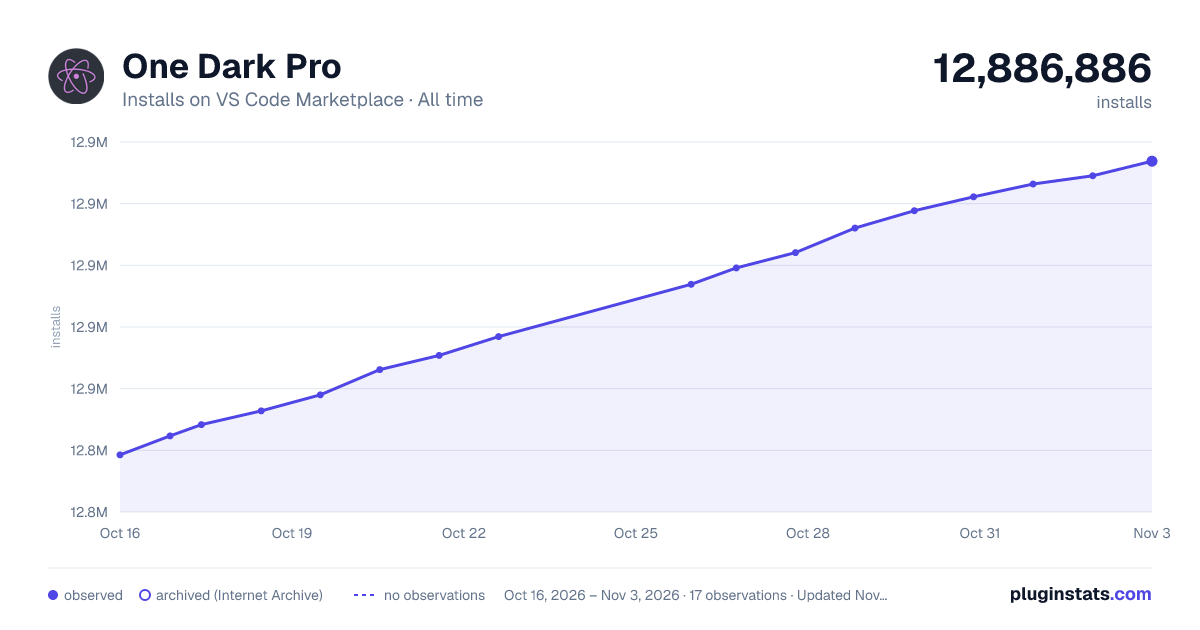

Adoption over time
7/30/90-day growth
Ranking history
Ratings over time
Listing placement
Listing placement
Filled points are observed values; hollow points come from Internet Archive snapshots of the listing page. Dashed segments span periods with no observations — values between points are not interpolated.
Each band is one page of 20. Installs on a linear scale. Placement is projected from installs, so it can differ from the marketplace's own sort order. Hover a dot to see the listing.
Recent observations
Full history (5)Similar VS Code Marketplace Themes plugins
All 20 One Dark Pro alternativesData source
Install counts, average rating, and rating counts come from the public Visual Studio Marketplace gallery API. Installs are cumulative and exclude updates.
Listing: https://marketplace.visualstudio.com/items?itemName=zhuangtongfa.Material-theme. First seen Oct 16, 2026; last successful collection Oct 20, 2026. See the methodology.