 PluginStats
Save image as PNG — Background Remover for Transparent Cutouts users statistics
Keep web artwork as PNG with transparency intact, or turn on optional AI background removal for cutouts processed on your device.
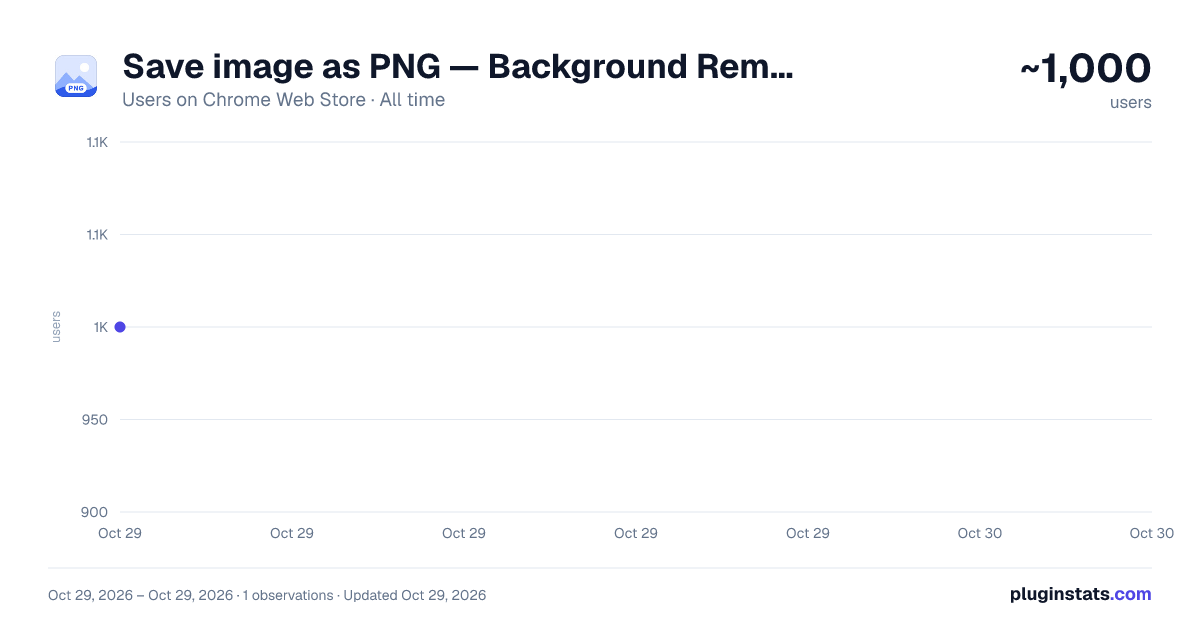
Save image as PNG — Background Remover for Transparent Cutouts has approximately 1,000 recorded users on Chrome Web Store, ranking #1912 of 5,223 tracked listings.
Rating: 4.00 / 5 from 4 ratings
About Save image as PNG — Background Remover for Transparent Cutouts
Keep web artwork as PNG with transparency intact, or turn on optional AI background removal for cutouts processed on your device.
A cutout needs an empty backdrop, not a white rectangle covering the layout beneath it. Save image as PNG keeps existing transparency when you download a graphic from a website. For a photo with scenery behind the subject, an optional background remover can create an isolated cutout on your device.
Leave that option off for ordinary conversion. Switch it on in the popup when you want to remove background from image content, then use the same right-click menu command. The setting is off by default, so the choice is yours before starting.
✂️ TWO WAYS TO KEEP THE PICTURE
With the option disabled, the extension re-encodes the selected source without deliberately discarding transparent areas. This is useful for artwork you want to place over a coloured slide or another layer.
With the option enabled, the bundled AI model separates the subject from its surroundings: in about a second when your browser has graphics acceleration (WebGPU), or 15 seconds or longer without it. A progress message with the remaining time appears on the page when available. Soft edges such as hair are recoloured, so less of the old backdrop shows through. Successful cutouts receive a filename ending in “-no-bg.png”, making them distinguishable from ordinary downloads.
If removal fails, the regular converted copy is downloaded instead. Inspect the result before using it: automatic separation can need a closer look around hair, fine edges or overlapping objects.
🖱️ SET UP YOUR NEXT DOWNLOAD
- Open the popup and choose whether to use the optional cutout mode.
- Find the picture you need on a website.
- Right-click it and select the extension's menu item.
- Check the downloaded result in your layout.
💡 GOOD TO KNOW
Can it convert WebP to PNG for a presentation? Yes; AVIF sources can also be decoded for a local copy. The output retains the source dimensions during ordinary conversion.
Is this a transparent PNG maker for every photo? The tool can remove a backdrop, but results depend on the subject. Conversion alone preserves existing transparency; it does not automatically isolate an object when the switch is off.
🔒 THE MODEL STAYS LOCAL
The selected picture is retrieved from its website, then processed on your device. The removal model is bundled with the extension rather than downloaded for each job. Your content is not sent to a remote editing service, and an account is not required.
Description from the Chrome Web Store listing.
README badge
Show your rank in a README or on your website. The badge updates automatically.
Charts
Images: 30d · 1y · all time · 1600×900 dark
Adoption over time
7/30/90-day growth
Ranking history
Ratings over time
Listing placement
Listing placement
Filled points are observed values; hollow points come from Internet Archive snapshots of the listing page. Dashed segments span periods with no observations — values between points are not interpolated.
Each band is one page of 20. Users on a linear scale. Placement is projected from users, so it can differ from the marketplace's own sort order. Hover a dot to see the listing.
Recent observations
Full history (1)Similar Chrome Web Store Tools plugins
All 20 Save image as PNG — Background Remover for Transparent Cutouts alternatives



Data source
Covers every Chrome Web Store extension with at least 100 users, found through the store's public sitemap. User counts are read from public listing pages. The 10% most-used extensions are refreshed daily, the next 40% weekly and the next 40% monthly; the least-used 10% are not refreshed. Google displays rounded user counts (and caps the display at 10,000,000+), so small changes may not be visible. Rating counts above 1,000 are rounded (e.g. 1.6K).
Listing: https://chromewebstore.google.com/detail/save-image-as-png/poneccbhiapmehggdoajchckinacgaap. First seen Oct 29, 2026; last successful collection Oct 29, 2026. See the methodology.