 PluginStats
TradingView Strategy Optimizer by OptiNod users statistics
TradingView strategy optimizer: scan parameters, compare hundreds of backtests, and apply top candidates to your chart.
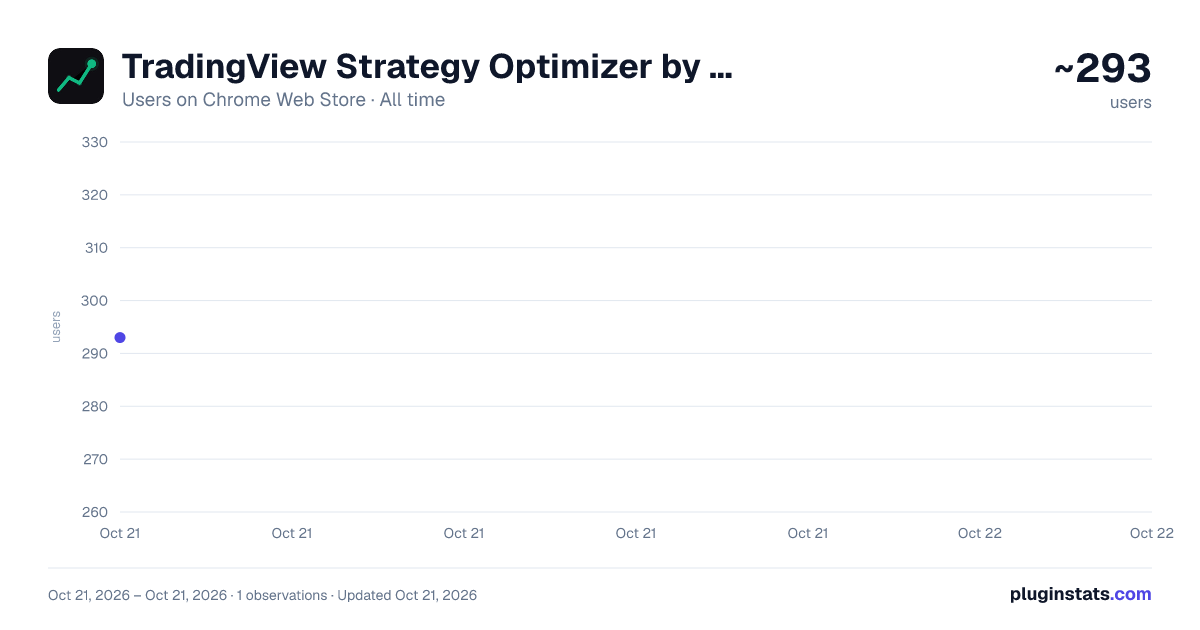
TradingView Strategy Optimizer by OptiNod has approximately 293 recorded users on Chrome Web Store, ranking #1862 of 2,952 tracked listings.
Rating: 5.00 / 5 from 2 ratings
About TradingView Strategy Optimizer by OptiNod
TradingView strategy optimizer: scan parameters, compare hundreds of backtests, and apply top candidates to your chart.
OptiNod reads the inputs of the strategy applied to your TradingView chart, runs many parameter combinations automatically, and helps you compare strong backtest candidates without repeating manual tests.
What it does:
- Scans strategy inputs from the active TradingView chart and lets you set test ranges
- Runs Grid, Adaptive Grid, Random, Genetic, Bayesian, and manual list optimization workflows
- Compares Net Profit, Max Drawdown, Win Rate, Profit Factor, Sharpe Ratio, and composite scores
- Reviews results with table, heatmap, robustness, statistics, and sensitivity views
- Applies the top candidate or a saved preset back to the TradingView chart
- Saves results and configs with notes, plus CSV/JSON import and export
- Optionally syncs saved configs and results to your OptiNod account
Who it is for:
- Traders validating strategy parameter ranges
- Strategy builders comparing multiple optimization methods and target metrics
- Users who want repeatable backtest records inside TradingView
Notes:
- This extension is not an official TradingView product.
- A TradingView chart with an applied strategy is required for optimization features.
- Cloud sync and account features are optional.
- Backtest results do not guarantee future performance.
Description from the Chrome Web Store listing.
README badge
Show your rank in a README or on your website. The badge updates automatically.
Charts
Images: 30d · 1y · all time · 1600×900 dark
Adoption over time
7/30/90-day growth
Ranking history
Ratings over time
Listing placement
Listing placement
Filled points are observed values; hollow points come from Internet Archive snapshots of the listing page. Dashed segments span periods with no observations — values between points are not interpolated.
Each band is one page of 20. Users on a linear scale. Placement is projected from users, so it can differ from the marketplace's own sort order. Hover a dot to see the listing.
Recent observations
Full history (1)Similar Chrome Web Store Tools plugins
All 20 TradingView Strategy Optimizer by OptiNod alternatives



Data source
Covers every Chrome Web Store extension with at least 100 users, found through the store's public sitemap. User counts are read from public listing pages. The 10% most-used extensions are refreshed daily, the next 40% weekly and the next 40% monthly; the least-used 10% are not refreshed. Google displays rounded user counts (and caps the display at 10,000,000+), so small changes may not be visible. Rating counts above 1,000 are rounded (e.g. 1.6K).
Listing: https://chromewebstore.google.com/detail/tradingview-strategy-opti/dkkjigopojnmgbhhpnddaljoogblbknd. First seen Oct 21, 2026; last successful collection Oct 21, 2026. See the methodology.