 PluginStats
Google Tag Gateway Checker by @ffgcvs users statistics
See whether any site serves its Google tags (GA4, Ads, GTM, Floodlight) first-party via the Tag Gateway — live as you browse.
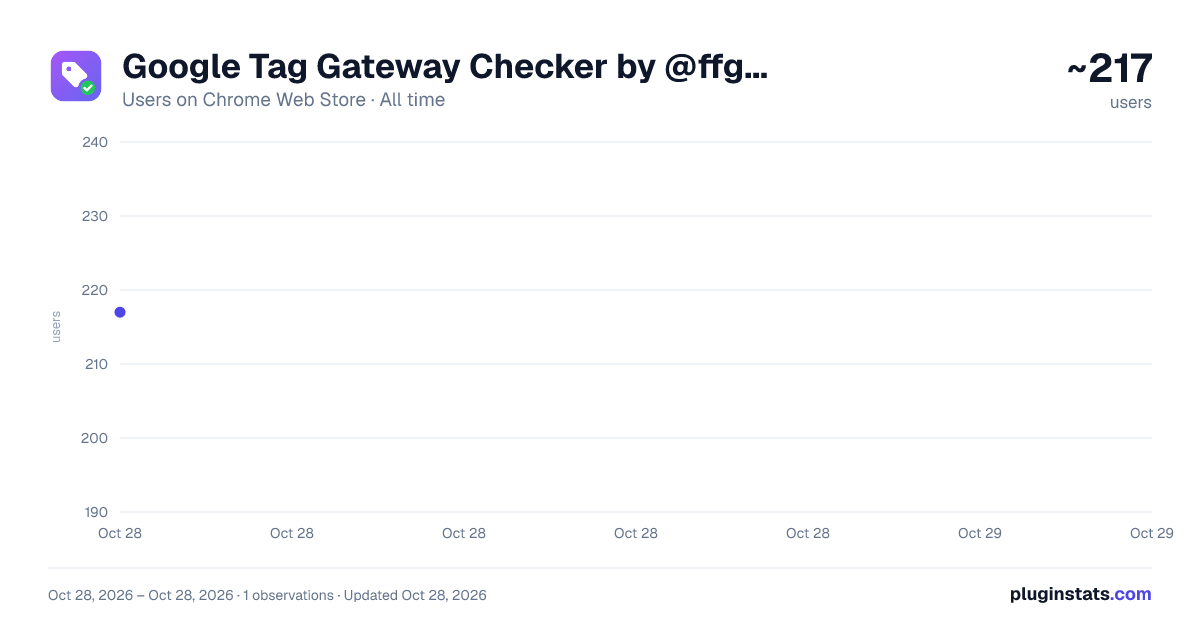
Google Tag Gateway Checker by @ffgcvs has approximately 217 recorded users on Chrome Web Store, ranking #3522 of 4,880 tracked listings.
Rating: 5.00 / 5 from 1 ratings
About Google Tag Gateway Checker by @ffgcvs
See whether any site serves its Google tags (GA4, Ads, GTM, Floodlight) first-party via the Tag Gateway — live as you browse.
Google Tag Gateway Checker tells you — instantly, on every page you open — whether a site serves its Google tags through a first-party Tag Gateway or lets them fall back to Google's default domains. No URL to paste, no button to click: it reads the page as you browse and paints a traffic-light badge on the toolbar.
WHAT IT CHECKS • Google Analytics 4 (G-) • Google Ads (AW-) • Google Tag Manager (GTM-) • Floodlight / Campaign Manager (DC-)
For each tag it determines how the loader is served: • First-party — the gtag.js / gtm.js loader comes from the site's own domain (or a sibling subdomain). For GA4 it also confirms the /g/collect measurement endpoint is first-party. • Partial — GA4 only: the loader is first-party but measurement still leaks to google-analytics.com (or vice versa). Gateway adoption is incomplete. • Default — the loader came from www.googletagmanager.com. • No loader — the tag was seen only in measurement hits, so serving can't be determined.
THE BADGE A green / amber / red light on the toolbar shows first-party adoption at a glance, with the number of tags found. Click it for the full breakdown: every tag, its serving state, the gateway domain, and the underlying requests.
DEEP CHECK (optional) Some sites hide their gateway behind a custom or obfuscated loader path that ordinary observation can't attribute. The opt-in "Deep check" button reloads the current page and follows the request initiator chain — and reads the loader's own script body to match the GTM runtime signature — so even a renamed first-party loader is recognised by what it does, not what it's called. Deep check uses Chrome's debugger; Chrome shows its standard "is debugging this browser" banner while it runs. It's entirely your choice, per page.
PRIVATE BY DESIGN Everything runs locally in your browser. The extension observes request URLs only — never response bodies during normal browsing, never page content, never form data. Nothing is sent to any server, there is no account, and there is no history: live state is held in memory and cleared when you close the browser. Pause it anytime, or mute specific domains.
WHO IT'S FOR Analytics engineers, ad-ops and martech teams, and anyone validating a server-side / Tag Gateway migration who wants to confirm first-party serving in seconds, on real pages, without opening DevTools.
Description from the Chrome Web Store listing.
README badge
Show your rank in a README or on your website. The badge updates automatically.
Charts
Images: 30d · 1y · all time · 1600×900 dark
Adoption over time
7/30/90-day growth
Ranking history
Ratings over time
Listing placement
Listing placement
Filled points are observed values; hollow points come from Internet Archive snapshots of the listing page. Dashed segments span periods with no observations — values between points are not interpolated.
Each band is one page of 20. Users on a linear scale. Placement is projected from users, so it can differ from the marketplace's own sort order. Hover a dot to see the listing.
Recent observations
Full history (1)Similar Chrome Web Store Tools plugins
All 20 Google Tag Gateway Checker by @ffgcvs alternatives



Data source
Covers every Chrome Web Store extension with at least 100 users, found through the store's public sitemap. User counts are read from public listing pages. The 10% most-used extensions are refreshed daily, the next 40% weekly and the next 40% monthly; the least-used 10% are not refreshed. Google displays rounded user counts (and caps the display at 10,000,000+), so small changes may not be visible. Rating counts above 1,000 are rounded (e.g. 1.6K).
Listing: https://chromewebstore.google.com/detail/google-tag-gateway-checke/ekomecndgaeheaejpkjpoapbefgffcgj. First seen Oct 28, 2026; last successful collection Oct 28, 2026. See the methodology.