 PluginStats
Store Inspector - Shopify Theme & App Detector users statistics
Chrome Web Store · Workflow & Planning
Analyze any Shopify store in one click. Detect themes, apps, pixels, product signals, and traffic tier locally.
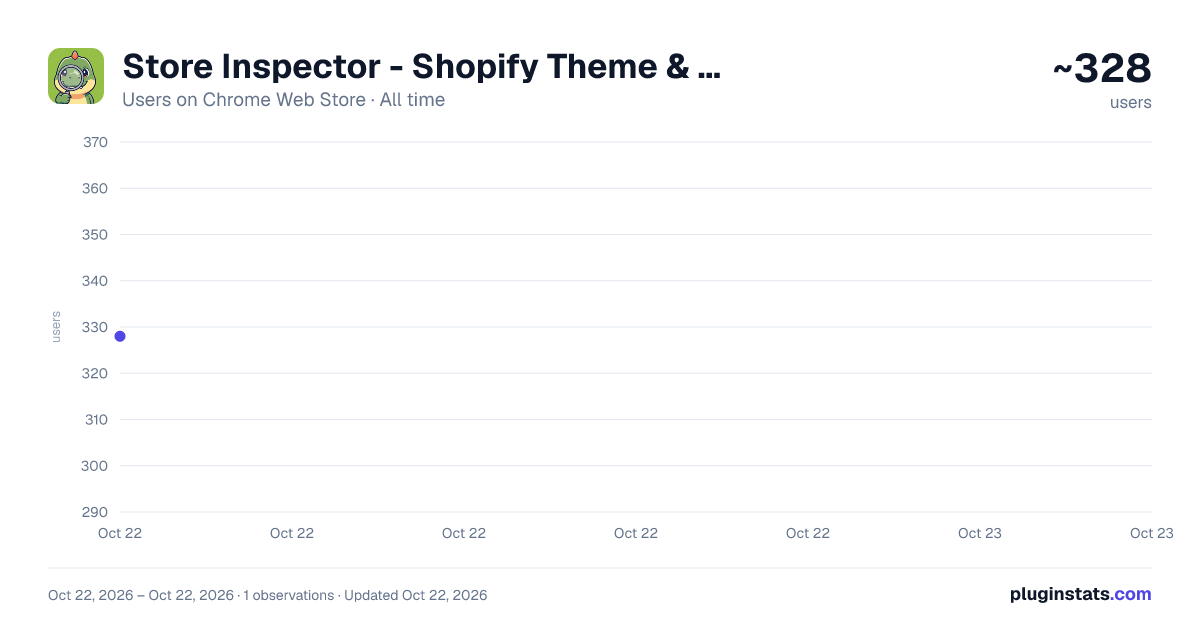
Store Inspector - Shopify Theme & App Detector has approximately 328 recorded users on Chrome Web Store, ranking #2061 of 3,404 tracked listings.
About Store Inspector - Shopify Theme & App Detector
Analyze any Shopify store in one click. Detect themes, apps, pixels, product signals, and traffic tier locally.
Store Inspector is a free Shopify inspector Chrome extension for checking a store’s theme, apps, pixels, product signals, and traffic tier in one click.
Use it to research Shopify prospects, qualify ecommerce leads, prepare outreach, audit competitors, inspect your own store setup, or understand how a Shopify storefront is built before a sales call.
What Store Inspector detects:
- Shopify theme name and theme type
- Installed Shopify apps and storefront integrations
- Advertising pixels, analytics tags, and tracking scripts
- Product and collection signals from public storefront data
- Traffic tier and store complexity signals
- Lead fit score based on visible tech-stack and marketing signals
- Copy, save, and CSV export for quick research workflows
Who Store Inspector is for:
- Shopify agencies qualifying prospects
- Shopify app founders looking for relevant merchants
- Ecommerce SaaS teams researching accounts
- Marketers and CRO specialists auditing stores
- Developers and theme builders checking storefront setup
- Merchants comparing their own store against competitors
Why install Store Inspector:
Most Shopify research tools either feel bloated, require an account, or focus on unreliable sales estimates. Store Inspector focuses on verifiable storefront signals: the theme, apps, pixels, storefront structure, and public technical data that are actually visible on the store.
It is built for fast professional research. Visit a Shopify store, click the extension, and get a clean breakdown you can use for prospecting, competitive research, store audits, or outreach preparation.
Privacy:
Store Inspector runs locally in your browser when you click the extension. No login is required. It does not collect browsing history, sell data, use cookies, or send your store research to StoreInspect servers. Saved stores are stored locally in your browser only if you choose to save them.
Install Store Inspector to analyze any Shopify store in one click.
Description from the Chrome Web Store listing.
README badge
Show your rank in a README or on your website. The badge updates automatically.
Charts
Images: 30d · 1y · all time · 1600×900 dark
Adoption over time
7/30/90-day growth
Ranking history
Ratings over time
Listing placement
Listing placement
Filled points are observed values; hollow points come from Internet Archive snapshots of the listing page. Dashed segments span periods with no observations — values between points are not interpolated.
Each band is one page of 20. Users on a linear scale. Placement is projected from users, so it can differ from the marketplace's own sort order. Hover a dot to see the listing.
Recent observations
Full history (1)Similar Chrome Web Store Workflow & Planning plugins
All 20 Store Inspector - Shopify Theme & App Detector alternatives



Data source
Covers every Chrome Web Store extension with at least 100 users, found through the store's public sitemap. User counts are read from public listing pages. The 10% most-used extensions are refreshed daily, the next 40% weekly and the next 40% monthly; the least-used 10% are not refreshed. Google displays rounded user counts (and caps the display at 10,000,000+), so small changes may not be visible. Rating counts above 1,000 are rounded (e.g. 1.6K).
Listing: https://chromewebstore.google.com/detail/store-inspector-shopify-t/gbchfcpcpikdmdeipbkjgelkpfdnebpj. First seen Oct 22, 2026; last successful collection Oct 22, 2026. See the methodology.