 PluginStats
Synhix - Read Smarter in Color users statistics
By datumtron · Chrome Web Store · Tools
Discover a New Way of Reading the Web with Color-Coded Syntax Highlighting. It's Effortless and Completely Free!
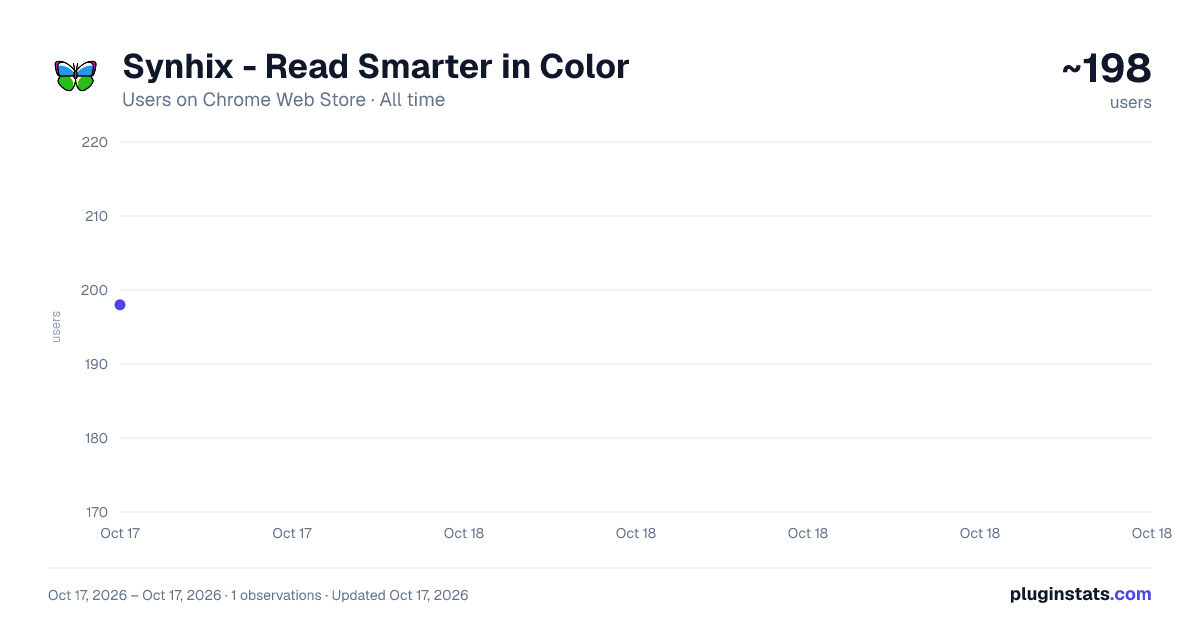
Synhix - Read Smarter in Color has approximately 198 recorded users on Chrome Web Store, ranking #2536 of 3,404 tracked listings.
Rating: 5.00 / 5 from 3 ratings
About Synhix - Read Smarter in Color
Discover a New Way of Reading the Web with Color-Coded Syntax Highlighting. It's Effortless and Completely Free!
Read Smarter in Color
For efficient skimming and focused reading, Synhix uses color-coding to emphasize important words such as proper nouns, numbers, and verbs, while de-emphasizing common words, and highlighting blocks of text like quotes and parentheses. This approach, known as Syntax Highlighting, has been enhancing the readability of programming language texts with significant benefits for over three decades. Completely free to use, the coloring is effortlessly applied and activated instantly with the addition of the extension. Add to Chrome now; the future of reading is in color.
Key Features:
-
Intelligent Emphasis: Our Syntax Highlighter intelligently de-emphasizes common functional words like prepositions and articles, so you can effortlessly skip them and focus on crucial content.
-
Emphasis on Relevance: Proper nouns, symbols, and abbreviations are highlighted in a reddish color, making them stand out for quick recognition.
-
Numbers in Blue: Easily identify numbers in a bluish hue, ensuring you never miss important numerical information.
-
Verbs Anchored in Green: Verbs, the backbone of any sentence, are highlighted in a greenish color, drawing your attention to the key actions.
-
Natural Nouns: Nouns retain their standard color (black for white backgrounds and white for dark backgrounds), maintaining readability while keeping the focus on critical elements.
-
Block Highlighting: Blocks of text, such as quoted text and content within parentheses, are highlighted as units, helping you swiftly skim or concentrate on specific parts.
-
Constant Improvements: We're committed to continuous improvement! Expect updates with new features based on the latest research and user feedback.
Add to Chrome now and see for yourself!
Why Read with Syntax Highlighting?
Studies have demonstrated the remarkable benefits of syntax highlighting for programming languages, streamlining comprehension and improving productivity. See the Wikipedia page for Syntax Highlighting at https://en.wikipedia.org/wiki/Syntax_highlighting. With Synhix, our innovative Chrome extension, we're extending these advantages to natural language reading.
Color Taste is Personal
Personalize Your Reading Experience with Synhix. We understand that color preferences are as unique as you are. That's why color customization lies at the heart of our design. With Synhix, you're in control of how vibrant or subtle your reading experience is.
Select Your Theme: Choose from our diverse range of themes, from the detail-rich 'Liberal', which colors most elements, to the more restrained 'Moderate' and 'Conservative' options. For a minimalist approach, the 'Black and White' theme offers various shades of gray.
Explore Color Biases: Fine-tune your experience with a 'color bias' setting – a feature best explored firsthand to truly appreciate its impact.
Adjust Contrast Levels: Cater to your visual comfort with five levels of contrast. From 'Very Soft' for a gentler view to 'Very Sharp' for striking clarity. The default 'Medium' setting offers a balanced view, but the choice is yours to make.
Add to Chrome now and dive into a reading experience that's tailored just for you.
Understanding Synhix Permissions and Your Privacy
Like many browser extensions, Synhix requires permission to read and modify (by adding color information) the content of all websites you visit. However, Synhix is designed to respect your privacy: it does not make any other changes to the websites nor does it use the website text for any purpose other than enhancing your reading experience.
Add to Chrome now and try different color themes.
Description from the Chrome Web Store listing.
README badge
Show your rank in a README or on your website. The badge updates automatically.
Charts
Images: 30d · 1y · all time · 1600×900 dark
Adoption over time
7/30/90-day growth
Ranking history
Ratings over time
Listing placement
Listing placement
Filled points are observed values; hollow points come from Internet Archive snapshots of the listing page. Dashed segments span periods with no observations — values between points are not interpolated.
Each band is one page of 20. Users on a linear scale. Placement is projected from users, so it can differ from the marketplace's own sort order. Hover a dot to see the listing.
Recent observations
Full history (1)Similar Chrome Web Store Tools plugins
All 20 Synhix - Read Smarter in Color alternatives



Data source
Covers every Chrome Web Store extension with at least 100 users, found through the store's public sitemap. User counts are read from public listing pages. The 10% most-used extensions are refreshed daily, the next 40% weekly and the next 40% monthly; the least-used 10% are not refreshed. Google displays rounded user counts (and caps the display at 10,000,000+), so small changes may not be visible. Rating counts above 1,000 are rounded (e.g. 1.6K).
Listing: https://chromewebstore.google.com/detail/synhix-read-smarter-in-co/mbhcianpafbengiglmifelchphkmlpci. First seen Oct 17, 2026; last successful collection Oct 17, 2026. See the methodology.