 PluginStats
Full Page Screenshot (Scroll) users statistics
Capture a full-page screenshot seamlessly by scrolling down.
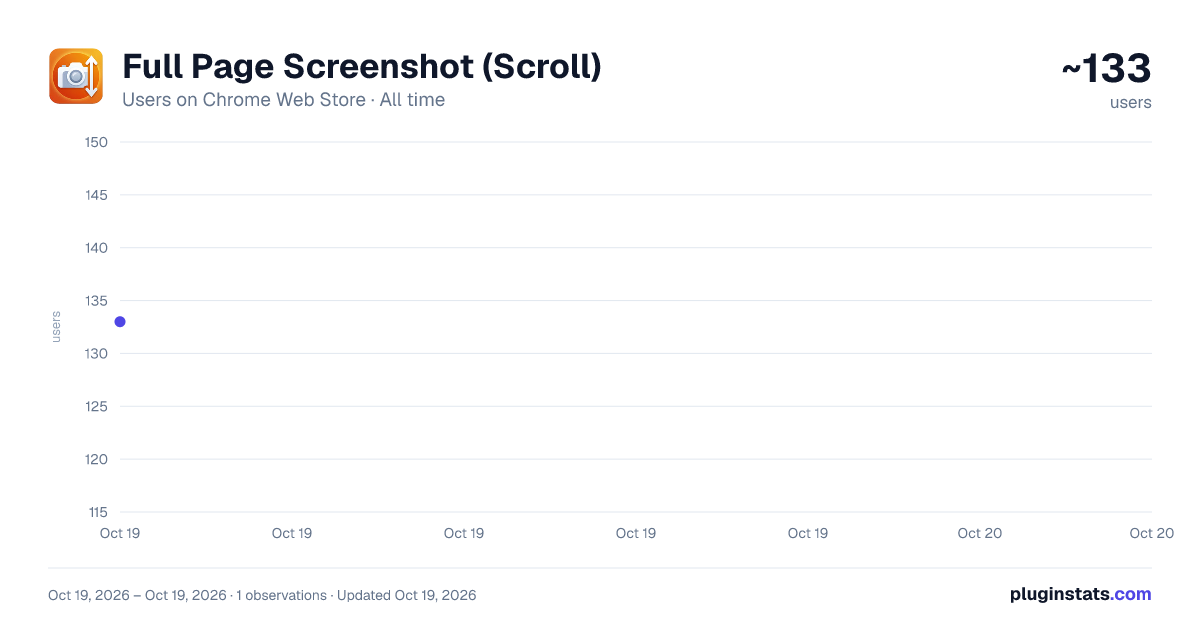
Full Page Screenshot (Scroll) has approximately 133 recorded users on Chrome Web Store, ranking #2226 of 2,495 tracked listings.
About Full Page Screenshot (Scroll)
Capture a full-page screenshot seamlessly by scrolling down.
Capture an entire web page, edit it instantly, and remove unwanted margins with smart auto-crop—all without leaving your browser!
"Full Page Screenshot" is the ultimate tool for seamlessly capturing long scrolling web pages from top to bottom. Simply click to start the auto-scroll capture, and the extension will perfectly stitch the entire page into a single, high-quality image. No more taking multiple screenshots and pasting them together!
Once the capture is complete, it automatically opens in our built-in Image Editor where you can review, zoom, and perfect your screenshot before downloading.
✨ Key Features:
Seamless Scrolling Capture: Accurately captures long, scrollable web pages automatically with a single click. Smart Auto-Crop: Want to focus only on the main content? Our intelligent Auto-Crop feature automatically detects content borders and removes unnecessary solid background margins instantly. Manual Cropping: Need a specific section? Just left-click and drag the red selection box over any area to crop exactly what you need. Built-in Image Editor: Review your full-page screenshot comfortably. Use Ctrl + Mouse Wheel to smoothly zoom in for pixel-perfect inspection, and dynamically scale the image to fit your screen. Instant High-Quality Download: Save your cropped or full stitched image instantly as a crisp PNG file. 🔒 Privacy First & 100% Offline: Your privacy is our top priority. This extension works completely offline within your own browser. We do not collect, store, or transmit any of your screenshots, browsing history, or personal data to any external servers. What you capture stays entirely on your local device.
🚀 How to Use:
Click the extension icon in your Chrome toolbar. Click "Capture Page" and let the extension scroll automatically. The built-in editor will pop up with your full-size screenshot. Use "Auto Crop" to instantly remove empty background margins, or left-click and drag to crop manually. Click "Save Full" or "Save Crop" to download your finalized image! Whether you're saving design references, keeping records of long articles, or clipping UI elements, "Full Page Screenshot" makes the process incredibly fast, secure, and hassle-free.
Description from the Chrome Web Store listing.
README badge
Show your rank in a README or on your website. The badge updates automatically.
Charts
Images: 30d · 1y · all time · 1600×900 dark
Adoption over time
7/30/90-day growth
Ranking history
Ratings over time
Listing placement
Listing placement
Filled points are observed values; hollow points come from Internet Archive snapshots of the listing page. Dashed segments span periods with no observations — values between points are not interpolated.
Each band is one page of 20. Users on a linear scale. Placement is projected from users, so it can differ from the marketplace's own sort order. Hover a dot to see the listing.
Recent observations
Full history (1)Similar Chrome Web Store Tools plugins
All 20 Full Page Screenshot (Scroll) alternatives



Data source
Covers every Chrome Web Store extension with at least 100 users, found through the store's public sitemap. User counts are read from public listing pages. The 10% most-used extensions are refreshed daily, the next 40% weekly and the next 40% monthly; the least-used 10% are not refreshed. Google displays rounded user counts (and caps the display at 10,000,000+), so small changes may not be visible. Rating counts above 1,000 are rounded (e.g. 1.6K).
Listing: https://chromewebstore.google.com/detail/full-page-screenshot-scro/fagaleccjfhfilodpmpdcjieplfjbddd. First seen Oct 19, 2026; last successful collection Oct 19, 2026. See the methodology.