 PluginStats
Notion Edit & Clip in Side Panel users statistics
Chrome Web Store · Workflow & Planning
Open and edit Notion pages in side panel to copy-paste from browser, manage notes. A powerful Notion Web Clipper alternative.
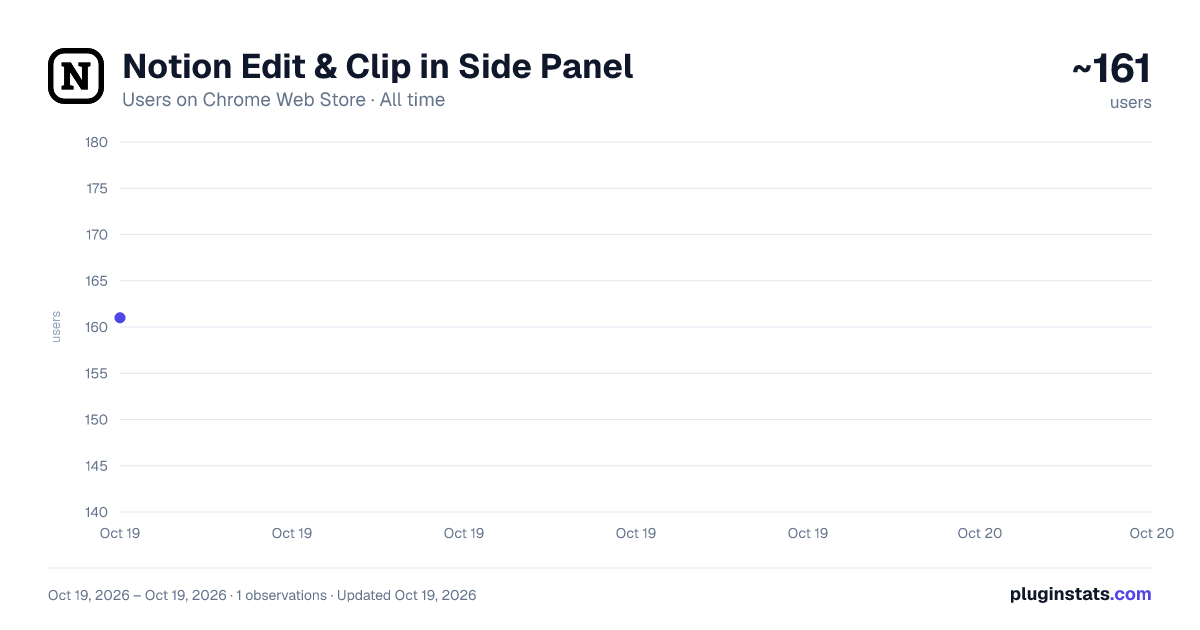
Notion Edit & Clip in Side Panel has approximately 161 recorded users on Chrome Web Store, ranking #2047 of 2,495 tracked listings.
Rating: 3.00 / 5 from 6 ratings
About Notion Edit & Clip in Side Panel
Open and edit Notion pages in side panel to copy-paste from browser, manage notes. A powerful Notion Web Clipper alternative.
Quickly access notion pages in chrome side panel.
You can EDIT, VIEW, DELETE notion pages from side panel. This avoids tab switching between current tab and notion page.
With click of button, notion page is opened on current tabs side panel.
Designed for researchers, students, content creators, and anyone looking to streamline their web interactions, making notion more efficient.
≡ Features
-
💾 Save web articles, emails, tweets, Youtube videos, Linkedin posts, cooking recipes and more
-
⚡ Instantly access your Notion workspace with a single click. Keep your notes at your fingertips.
-
🤝 Take notes while in meeting, read older meeting notes from notion pages.
-
▶️ While watching youtube videos, take notes in notion using this sidepanel
-
🧐 While reading blogs, surfing web, quickly take notes in notion using this extension
-
✅ List tasks in notion page, and access them in side panel
-
🛠️ Adjust the width of the notion page in side panel to suit your preferences, giving you control over your workspace layout.
≡ Usage Start using Turbo Notion today for free! It is helping notioners everyday to be more productive and enjoy Notion in their personal and professional lives.
≡ Contact You have an issue or want to give a feedback / suggestion? Drop me an email :)
≡ Privacy The extension doesn't collect any data unless you make an account. If you do, it may collect anonymous usage data to help us understand how you use the extension and what features we should work on first.
Description from the Chrome Web Store listing.
README badge
Show your rank in a README or on your website. The badge updates automatically.
Charts
Images: 30d · 1y · all time · 1600×900 dark
Adoption over time
7/30/90-day growth
Ranking history
Ratings over time
Listing placement
Listing placement
Filled points are observed values; hollow points come from Internet Archive snapshots of the listing page. Dashed segments span periods with no observations — values between points are not interpolated.
Each band is one page of 20. Users on a linear scale. Placement is projected from users, so it can differ from the marketplace's own sort order. Hover a dot to see the listing.
Recent observations
Full history (1)Similar Chrome Web Store Workflow & Planning plugins
All 20 Notion Edit & Clip in Side Panel alternatives



Data source
Covers every Chrome Web Store extension with at least 100 users, found through the store's public sitemap. User counts are read from public listing pages. The 10% most-used extensions are refreshed daily, the next 40% weekly and the next 40% monthly; the least-used 10% are not refreshed. Google displays rounded user counts (and caps the display at 10,000,000+), so small changes may not be visible. Rating counts above 1,000 are rounded (e.g. 1.6K).
Listing: https://chromewebstore.google.com/detail/notion-edit-clip-in-side/fagkajglcbohimamlhcpghddiogkfcae. First seen Oct 19, 2026; last successful collection Oct 19, 2026. See the methodology.