 PluginStats
DownPictures: Full Page Screenshot (FireShot Alternative) users statistics
Capture full page screenshots without extra permissions! Export to PNG, JPG or PDF with annotation tools. FireShot alternative.
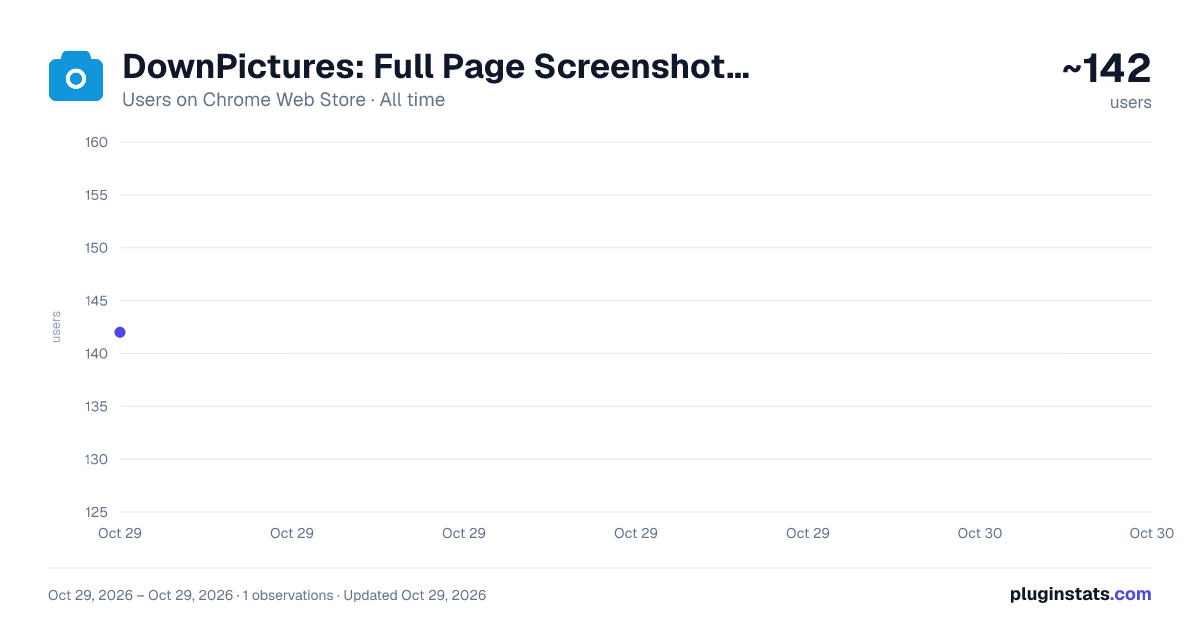
DownPictures: Full Page Screenshot (FireShot Alternative) has approximately 142 recorded users on Chrome Web Store, ranking #4508 of 5,223 tracked listings.
About DownPictures: Full Page Screenshot (FireShot Alternative)
Capture full page screenshots without extra permissions! Export to PNG, JPG or PDF with annotation tools. FireShot alternative.
DownPictures: Full Page Screenshot (FireShot Alternative)
Short Description
Capture full page screenshots reliably without extra permissions! Export to PNG, JPG, or PDF with powerful annotation tools. The ultimate FireShot & GoFullPage alternative.
Detailed Description
DownPictures is the simplest, fastest, and most reliable browser extension for taking full page screenshots and annotating webpage captures. It serves as a modern, lightweight, and clutter-free alternative to FireShot and GoFullPage.
Whether you need to save long articles, product landing pages, complex dashboards, research documents, or chat threads, simply click the extension icon and watch DownPictures seamlessly scroll down the page and stitch every section into a single, high-definition image.
Why Choose DownPictures as Your FireShot Alternative?
- ⚡ Ultra-Fast & Lightweight: High-performance scrolling and memory-efficient image rendering ensure smooth captures on even the longest web pages.
- 🔒 Privacy-First & Secure: 100% client-side processing in your browser's local memory. No data collection, no telemetry, and no sign-up required.
- 📄 Free Multi-Page PDF Export: Export to Letter, Legal, A4 (portrait or landscape), or single-page PDF with smart pagination to prevent cut-off text.
- 🎨 Built-in Modern Editor: Annotate, crop, blur sensitive information, and highlight key content with an intuitive, clean interface.
Core Features
- Full Page Scrolling Capture: One-click automatic page scrolling and stitching. Captures the entire page from top to bottom while smartly handling fixed/sticky headers and floating overlays.
- Multiple Capture Modes: Capture entire page, visible viewport, or a custom selected area with ease.
- Rich Annotation Tools: Built-in canvas editor with arrows, rectangles, ellipses, freehand brush, text labels, and highlight boxes.
- Mosaic & Privacy Blur: Easily conceal sensitive details (passwords, emails, phone numbers, personal data) with blur or mosaic tools.
- Crop & Custom Sizing: Freely crop any region of your capture to focus on the essential content.
- Multi-Format HD Export: Instantly export to high-resolution PNG (lossless), JPG (smaller size), or PDF documents.
- Draggable Floating Capture Widget: Minimal floating capture bubble on the side of web pages—drag anywhere and capture instantly without scrolling up.
- Local Screenshot Gallery: Automatically saves captures to your local history gallery. Re-open, re-edit, search, or batch export your past screenshots at any time.
Privacy & Security First
- 100% Local Client-Side Processing: All image capturing, canvas editing, and exporting are processed entirely in your browser's local memory. No account or login required.
- Zero Telemetry & Tracking: We do not include third-party tracking SDKs, analytics, or behavioral tracking. Your screenshots and browsing history are never uploaded to any remote servers.
- Minimal Permissions: No extra unnecessary permissions required. The extension only accesses the active tab when you trigger a capture.
Quick Start
- Install the extension and click the DownPictures icon in your toolbar.
- Wait a few seconds as the page scrolls and captures automatically.
- Use the top toolbar to crop, annotate with arrows/shapes, blur sensitive details, or add text.
- Click Download Image (PNG/JPG) or Export PDF in the top right corner to save your file.
Description from the Chrome Web Store listing.
README badge
Show your rank in a README or on your website. The badge updates automatically.
Charts
Images: 30d · 1y · all time · 1600×900 dark
Adoption over time
7/30/90-day growth
Ranking history
Ratings over time
Listing placement
Listing placement
Filled points are observed values; hollow points come from Internet Archive snapshots of the listing page. Dashed segments span periods with no observations — values between points are not interpolated.
Each band is one page of 20. Users on a linear scale. Placement is projected from users, so it can differ from the marketplace's own sort order. Hover a dot to see the listing.
Recent observations
Full history (1)Similar Chrome Web Store Tools plugins
All 20 DownPictures: Full Page Screenshot (FireShot Alternative) alternatives



Data source
Covers every Chrome Web Store extension with at least 100 users, found through the store's public sitemap. User counts are read from public listing pages. The 10% most-used extensions are refreshed daily, the next 40% weekly and the next 40% monthly; the least-used 10% are not refreshed. Google displays rounded user counts (and caps the display at 10,000,000+), so small changes may not be visible. Rating counts above 1,000 are rounded (e.g. 1.6K).
Listing: https://chromewebstore.google.com/detail/downpictures-full-page-sc/ddomceciokiifcbmfmjdhjmbgdgkoeac. First seen Oct 29, 2026; last successful collection Oct 29, 2026. See the methodology.