 PluginStats
ChatGPT to PDF - One-Click Export & Batch Save users statistics
One-click export ChatGPT conversations to PDF. Batch export, project management, and seamless PDF integration.
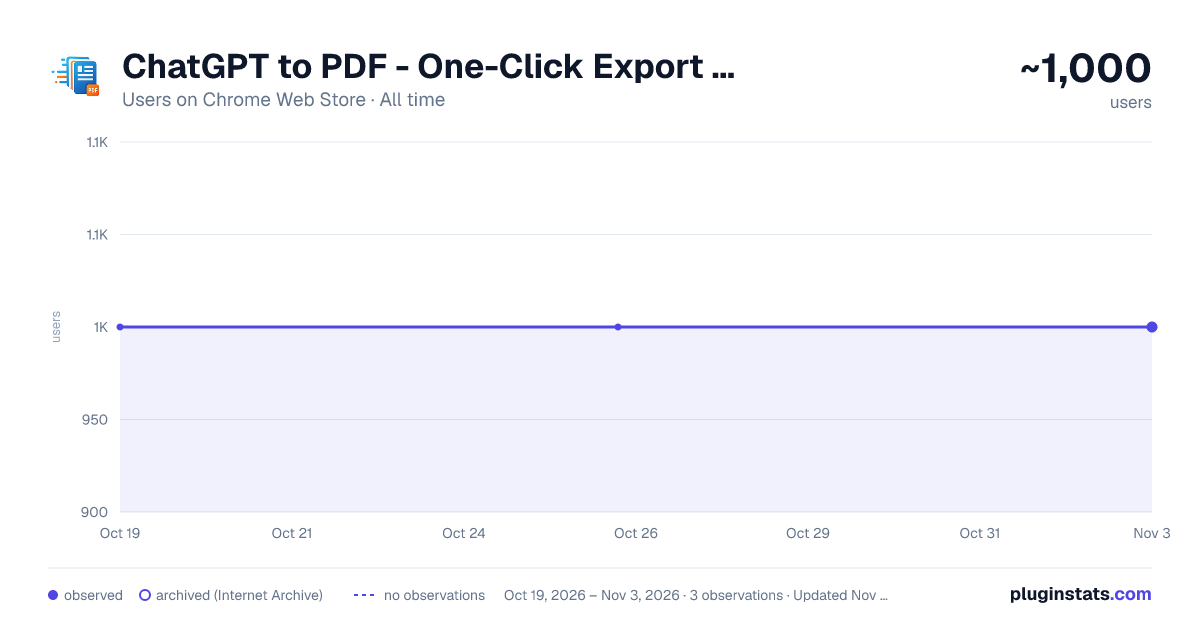
ChatGPT to PDF - One-Click Export & Batch Save has approximately 1,000 recorded users on Chrome Web Store, ranking #985 of 2,952 tracked listings.
Rating: 4.70 / 5 from 21 ratings
About ChatGPT to PDF - One-Click Export & Batch Save
One-click export ChatGPT conversations to PDF. Batch export, project management, and seamless PDF integration.
✨ Export, archive, and revisit your AI conversations as polished PDF documents. Keep important discussions readable, organized, and available whenever you need them.
🚀 Key Features
• One-click PDF export: Save the conversation currently open in your browser • Beautiful, print-ready PDFs: Preserve headings, message cards, code, tables, lists, images, and other rich content • Built-in outline: Quickly jump to specific sections in long conversations • Complete conversation backups: Keep questions, responses, images, attachments, and follow-up messages together in the correct order • Generated image support: Save AI-generated images together with the conversation that produced them • Deep Research support: Preserve research reports and related documents alongside the original discussion • Selective export: Preview a conversation and export only the messages you want • Batch backup: Export multiple conversations with progress tracking, cancellation, retry, and failure details • Multiple chat types: Supports regular chats, archived chats, Projects, and Group Chats • Group Chat context: Preserve participant names alongside their messages • Library downloads: Download generated images and available Library files separately using search, filters, ZIP downloads, or individual files • Smart organization: Customize filenames, download folders, skip previously exported items, and manage repeat backups more easily • Personal and workspace support: Works with eligible personal and team/workspace accounts
🎯 Great For
• Researchers creating an offline archive of AI-assisted research • Students saving explanations, study plans, and learning materials • Developers preserving debugging sessions, code reviews, and technical discussions • Professionals documenting decisions, drafts, reports, and project conversations • Anyone building a searchable, organized PDF archive of valuable AI knowledge
📝 How to Use
- Install the extension from the Chrome Web Store.
- Open a conversation or Group Chat.
- Click the extension icon and choose “Export to PDF”.
- Optionally open Advanced settings to customize the filename or download folder.
- The PDF is generated locally and downloaded directly to your device.
For larger backups, open “Bulk Export” to export regular chats, archived chats, Projects, or Group Chats.
You can also use the Library download tools to save generated images and supported files separately.
🔎 What Your PDF Includes
• Conversation title, source link, dates, and message count • Clickable outline for easier navigation • Prompts and responses in chronological order • Participant labels in Group Chats • Markdown formatting, headings, lists, quotes, tables, and syntax-highlighted code • Images, attachments, and supported conversation content • Deep Research reports and related documents when available
🔒 Privacy & Security
• PDFs are generated locally in your browser and downloaded directly to your device • Conversation content is not sent to an external PDF-generation service • The extension can only export conversations that you can already access
⚙️ About Debugger Permission
The extension requests Chrome’s debugger permission to create high-quality PDFs directly on your device.
During an export, Chrome may briefly display a yellow “controlled by automated test software” banner. This is expected behavior and disappears after the export finishes.
🔄 Changelog
2026-09-27 — More control over exports and downloads
• NEW: Preview conversations and export only selected messages, including user-only or assistant-only selections • NEW: Expanded Bulk Export for selected conversations, archived chats, Projects, and Group Chats • NEW: Download generated images and supported Library files separately with search, filters, ZIP downloads, custom folders, and progress tracking • IMPROVED: Better filename and folder controls, skip-already-exported options, and repeat-export checks • IMPROVED: More reliable handling of rate limits, connection refreshes, and multilingual interfaces
2026-08-11 — Improved PDF export experience
• NEW: Cleaner PDF design with a richer header and clickable outline • NEW: Generated images can be included in exported conversations • NEW: Select specific parts of a conversation to export • NEW: Expanded support for archived chats, Projects, and Group Chats • IMPROVED: Better handling of long conversations, Deep Research, images, and repeat exports
2026-02-21
• Switched PDF generation to a local browser-based workflow for improved privacy and reliability
📌 Support & Feedback
Official Website: https://chatgpt2notion.com/products/chatgpt-to-pdf/
User Guide: https://chatgpt2notion.com/docs/chatgpt-to-pdf/debugger-permission/
GitHub Issues: https://github.com/joysey/chatgpt-to-notion/issues
Support Email: chatgpt2notion@gmail.com
Description from the Chrome Web Store listing.
README badge
Show your rank in a README or on your website. The badge updates automatically.
Charts
Images: 30d · 1y · all time · 1600×900 dark
Adoption over time
7/30/90-day growth
Ranking history
Ratings over time
Listing placement
Listing placement
Filled points are observed values; hollow points come from Internet Archive snapshots of the listing page. Dashed segments span periods with no observations — values between points are not interpolated.
Each band is one page of 20. Users on a linear scale. Placement is projected from users, so it can differ from the marketplace's own sort order. Hover a dot to see the listing.
Recent observations
Full history (1)Similar Chrome Web Store Tools plugins
All 20 ChatGPT to PDF - One-Click Export & Batch Save alternatives



Data source
Covers every Chrome Web Store extension with at least 100 users, found through the store's public sitemap. User counts are read from public listing pages. The 10% most-used extensions are refreshed daily, the next 40% weekly and the next 40% monthly; the least-used 10% are not refreshed. Google displays rounded user counts (and caps the display at 10,000,000+), so small changes may not be visible. Rating counts above 1,000 are rounded (e.g. 1.6K).
Listing: https://chromewebstore.google.com/detail/chatgpt-to-pdf-one-click/hjdhbhggcljjjfenfbdbbhhngmkglpkl. First seen Oct 19, 2026; last successful collection Oct 19, 2026. See the methodology.