 PluginStats
Speech to text users statistics
By speechtotextextension · Chrome Web Store · Workflow & Planning
Helps to convert speech into text
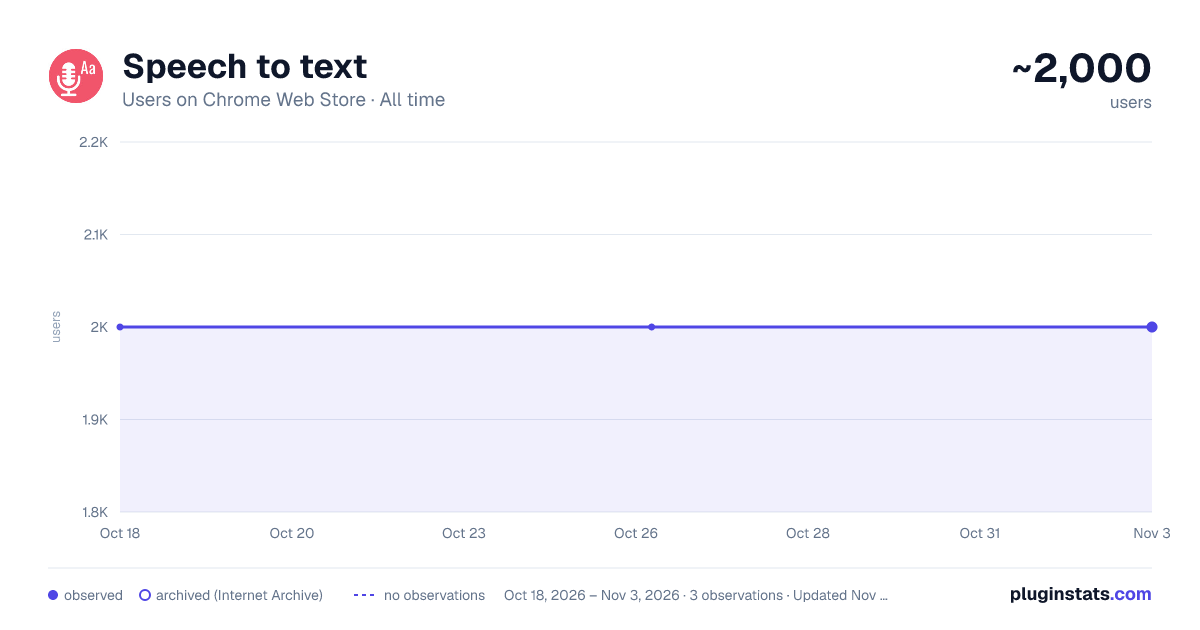
Speech to text has approximately 2,000 recorded users on Chrome Web Store, ranking #603 of 2,495 tracked listings.
Rating: 3.30 / 5 from 10 ratings
About Speech to text
Helps to convert speech into text
Turn Your Voice into Text Effortlessly in 2025!!
The Speech to Text Chrome extension is a powerful, user-friendly extension that converts your spoken words into written text effortlessly. Whether you’re writing notes, blog posts, essays, or reports, this voice transcription tool allows you to convert voice to text, saving time and enhancing productivity. Designed for hands-free writing, it’s perfect for anyone looking to boost efficiency while reducing the strain of typing. With support for multiple languages, this extension ensures accurate voice recognition and delivers reliable results for anyone needing a text from speech tool.
Key Features of Speech to Text:
Accurate Speech Recognition:
Converts spoken words into precise written text using advanced technology for accurate voice recognition.
Multi-Language Voice to Text:
Transcribe in various languages with support for multiple accents, making it a versatile multi-language voice to text tool.
User-Friendly Interface:
Simple to activate and easy to use, making it an ideal voice transcription tool for all users.
Time-Saving:
Dictate rather than type to create lengthy documents faster, maximizing productivity with this hands-free writing extension.
Accessibility-Focused:
An excellent solution for those with hand injuries or physical impairments who need an easy way to convert voice to text.
How to Use Speech to Text
Install the Extension: Click “Add to Chrome” and install the speech to text extension.
Activate Speech Recognition: Open the extension and start speaking into your microphone.
Transcription in Real-Time: Watch as your words are converted into written text on your screen using this reliable text from speech tool.
Copy & Use Text: Copy the transcribed text into any document or platform and continue editing as needed.
Why Use Speech to Text?
Boost Writing Speed: Dictate essays, blog posts, and reports in a fraction of the time using this efficient voice transcription tool.
Hands-Free Writing: Perfect for anyone who needs a break from typing or faces physical limitations.
Supports All Microphones: Use any built-in or external mic for seamless transcription with the speech to text extension.
Streamline your writing process and enhance productivity with the Speech to Text Chrome extension. Whether you’re transcribing in one language or using its multi-language voice to text capability, this text from speech tool is the ultimate solution for hands-free and efficient writing.
FAQs
-
How accurate is the Speech to Text extension? This extension uses advanced speech recognition technology, offering high accuracy, even with accents and in multiple languages.
-
Can I use this extension with any microphone? Yes, the extension works with built-in and external microphones, making it compatible with most devices.
-
What types of documents can I create with this tool? Speech to Text is versatile and suitable for creating notes, essays, reports, blog posts, and even casual messages.
-
Is Speech to Text useful for accessibility? Absolutely! It’s especially helpful for individuals with hand injuries or physical impairments, providing a hands-free writing alternative.
Description from the Chrome Web Store listing.
README badge
Show your rank in a README or on your website. The badge updates automatically.
Charts
Images: 30d · 1y · all time · 1600×900 dark
Adoption over time
7/30/90-day growth
Ranking history
Ratings over time
Listing placement
Listing placement
Filled points are observed values; hollow points come from Internet Archive snapshots of the listing page. Dashed segments span periods with no observations — values between points are not interpolated.
Each band is one page of 20. Users on a linear scale. Placement is projected from users, so it can differ from the marketplace's own sort order. Hover a dot to see the listing.
Recent observations
Full history (1)Similar Chrome Web Store Workflow & Planning plugins
All 20 Speech to text alternatives



Data source
Covers every Chrome Web Store extension with at least 100 users, found through the store's public sitemap. User counts are read from public listing pages. The 10% most-used extensions are refreshed daily, the next 40% weekly and the next 40% monthly; the least-used 10% are not refreshed. Google displays rounded user counts (and caps the display at 10,000,000+), so small changes may not be visible. Rating counts above 1,000 are rounded (e.g. 1.6K).
Listing: https://chromewebstore.google.com/detail/speech-to-text/nagkcfhjaigeefjgimlfmdppohkpfhhg. First seen Oct 18, 2026; last successful collection Oct 18, 2026. See the methodology.