 PluginStats
Plagiarism Checker users statistics
Plagiarisma is the world famous plagiarism checker for scholars, students, teachers, writers.
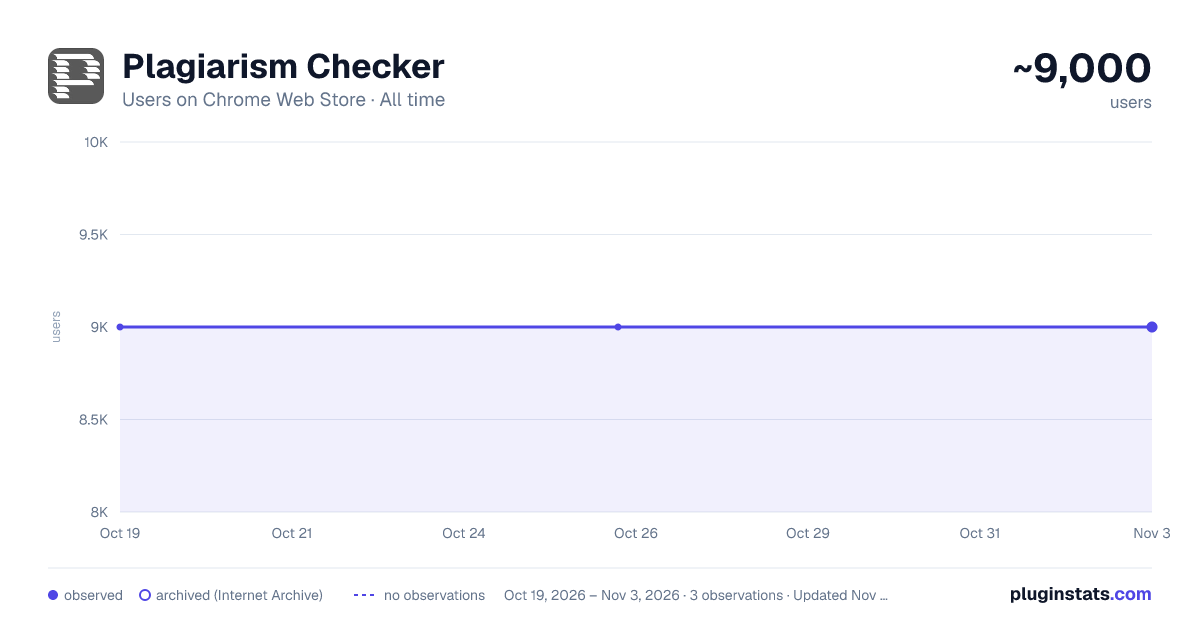
Plagiarism Checker has approximately 9,000 recorded users on Chrome Web Store, ranking #298 of 2,033 tracked listings.
Rating: 3.00 / 5 from 2 ratings
About Plagiarism Checker
Plagiarisma is the world famous plagiarism checker for scholars, students, teachers, writers.
Plagiarism Checker — Fast, Accurate & Reliable Content Verification
Ensure your content is 100% original with the ultimate Plagiarism Checker extension for Google Chrome. Designed for students, academics, teachers, writers, and SEO professionals, this tool allows you to instantly detect duplicate content and verify text originality directly from your browser.
Key Features:
One-Click Text Check: Select any text on any webpage, right-click, or use the extension pop-up to run an instant plagiarism scan.
Deep Content Analysis: Advanced algorithms search and compare text across billions of web pages and online documents to deliver precise results.
Instant Originality Reports: Get immediate results showing matched sources, percentage of unique text, and highlighted duplicate passages.
Multi-Language Support: Check plagiarism across various languages and international sources effortlessly.
Privacy Focused: Your submitted text and documents are scanned securely and never published or shared with third parties.
Who Is It For?
Students & Researchers: Verify essays, academic papers, and assignments before submitting.
Teachers & Educators: Quickly check student submissions for authenticity and proper citation.
Content Creators & Copywriters: Ensure blog posts, articles, and marketing copy are unique and ready for publishing.
SEO Specialists: Protect your site from duplicate content penalties and verify outsourced articles.
Install Plagiarism Checker today to save time, protect your reputation, and guarantee content originality in just a few clicks!
=========================================================
How to use it:
Log in https://plagiarisma.net/login.php or register https://plagiarisma.net/register.php a new account.
Grab an API key from members area and authorize your extension.
Select any text on any website.
Push the extension icon and click the "Check Plagiarism" button.
Wait for results.
Description from the Chrome Web Store listing.
README badge
Show your rank in a README or on your website. The badge updates automatically.
Charts
Images: 30d · 1y · all time · 1600×900 dark
Adoption over time
7/30/90-day growth
Ranking history
Ratings over time
Listing placement
Listing placement
Filled points are observed values; hollow points come from Internet Archive snapshots of the listing page. Dashed segments span periods with no observations — values between points are not interpolated.
Each band is one page of 20. Users on a linear scale. Placement is projected from users, so it can differ from the marketplace's own sort order. Hover a dot to see the listing.
Recent observations
Full history (1)Similar Chrome Web Store Tools plugins
All 20 Plagiarism Checker alternatives



Data source
Covers every Chrome Web Store extension with at least 100 users, found through the store's public sitemap. User counts are read from public listing pages. The 10% most-used extensions are refreshed daily, the next 40% weekly and the next 40% monthly; the least-used 10% are not refreshed. Google displays rounded user counts (and caps the display at 10,000,000+), so small changes may not be visible. Rating counts above 1,000 are rounded (e.g. 1.6K).
Listing: https://chromewebstore.google.com/detail/plagiarism-checker/bfokbpkmneijnfgpkfajjgckoeffbcgb. First seen Oct 19, 2026; last successful collection Oct 19, 2026. See the methodology.