 PluginStats
ChatGPT Folder Locker ENG users statistics
By lhj50dev · Chrome Web Store · Tools
ChatGPT Folder Locker
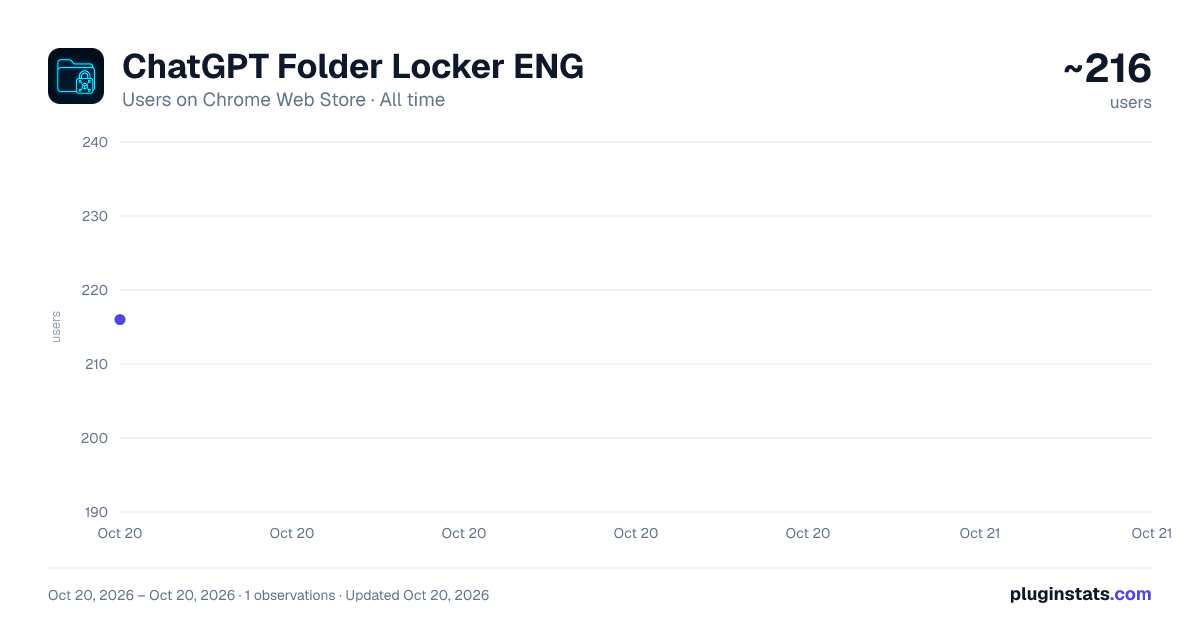
ChatGPT Folder Locker ENG has approximately 216 recorded users on Chrome Web Store, ranking #2116 of 2,952 tracked listings.
Rating: 5.00 / 5 from 2 ratings
About ChatGPT Folder Locker ENG
ChatGPT Folder Locker
🔒 ChatGPT Folder Locker
Protect your ChatGPT folders and profile with secure password protection. Keep your private conversations safe.
📝 Short Description
Add password protection to ChatGPT folders and your profile for better privacy and control.
📖 Detailed Description 🔐 Protect Your ChatGPT Conversations with Secure Privacy Controls
ChatGPT Folder Locker is a lightweight Chrome extension that adds an extra layer of privacy and security to your ChatGPT experience. Lock specific folders and restrict profile access with password protection — keeping your private AI conversations safe from prying eyes.
✨ Key Features 📁 Folder Locking
Lock individual folders with password protection
Bulk lock/unlock all folders instantly
Locked folders become unclickable and grayed out
Ideal for sensitive or private chats
👤 Profile Protection
Block access to the ChatGPT profile menu
Prevent unauthorized account changes
Protect personal information and settings
Great for shared or public computers
⚡ Smart & Convenient
Simple checkbox selection for folders
“Select All” / “Deselect All” options
Real-time lock status display
Automatically restores lock states after refresh
Helpful hints for first-time users
🛡️ Advanced Security
Secure password protection
All data stored locally in your browser
No external servers, no tracking
Privacy-focused design for your peace of mind
🎯 Perfect For
Students & professionals using shared devices
Privacy-conscious users
Families sharing one computer
Business users protecting confidential work
Anyone who values digital privacy & control
🚀 How to Use
Install & Refresh – Add the extension and refresh ChatGPT (Ctrl+R or F5)
Set Password – Open the extension popup to set a password
Select Folders – Check which folders you want to protect
Apply Lock – Click “Lock Selected Items”
Done! – Locked folders appear grayed out and inaccessible
💡 Tip: If folders don’t appear on first launch, simply refresh ChatGPT — you’ll get a quick guide in the popup.
🔓 Unlock Options
Individual Unlock → Select folders → Click “Unlock Selected Items” → Enter password
Bulk Unlock → Click “Unlock All” → Enter password → All folders unlocked
Profile Unlock → Click “Profile Lock” → Enter password → Profile access restored
🔒 Privacy & Security
Zero External Data Transmission: Nothing is sent to any server
Local Storage Only: All settings and passwords remain in your browser
No Server Communication: Your data never leaves your device
Secure Password Storage: Protected by Chrome’s local security mechanisms
Privacy-Focused Design: Built with user privacy in mind
🌟 Why Choose ChatGPT Folder Locker?
✅ Lightweight & Fast – Minimal memory usage ✅ Intuitive Interface – Easy for anyone to use ✅ User-Friendly – Helpful guidance built in ✅ Reliable – Built with Chrome Manifest V3 ✅ Regularly Updated – For ongoing ChatGPT compatibility ✅ 100% Free – No hidden costs or premium features
🔧 Technical Details
Supported Sites: chat.openai.com, chatgpt.com
Browser Compatibility: Chrome, Edge, Brave, and all Chromium-based browsers
Permissions: Only requests minimal required permissions
Manifest Version: V3 (latest Chrome security standard)
💡 Pro Tips
Refresh ChatGPT once after installation to detect folders
Use Bulk Lock before stepping away from your computer
Profile lock helps prevent accidental account changes
Refresh restores your lock settings automatically
Use “Debug Info” in popup if you encounter issues
🛠️ Support
Need help? Check our quick guide or contact support through the extension popup. We’re dedicated to providing a simple, privacy-first ChatGPT experience.
🔒 Take Control of Your ChatGPT Privacy Today!
ChatGPT Folder Locker — your trusted companion for secure AI conversations.
📊 Keywords
ChatGPT, folder, lock, privacy, security, password, protection, AI, conversation, confidential, browser extension, productivity, encryption, manifest v3
Description from the Chrome Web Store listing.
README badge
Show your rank in a README or on your website. The badge updates automatically.
Charts
Images: 30d · 1y · all time · 1600×900 dark
Adoption over time
7/30/90-day growth
Ranking history
Ratings over time
Listing placement
Listing placement
Filled points are observed values; hollow points come from Internet Archive snapshots of the listing page. Dashed segments span periods with no observations — values between points are not interpolated.
Each band is one page of 20. Users on a linear scale. Placement is projected from users, so it can differ from the marketplace's own sort order. Hover a dot to see the listing.
Recent observations
Full history (1)Similar Chrome Web Store Tools plugins
All 20 ChatGPT Folder Locker ENG alternatives



Data source
Covers every Chrome Web Store extension with at least 100 users, found through the store's public sitemap. User counts are read from public listing pages. The 10% most-used extensions are refreshed daily, the next 40% weekly and the next 40% monthly; the least-used 10% are not refreshed. Google displays rounded user counts (and caps the display at 10,000,000+), so small changes may not be visible. Rating counts above 1,000 are rounded (e.g. 1.6K).
Listing: https://chromewebstore.google.com/detail/chatgpt-folder-locker-eng/eopgjkllndimbfggljjmfkmieckkjogf. First seen Oct 20, 2026; last successful collection Oct 20, 2026. See the methodology.