 PluginStats
Capture users statistics
By kimura · Chrome Web Store · Developer Tools
Web page capture tool — take screenshots, record videos with audio, and create smooth auto-scroll recordings with keyframe control.
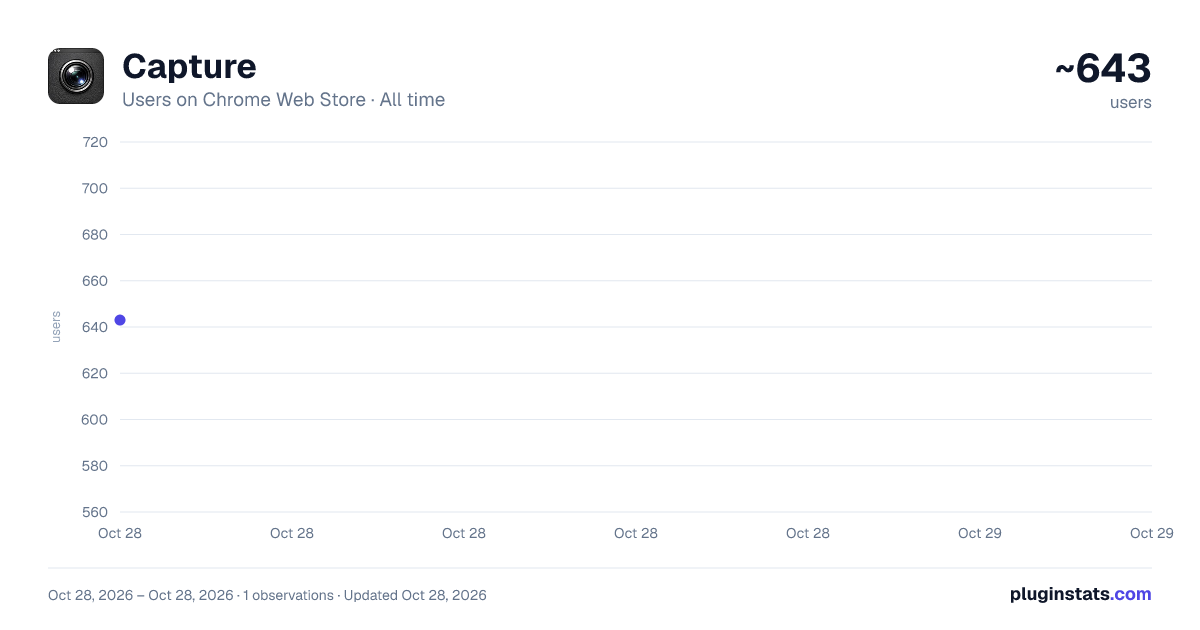
Capture has approximately 643 recorded users on Chrome Web Store, ranking #2192 of 4,880 tracked listings.
About Capture
Web page capture tool — take screenshots, record videos with audio, and create smooth auto-scroll recordings with keyframe control.
Capture is a web page capture tool for taking screenshots and recording videos directly from your browser tab.
SCREENSHOTS • Capture the current viewport as a PNG image with one click • Capture the full page — automatically scrolls and stitches the entire page into a single image • Supports 1x and 2x resolution output • During full-page capture, hide fixed/sticky elements (headers, nav bars, etc.) to capture without unwanted overlays • Auto-detect fixed/sticky elements on the page and choose which elements to hide and when: after the first capture, or always • Configurable scroll delay for pages with lazy-loaded content
VIDEO RECORDING • Record your browser tab as a WebM video • Adjustable frame rate (1–60 fps), bitrate (0.5–100 Mbps), and resolution (1x / 2x) • Codec selection: Auto, VP9, or VP8 • Record tab audio simultaneously with configurable audio bitrate (64–320 kbps) • Option to hide the cursor during recording • Option to reload the page before recording starts for a clean capture
AUTO-SCROLL RECORDING • Define keyframe-based scroll animations for automated recordings • Set scroll position (Y), duration, delay, and easing for each keyframe • Speed mode: specify scroll speed in px/sec or duration(sec) • Choose from multiple easing functions: Linear, Sine, Power2, Power3, Power4, and Expo variants • Per-keyframe delay to pause before scrolling begins • Drag to reorder keyframes • Preview the scroll animation before recording • Automatically stop recording when the scroll sequence finishes • Scroll settings are saved per page, so you can return and re-record anytime
VIEWPORT CONTROL • Set a precise viewport size (width and height) for consistent captures • The extension automatically adjusts the browser window to match your target viewport dimensions • On-screen overlay shows the current viewport size during resize
KEYBOARD SHORTCUTS • Alt+Shift+S — Capture screenshot • Alt+Shift+A — Capture full page • Alt+Shift+R — Start / Stop recording • Alt+Shift+P — Preview scroll animation
All settings are saved automatically and persist across sessions.
Description from the Chrome Web Store listing.
README badge
Show your rank in a README or on your website. The badge updates automatically.
Charts
Images: 30d · 1y · all time · 1600×900 dark
Adoption over time
7/30/90-day growth
Ranking history
Ratings over time
Listing placement
Listing placement
Filled points are observed values; hollow points come from Internet Archive snapshots of the listing page. Dashed segments span periods with no observations — values between points are not interpolated.
Each band is one page of 20. Users on a linear scale. Placement is projected from users, so it can differ from the marketplace's own sort order. Hover a dot to see the listing.
Recent observations
Full history (1)Similar Chrome Web Store Developer Tools plugins
All 20 Capture alternatives



Data source
Covers every Chrome Web Store extension with at least 100 users, found through the store's public sitemap. User counts are read from public listing pages. The 10% most-used extensions are refreshed daily, the next 40% weekly and the next 40% monthly; the least-used 10% are not refreshed. Google displays rounded user counts (and caps the display at 10,000,000+), so small changes may not be visible. Rating counts above 1,000 are rounded (e.g. 1.6K).
Listing: https://chromewebstore.google.com/detail/capture/fpggffoajhbmppccidgfdkoddgcjjbjf. First seen Oct 28, 2026; last successful collection Oct 28, 2026. See the methodology.