 PluginStats
Simlink users statistics
Chrome Web Store · Developer Tools
Browser control bridge for Simlink - enables AI-powered browser automation
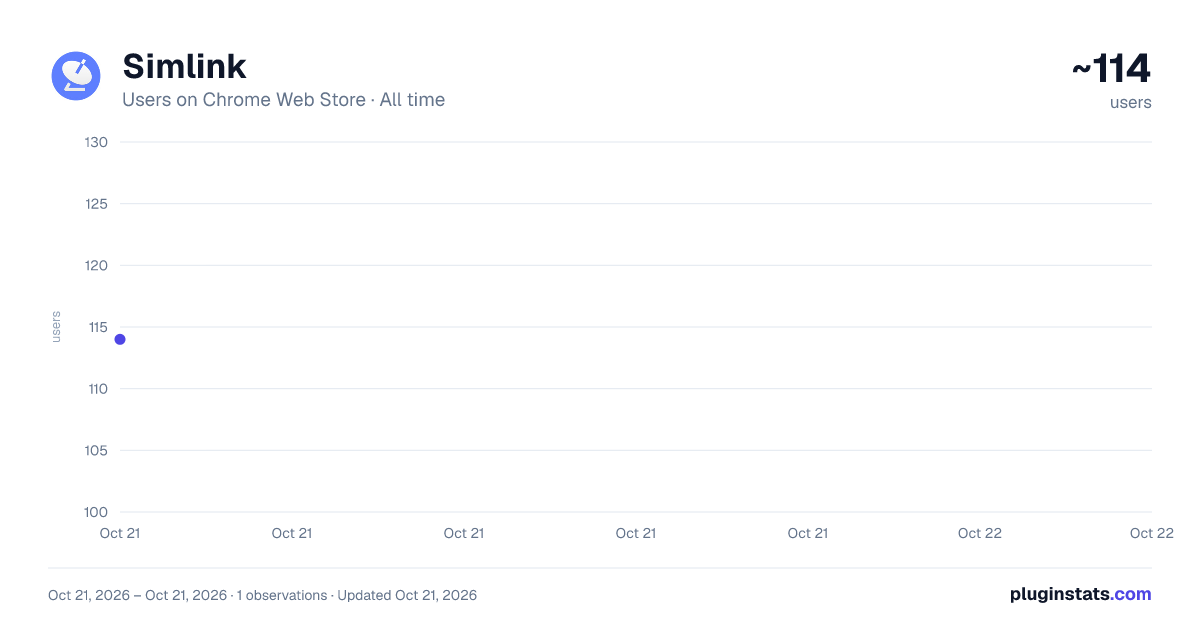
Simlink has approximately 114 recorded users on Chrome Web Store, ranking #2808 of 2,952 tracked listings.
About Simlink
Browser control bridge for Simlink - enables AI-powered browser automation
Simlink Chrome Extension
Bring Your AI Agent to the Web
The Simlink Chrome extension transforms your browser into an intelligent workspace where your AI assistant can navigate, research, fill forms, and extract data across any website — no APIs required.
What It Does
🌐 Intelligent Web Navigation
Your AI agent sees what you see. The extension gives your assistant full visibility into web pages, allowing it to click, scroll, read, and interact with any website naturally — just like a human would.
📋 Automated Form Filling
Say goodbye to repetitive data entry. Whether it's customer intake forms, survey responses, or multi-step applications, your AI fills them accurately and at scale — across any web application.
🔍 Research & Data Extraction
Delegate research tasks with confidence. Your AI browses multiple sites, extracts structured information, compiles findings, and delivers polished reports — while you focus on strategy.
📊 Web-Based Data Gathering
Pull information from dashboards, tables, and dynamic content that traditional APIs can't touch. Your AI reads, understands, and organizes data from any web interface.
✅ Real-Time Verification
Your AI can verify information, check status updates, and confirm actions directly in your browser — ensuring accuracy and completeness.
How It Works
Install the extension in Chrome and connect it to your Simlink workspace
Delegate browser tasks to your AI agent through natural language
Watch it work — your agent navigates, fills, researches, and reports back
Get notified when tasks complete with results ready to use
Enterprise-Grade Security Runs on your machine — all browser interactions stay local until you approve sharing
Granular permissions — control exactly which sites your AI can access
Full audit trail — every action logged and traceable
No data scraping — your AI only accesses what you explicitly authorize
Perfect For Compliance teams gathering regulatory information across multiple portals
Sales operations filling CRM records and lead forms at scale
Research departments compiling competitive intelligence and market data
HR teams processing applications and updating employee records
Finance teams extracting data from banking portals and financial dashboards
Customer success verifying account details and status across platforms
The Difference
Most browser automation requires custom code or expensive RPA platforms. Simlink's Chrome extension lets your AI agent work like a human — understanding context, handling unexpected changes, and adapting on the fly. No scripts. No maintenance. Just results.
Ready to automate your browser?
Download the Simlink Chrome extension and connect it to your workspace. Your AI is ready to work.
Description from the Chrome Web Store listing.
README badge
Show your rank in a README or on your website. The badge updates automatically.
Charts
Images: 30d · 1y · all time · 1600×900 dark
Adoption over time
7/30/90-day growth
Ranking history
Ratings over time
Listing placement
Listing placement
Filled points are observed values; hollow points come from Internet Archive snapshots of the listing page. Dashed segments span periods with no observations — values between points are not interpolated.
Each band is one page of 20. Users on a linear scale. Placement is projected from users, so it can differ from the marketplace's own sort order. Hover a dot to see the listing.
Recent observations
Full history (1)Similar Chrome Web Store Developer Tools plugins
All 20 Simlink alternatives



Data source
Covers every Chrome Web Store extension with at least 100 users, found through the store's public sitemap. User counts are read from public listing pages. The 10% most-used extensions are refreshed daily, the next 40% weekly and the next 40% monthly; the least-used 10% are not refreshed. Google displays rounded user counts (and caps the display at 10,000,000+), so small changes may not be visible. Rating counts above 1,000 are rounded (e.g. 1.6K).
Listing: https://chromewebstore.google.com/detail/simlink/dkboeenfogjcgaaiehbnmdleohgdmanm. First seen Oct 21, 2026; last successful collection Oct 21, 2026. See the methodology.