 PluginStats
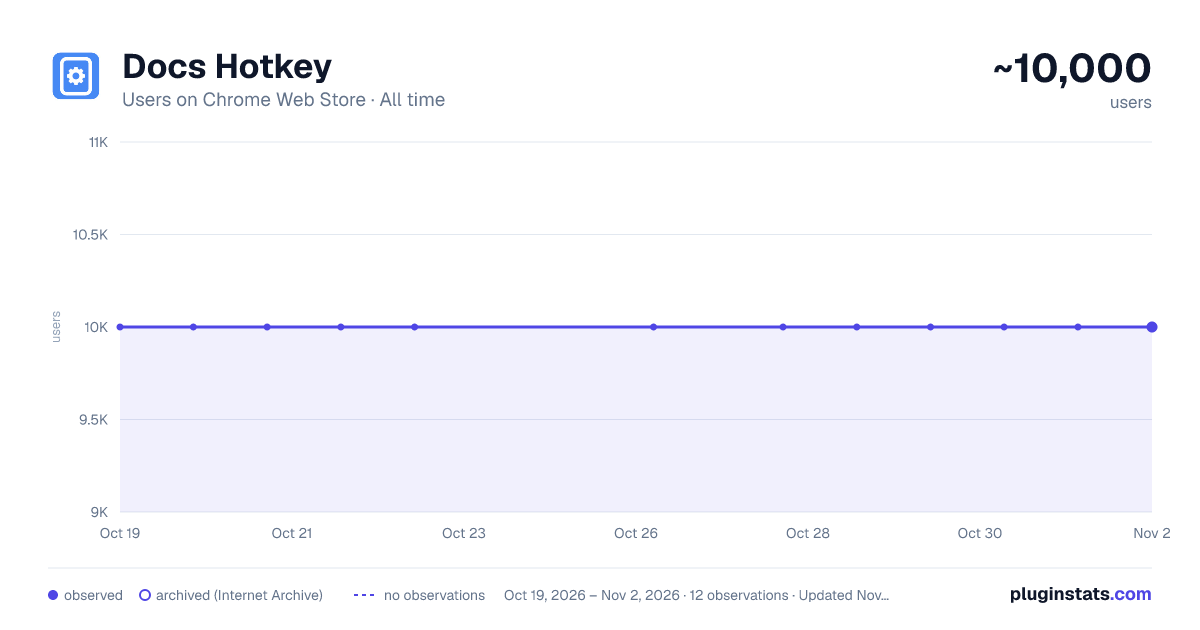
Docs Hotkey has approximately 10,000 recorded users on Chrome Web Store, ranking #294 of 2,495 tracked listings.
Rating: 4.50 / 5 from 96 ratings
About Docs Hotkey
Create hotkeys for Google Docs
Docs Hotkey allows for complex hotkey setups with simple configuration. Hotkeys can be created to do the following:
- Highlight in any color
- Bold
- Underline
- Italicize
- Change text color
- Change fonts
- Change font size
- Set heading type (e.g., Heading 1, Normal Text, Title)
- Strike through text
- Change alignment and indentation
- Add emoji reactions
- Add bulleted lists and set their spacing
- Clear all styles and remove specific styles
- Execute add-ons
- Insert search menu components (e.g., building blocks)
A single hotkey can be configured to do several of these at once.
Docs Hotkey was originally created solely for the addition of a highlight shortcut, but it has since expanded to many others. If you'd like to see a new shortcut added or if you encounter a bug, feel free to contact me.
Also supports Google Slides and Google Classroom!
Documentation: https://docs-hotkey.zackmurry.com
Description from the Chrome Web Store listing.
README badge
Show your rank in a README or on your website. The badge updates automatically.
Charts
Images: 30d · 1y · all time · 1600×900 dark
Adoption over time
7/30/90-day growth
Ranking history
Ratings over time
Listing placement
Listing placement
Filled points are observed values; hollow points come from Internet Archive snapshots of the listing page. Dashed segments span periods with no observations — values between points are not interpolated.
Each band is one page of 20. Users on a linear scale. Placement is projected from users, so it can differ from the marketplace's own sort order. Hover a dot to see the listing.
Recent observations
Full history (2)Similar Chrome Web Store Tools plugins
All 20 Docs Hotkey alternatives



Data source
Covers every Chrome Web Store extension with at least 100 users, found through the store's public sitemap. User counts are read from public listing pages. The 10% most-used extensions are refreshed daily, the next 40% weekly and the next 40% monthly; the least-used 10% are not refreshed. Google displays rounded user counts (and caps the display at 10,000,000+), so small changes may not be visible. Rating counts above 1,000 are rounded (e.g. 1.6K).
Listing: https://chromewebstore.google.com/detail/docs-hotkey/npkpplmpfeaeemeecniaikpjjfbfefhh. First seen Oct 19, 2026; last successful collection Oct 20, 2026. See the methodology.