 PluginStats
JupyLens - Jupyter Notebook Viewer & Editor users statistics
Chrome Web Store · Developer Tools
Open, view, and edit Jupyter/IPython Notebook (.ipynb) files directly in your browser.
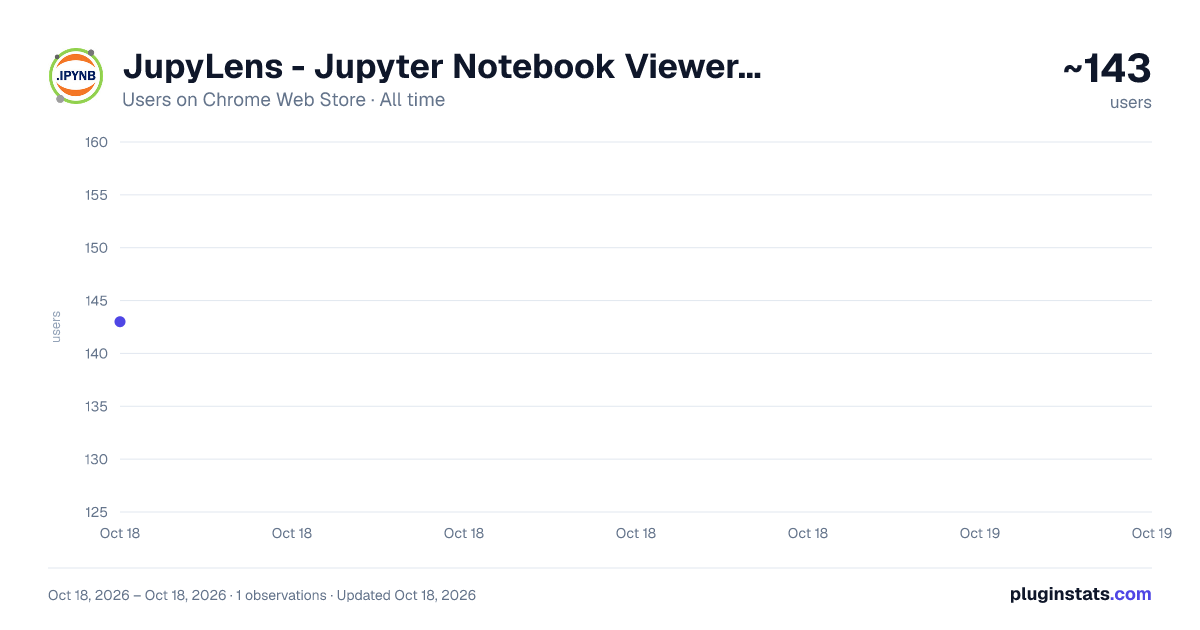
JupyLens - Jupyter Notebook Viewer & Editor has approximately 143 recorded users on Chrome Web Store, ranking #2546 of 2,952 tracked listings.
About JupyLens - Jupyter Notebook Viewer & Editor
Open, view, and edit Jupyter/IPython Notebook (.ipynb) files directly in your browser.
JupyLens opens, renders, and edits Jupyter/IPython Notebook (.ipynb) files directly in your browser. No Jupyter server, no Python installation, no setup — just open your notebook and start reading or editing.
Important: This extension does not execute or run notebook code. It is a viewer and editor only — you can read and edit cell source text, but code cells are never executed.
Key Features
-
Instant Rendering: Open any .ipynb file and see it rendered with formatted markdown, syntax-highlighted Python code, and all cell outputs including images, HTML tables, and error tracebacks.
-
Auto-Open: Navigate to any .ipynb file URL (local or remote) and JupyLens automatically intercepts and renders it. Works with file:// URLs when file access is enabled.
-
13 Themes: Choose from GitHub Theme, One Dark Pro, Dracula, Monokai Pro, Tokyo Night, Ayu, One Monokai, Rose Pine, Shades of Purple, Winter Is Coming, Solarized Light, Solarized Dark, and Nord. Your selection is saved across sessions.
-
System-Aware Defaults: Automatically selects Ayu for dark system themes and GitHub Theme for light system themes on first launch.
-
Inline Editing: Click the Edit button on any cell to modify its source. Tab key inserts 4 spaces. Save commits the change; Cancel discards it. Download the modified notebook as a .ipynb file.
-
Line Numbers: Toggle line numbers on code cells with one click. The preference is saved automatically.
-
Rich Output Support: Displays stream output, execution results, display_data with base64-encoded PNG/JPEG/GIF images, inline SVG, HTML content, and error tracebacks with full ANSI color rendering (including 256-color codes).
-
Drag and Drop: Drop a notebook file onto the viewer to open it instantly.
How It Works
- Install JupyLens from the Chrome Web Store.
- Click the JupyLens icon in your toolbar and select "Open Notebook Viewer."
- Drag and drop a .ipynb file onto the viewer, or click Open to browse your files.
- The notebook renders immediately with your selected theme.
- Edit any cell by clicking the Edit button, then Save or Cancel.
- Download the modified notebook using the Download button.
For automatic interception of .ipynb files from your local file system:
- Go to chrome://extensions and find JupyLens.
- Click Details and enable "Allow access to file URLs."
- Now any .ipynb file you open in Chrome will render automatically.
Privacy
JupyLens processes all notebook files entirely within your browser. No data is uploaded, transmitted, or shared with any server. The extension stores only your theme preference and line number setting using chrome.storage.local. No analytics, tracking, or third-party services are used. The extension works completely offline.
Technical Details
- Manifest V3 compliant
- Zero external dependencies — no npm packages, no CDN scripts, no build step
- Built-in markdown parser, Python syntax highlighter, and ANSI escape code parser
- All JavaScript is bundled locally within the extension package
Support
Report issues or contribute at: https://github.com/sajjad-ahmed/jupylens
Developed by Sajjad Ahmed Niloy.
Description from the Chrome Web Store listing.
README badge
Show your rank in a README or on your website. The badge updates automatically.
Charts
Images: 30d · 1y · all time · 1600×900 dark
Adoption over time
7/30/90-day growth
Ranking history
Ratings over time
Listing placement
Listing placement
Filled points are observed values; hollow points come from Internet Archive snapshots of the listing page. Dashed segments span periods with no observations — values between points are not interpolated.
Each band is one page of 20. Users on a linear scale. Placement is projected from users, so it can differ from the marketplace's own sort order. Hover a dot to see the listing.
Recent observations
Full history (1)Similar Chrome Web Store Developer Tools plugins
All 20 JupyLens - Jupyter Notebook Viewer & Editor alternatives



Data source
Covers every Chrome Web Store extension with at least 100 users, found through the store's public sitemap. User counts are read from public listing pages. The 10% most-used extensions are refreshed daily, the next 40% weekly and the next 40% monthly; the least-used 10% are not refreshed. Google displays rounded user counts (and caps the display at 10,000,000+), so small changes may not be visible. Rating counts above 1,000 are rounded (e.g. 1.6K).
Listing: https://chromewebstore.google.com/detail/jupylens-jupyter-notebook/naabbnjehfabpfpmiefejpfoblhfjahg. First seen Oct 18, 2026; last successful collection Oct 18, 2026. See the methodology.