 PluginStats
Convert Gmail™ to PDF (locally) users statistics
By rynu.smith (3 listings) · Chrome Web Store · Education
Convert your emails to PDF format on offline mode (without a server interaction; secure and private) to backup your emails
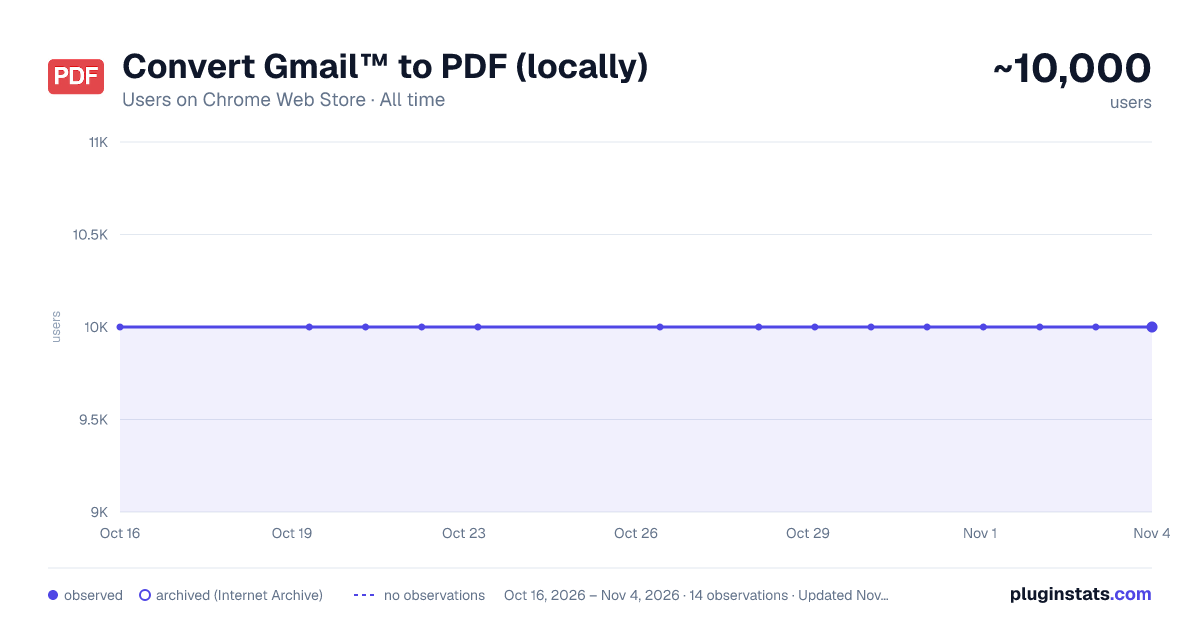
Convert Gmail™ to PDF (locally) has approximately 10,000 recorded users on Chrome Web Store, ranking #255 of 2,495 tracked listings.
Rating: 3.40 / 5 from 39 ratings
About Convert Gmail™ to PDF (locally)
Convert your emails to PDF format on offline mode (without a server interaction; secure and private) to backup your emails
This extension adds two new buttons to your Gmail interface. One orange PDF button and one blue PDF button. The orange button can be used to generate distraction-free PDF documents and the blue one generates a normal PDF document. It is also possible to press the toolbar button (action button) to convert multiple emails to PDF at once. For bulk conversion, you need to select a few threads first.
Features:
- Supports all Gmail view modes (no split, right of inbox, below inbox)
- Supports bulk conversion by selecting multiple threads at once
- Support simple and advance printing with and without images
- Extracts email date and use it in the archived name
Notes:
-
The orange button is called the "simple" mode of operation. In this mode, your emails are reformated and all the images, lines, and any other distracting elements are removed from the document before the PDF file is generated. This is useful to generate PDF for fast reading.
-
The blue button is called the "normal" mode of operation. In this mode, the "window.print()" function is called and the generated document is in the standard format.
-
This extension does NOT send your documents to an external server for conversion as this violates the user's privacy. The extension uses a local JavaScript library called jsPDF for all its conversions.
-
By default, no image is attached to your document if the "simple" mode is selected so that there would be no image fetching from remote servers.
For more info please visit: https://add0n.com/to-pdf.html?from=gmail To report bugs please visit: https://github.com/ray-lothian/to-pdf/issues
Change Log: version 0.1.5
- You can now customize the filename
- There are options to hide both or either print and simple mode buttons
- The extension now embeds a few popular fonts to the PDF document so it will look better in the simple printing mode. version 0.1.7
- It is now possible to use managed storage to control settings
- Font detection algorithm is improved version 0.2.3
- Extension supports printing in multiple logged-in accounts version 0.2.4
- Supports bulk conversion. Select a few threads and press the action button to convert each email to PDF one by one.
Description from the Chrome Web Store listing.
README badge
Show your rank in a README or on your website. The badge updates automatically.
Charts
Images: 30d · 1y · all time · 1600×900 dark
Adoption over time
7/30/90-day growth
Ranking history
Ratings over time
Listing placement
Listing placement
Filled points are observed values; hollow points come from Internet Archive snapshots of the listing page. Dashed segments span periods with no observations — values between points are not interpolated.
Each band is one page of 20. Users on a linear scale. Placement is projected from users, so it can differ from the marketplace's own sort order. Hover a dot to see the listing.
Recent observations
Full history (2)Similar Chrome Web Store Education plugins
All 20 Convert Gmail™ to PDF (locally) alternatives



Data source
Covers every Chrome Web Store extension with at least 100 users, found through the store's public sitemap. User counts are read from public listing pages. The 10% most-used extensions are refreshed daily, the next 40% weekly and the next 40% monthly; the least-used 10% are not refreshed. Google displays rounded user counts (and caps the display at 10,000,000+), so small changes may not be visible. Rating counts above 1,000 are rounded (e.g. 1.6K).
Listing: https://chromewebstore.google.com/detail/convert-gmail-to-pdf-loca/kkdondhaomeongofcikoplakobapphcj. First seen Oct 16, 2026; last successful collection Oct 20, 2026. See the methodology.