 PluginStats
GPT Power-Ups: Em Dash Fix, Clean Text, RTL & Paint for ChatGPT users statistics
By Ofer Shapira · Chrome Web Store · Tools
Power up your ChatGPT: fix em-dash & hidden chars, RTL flip, and an MS-Paint-style sketchpad - all local!
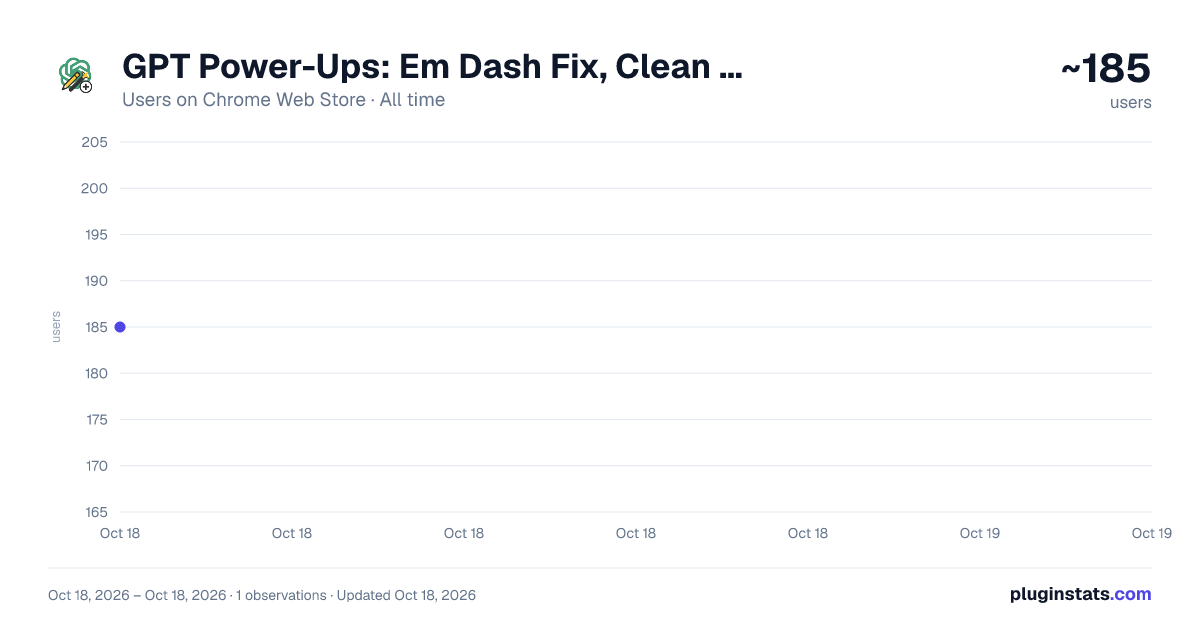
GPT Power-Ups: Em Dash Fix, Clean Text, RTL & Paint for ChatGPT has approximately 185 recorded users on Chrome Web Store, ranking #1922 of 2,495 tracked listings.
Rating: 5.00 / 5 from 4 ratings
About GPT Power-Ups: Em Dash Fix, Clean Text, RTL & Paint for ChatGPT
Power up your ChatGPT: fix em-dash & hidden chars, RTL flip, and an MS-Paint-style sketchpad - all local!
Here's how to fix the annoying ChatGPT em-dash problem, clean hidden Unicode, Support RTL, and sketch ideas directly in the chat, all in one lightweight Chrome extension!
YES I FINALLY FIXED IT! No Chat GPT rule is capable of ignoring/replacing these annoying em-dash characters - but THIS extension does it!
** Here's the solution for the annoying Chat GPT — em dash! **
GPT Power-Ups adds the missing creative and usability features power-users keep asking for:
- Dash and hidden chars cleanup
- Paint Tool on GPT
- RTL toggle
🚨 Why you need it
- Remove em dashes from ChatGPT – swaps — and – for a normal hyphen so your text never breaks forms, CMS fields, or code snippets.
- Delete hidden Unicode – wipes zero-width spaces, non-breaking spaces, smart quotes, ellipses, BOMs, joiners, and accent marks for copy-clean text.
- Instant RTL layout – flips any answer into right-to-left order for עברית, العربية, فارسی, اردو, and more.
- Draw inside ChatGPT – free-hand sketch, annotate screenshots, paste images, then send the graphic straight into your prompt.
🔑 Key Power-Ups
1. Dash & Text Sanitizer Click “Sanitize” to clean the last assistant message:
- Fixes em and en dashes → hyphen
- Straightens curly quotes → straight quotes
- Converts … → ...
- Removes invisible and non-breaking characters
- Optional accent stripper (é → e) A counter shows how many fixes were applied. Copy once, paste anywhere.
2. RTL Toggle One tap next to the “Share” icon flips the most recent response into correct right-to-left flow. Great for mixed English–Hebrew or English–Arabic output.
3. GPT Paint Opens a floating canvas with brush, eraser, color picker, multiple brush sizes, image upload, clipboard paste, move tool, and PNG download. Hit “Send to ChatGPT” and the sketch becomes part of your conversation.
🏆 Benefits
- Boost productivity – skip manual find-replace rituals and formatting hacks.
- Privacy first – runs 100 % client-side with only
activeTabandstoragepermissions. No servers, no tracking, MIT license. - Ultra-lightweight – zero background polling, minimal footprint.
- Future-proof – every new annoyance I hit becomes the next Power-Up. Suggest yours inside the extension.
🚀 How to use
- Install GPT Power-Ups and refresh chat.openai.com.
- Write or read a response.
- Click:
- Brush icon for Paint
- RTL icon to flip layout
- Sanitize icon to clean text
- Paste or share your polished content with confidence.
Vote for features in the popup and shape the next release.
chatgpt em dash fix, remove hidden characters chatgpt, clean chatgpt text, chatgpt rtl support, hebrew arabic chatgpt, chrome chatgpt extension, sanitize chatgpt output, gpt dash cleaner, rtl toggle chatgpt, chatgpt paint tool
** Any missing feature that makes us suffer when using Chat GPT I will continously add to this extension for the benefit of all of us. This is my promise to you.
Permissions & privacy
This extension is working ON YOUR BROWSER ONLY. No calls to any server. Save to use.
The extension only needs activeTab and storage permissions to inject the floating panel and save your settings locally. It never collects or transmits conversation data. You can review the full source code under MIT license.
You're welcome to add it and enjoy the power-ups!
Description from the Chrome Web Store listing.
README badge
Show your rank in a README or on your website. The badge updates automatically.
Charts
Images: 30d · 1y · all time · 1600×900 dark
Adoption over time
7/30/90-day growth
Ranking history
Ratings over time
Listing placement
Listing placement
Filled points are observed values; hollow points come from Internet Archive snapshots of the listing page. Dashed segments span periods with no observations — values between points are not interpolated.
Each band is one page of 20. Users on a linear scale. Placement is projected from users, so it can differ from the marketplace's own sort order. Hover a dot to see the listing.
Recent observations
Full history (1)Similar Chrome Web Store Tools plugins
All 20 GPT Power-Ups: Em Dash Fix, Clean Text, RTL & Paint for ChatGPT alternatives



Data source
Covers every Chrome Web Store extension with at least 100 users, found through the store's public sitemap. User counts are read from public listing pages. The 10% most-used extensions are refreshed daily, the next 40% weekly and the next 40% monthly; the least-used 10% are not refreshed. Google displays rounded user counts (and caps the display at 10,000,000+), so small changes may not be visible. Rating counts above 1,000 are rounded (e.g. 1.6K).
Listing: https://chromewebstore.google.com/detail/gpt-power-ups-em-dash-fix/mpohfahnbfdelcdfnhlnafnhjjnammkg. First seen Oct 18, 2026; last successful collection Oct 18, 2026. See the methodology.