 PluginStats
Danmaku mini player - picture-in-picture video player users statistics
By apad · Chrome Web Store · Tools
Enhanced picture in picture video player, support all video controls, subtitle, danmaku, change video in PIP sidebar, etc.
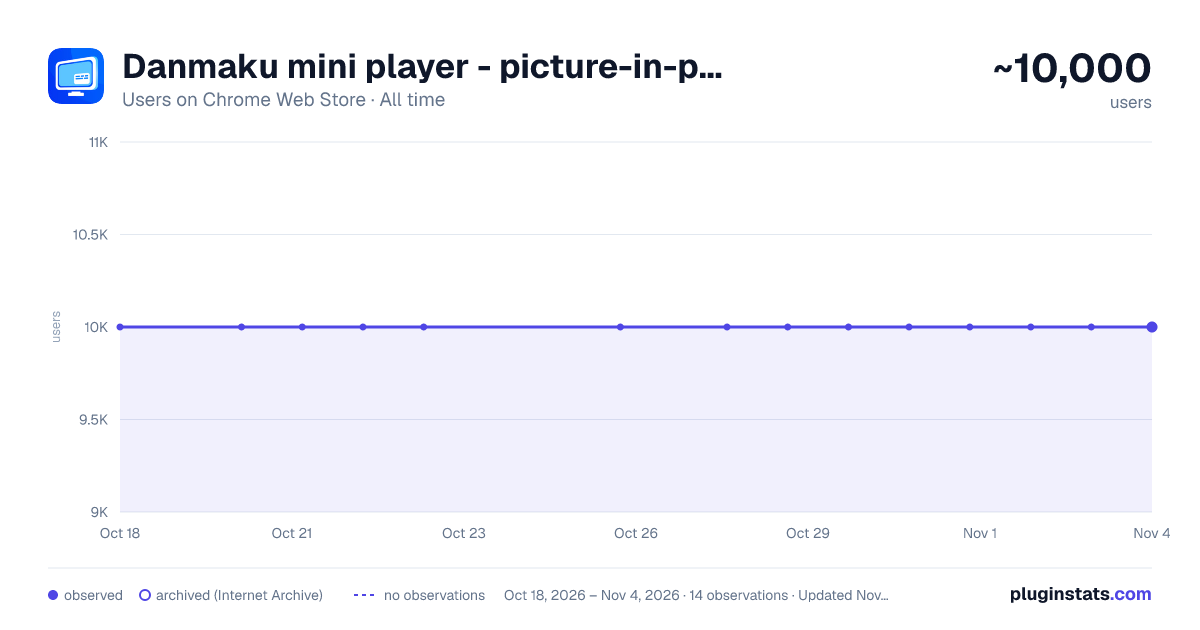
Danmaku mini player - picture-in-picture video player has approximately 10,000 recorded users on Chrome Web Store, ranking #279 of 2,495 tracked listings.
Rating: 4.80 / 5 from 100 ratings
About Danmaku mini player - picture-in-picture video player
Enhanced picture in picture video player, support all video controls, subtitle, danmaku, change video in PIP sidebar, etc.
Adopt the latest picture-in-picture API functions for a better picture-in-picture playback experience.
Click the plug-in icon, or move the mouse into the video and click the floating button in the upper left corner to pop up the picture in picture.
Main functional features: ✅ Drag or keyboard to control the progress bar, volume, playback rate, etc. of the picture-in-picture window ✅ Danmaku playback and send
- bilibili video + live broadcast
- Douyu Live
- Animation Crazy
- Huya Live
- youtube live broadcast
- twitch live
- Douyin Live ✅ Special feature support for Bilibili, YouTube, and Netflix
- Video playback sidebar, you can directly switch playlists and recommended videos in picture-in-picture
- Subtitle list of websites
- Preview function of progress bar (Netflix does not support it yet) ✅ Support plug-in .xml .ass danmaku files
- It also has the built-in function to download danmaku by entering the bilibili URL ✅ Subtitle function
- Support .srt .ass plug-in function
- Subtitle translation + bilingual function ✅ Long press the right button to double the speed, fast forward and backward frame by frame, screenshot and other functions + custom shortcut keys ✅ Replace web video player with video player with extension ✅ Supports most https websites, and even supports Crunchyroll, Youtube embedded videos
** If you have any questions, please go to https://github.com/apades/dmMiniPlayer/issues to submit the issue, do not mention it in the comments**
- If you are using edge and the tab bar is red, it is recommended to upgrade your browser to 126.0.2592.102 or above
- It is recommended to use Chrome 116 or above to support all the above functions
- This plugin also supports local playback, but it is a bit irreversible
- Right-click the plug-in in the plug-in bar and click [Manage Extensions]
- Open [Allow access to file URL]
- Drag the video into the browser to enable the picture-in-picture function
ChangeLog: https://github.com/apades/dmMiniPlayer/blob/main/docs/changeLog.md
Description from the Chrome Web Store listing.
README badge
Show your rank in a README or on your website. The badge updates automatically.
Charts
Images: 30d · 1y · all time · 1600×900 dark
Adoption over time
7/30/90-day growth
Ranking history
Ratings over time
Listing placement
Listing placement
Filled points are observed values; hollow points come from Internet Archive snapshots of the listing page. Dashed segments span periods with no observations — values between points are not interpolated.
Each band is one page of 20. Users on a linear scale. Placement is projected from users, so it can differ from the marketplace's own sort order. Hover a dot to see the listing.
Recent observations
Full history (2)Similar Chrome Web Store Tools plugins
All 20 Danmaku mini player - picture-in-picture video player alternatives



Data source
Covers every Chrome Web Store extension with at least 100 users, found through the store's public sitemap. User counts are read from public listing pages. The 10% most-used extensions are refreshed daily, the next 40% weekly and the next 40% monthly; the least-used 10% are not refreshed. Google displays rounded user counts (and caps the display at 10,000,000+), so small changes may not be visible. Rating counts above 1,000 are rounded (e.g. 1.6K).
Listing: https://chromewebstore.google.com/detail/danmaku-mini-player-pictu/nahbabjlllhocabmecfjmcblchhpoclj. First seen Oct 18, 2026; last successful collection Oct 20, 2026. See the methodology.