 PluginStats
SVG Code Downloader users statistics
By Sabunick · Chrome Web Store · Art & Design
Easily convert your SVG code into downloadable SVG or high-resolution PNG files with a single click.
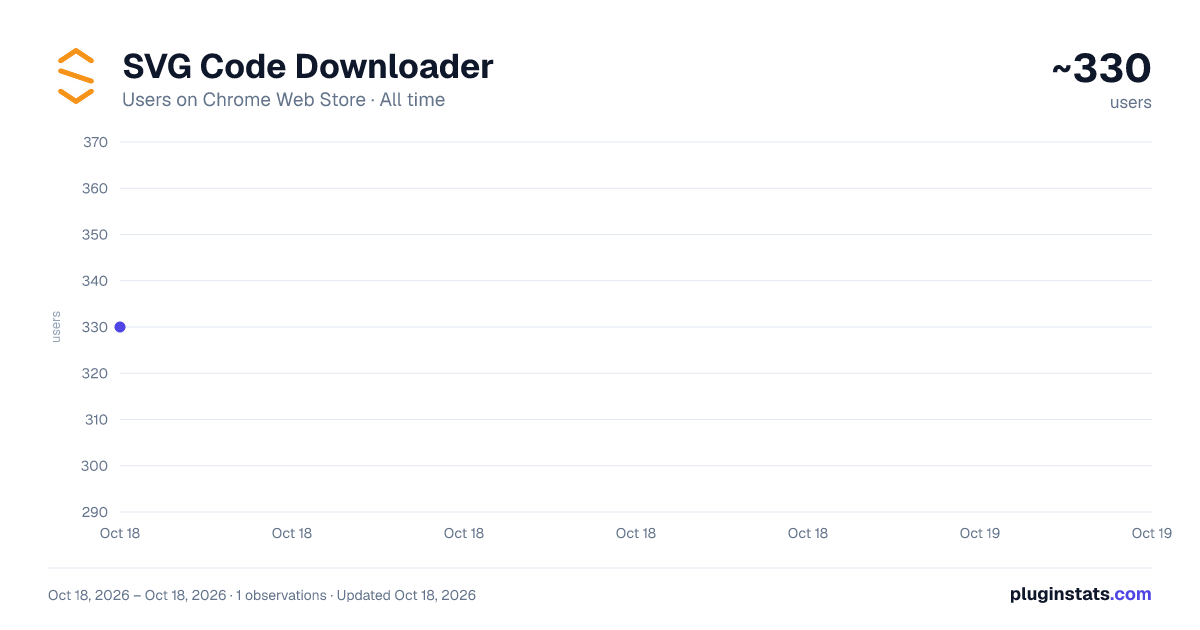
SVG Code Downloader has approximately 330 recorded users on Chrome Web Store.
It ranks #1233 of 2,033 tracked Chrome Web Store listings by users.
It is rated 5.0 out of 5 from 4 ratings.
PluginStats has 1 daily observations since Oct 18, 2026; the latest is from Oct 18, 2026.
Rating: 5.00 / 5 from 4 ratings
About SVG Code Downloader
Easily convert your SVG code into downloadable SVG or high-resolution PNG files with a single click.
Overview
SVG Code Downloader is a powerful Chrome extension designed to make the life of designers and developers easier. With this extension, you can effortlessly convert SVG code into downloadable SVG or high-resolution PNG files. Whether you're working on a complex web project or just need to download a vector graphic for a presentation, SVG Code Downloader is the perfect tool for you.
Key Features
1. Convert SVG Code to Downloadable Files SVG Code Downloader allows you to paste your SVG code into a text area and download it as an SVG or a high-resolution PNG file with just a click. No need for external tools or websites – everything is handled directly in your browser.
2. High-Resolution PNG Downloads When converting SVG code to PNG, the extension ensures that the image is at least 4000 pixels wide and has a resolution of 300 PPI. This guarantees that your PNG files are of the highest quality, suitable for print and digital use.
3. Easy-to-Use Interface The user-friendly interface makes it simple for anyone to use, even if you're not a tech expert. Just paste your SVG code, select the desired format, and download your file.
4. Dark Mode Enjoy working late at night or in low-light environments with the extension's dark mode. The dark-themed interface reduces eye strain and looks great on your screen.
5. Donation and Contact Information If you appreciate the extension and would like to support its development, there's an easy-to-find "Donate" section. Additionally, a "Contact" section is available with links to the developer's social media and email for any support or feedback.
Why You Should Install SVG Code Downloader
Save Time and Effort No more switching between different software or online converters. SVG Code Downloader integrates seamlessly into your browser, allowing you to convert and download files without interrupting your workflow.
Maintain High Quality Unlike some online converters that may compress your files, SVG Code Downloader ensures that your images maintain their quality. High-resolution PNG downloads ensure that your graphics are sharp and clear.
Convenience at Your Fingertips With a simple, intuitive interface, you can quickly and easily convert SVG code to downloadable files. This convenience makes it an indispensable tool for designers, developers, and anyone who frequently works with vector graphics.
Free to Use SVG Code Downloader is completely free to use. While donations are appreciated to support further development, all features are available without any cost.
Secure and Private Your SVG code is processed locally in your browser, which means that your data is never sent to external servers. This ensures that your work remains private and secure.
How to Use SVG Code Downloader
1. Install the Extension: Add SVG Code Downloader to your Chrome browser from the Chrome Web Store. 2. Open the Extension: Click on the SVG Code Downloader icon in your browser toolbar to open the extension popup. 3. Paste Your SVG Code: Copy your SVG code and paste it into the provided text area. 4. Download Your File: Click on "Download SVG" to save the file as an SVG, or "Download PNG" to save it as a high-resolution PNG.
Additional Information
• Donate Bitcoin: 3Fwte14CoEvNSnBcoJKVyNNWmMvp4hThad • Donate Ordinals, BRC-20 & Runes: bc1p5mhfcpswq386nwluml9d23n3zwewfvj5cdj0972ve6uxpzz5lsdsfdwsnv • Contact Information: • X (Twitter): https://x.com/SabunickBTC • Discord: https://discord.gg/jTdVYMyAZd • Instagram: https://www.instagram.com/sabunick/ • Gmail: sabunickbtc@gmail.com
Install SVG Code Downloader today and streamline your workflow with this essential tool for converting SVG code to downloadable files. Save time, maintain quality, and enjoy the convenience of having this functionality right in your browser.
Description from the Chrome Web Store listing.
Charts
Images: 30d · 1y · all time · 1600×900 dark
Adoption over time
7/30/90-day growth
Ranking history
Ratings over time
Listing placement
Filled points are observed values; hollow points come from Internet Archive snapshots of the listing page. Dashed segments span periods with no observations — values between points are not interpolated.
Each band is one page of 20. Users on a log scale. Placement is projected from users, so it can differ from the marketplace's own sort order. Hover a dot to see the listing.
Recent observations
Full history (1)Similar Chrome Web Store Art & Design plugins
All 20 SVG Code Downloader alternatives




Data source
Covers every Chrome Web Store extension with at least 100 users, found through the store's public sitemap. User counts are read from public listing pages. The 10% most-used extensions are refreshed daily, the next 40% weekly and the next 40% monthly; the least-used 10% are not refreshed. Google displays rounded user counts (and caps the display at 10,000,000+), so small changes may not be visible. Rating counts above 1,000 are rounded (e.g. 1.6K).
Listing: https://chromewebstore.google.com/detail/svg-code-downloader/nadlihclkogdjocaooabbimjpmckhdbg. First seen Oct 18, 2026; last successful collection Oct 18, 2026. See the methodology.