 PluginStats
AdBlocker Lite users statistics
By chYer (2 listings) · Chrome Web Store · Tools
Block ads seamlessly on popular websites.
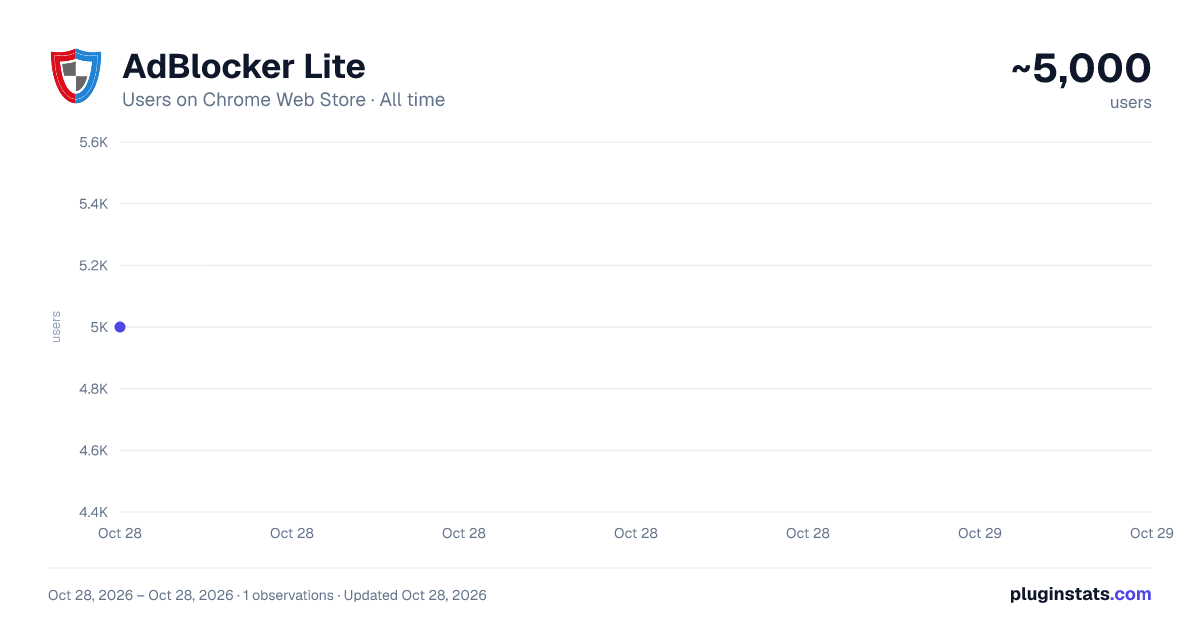
AdBlocker Lite has approximately 5,000 recorded users on Chrome Web Store, ranking #841 of 4,880 tracked listings.
Rating: 3.40 / 5 from 59 ratings
About AdBlocker Lite
Block ads seamlessly on popular websites.
AdBlocker Lite is a browser add-on that enables you to block annoying ads seamlessly on popular websites. It has 2 modes, Lite and Full. In lite mode, the extension uses the least amount of CPU power and memory and it runs based on pure CSS. Lite mode is ideal for slow machines. In full mode, more ads are targeted and more CPU power and memory are required.
Some important features:
- It allows you to block annoying ads, scripts, images, iframes and many more.
- Ultra-lite extension with no significant memory and CPU usage.
- Unlike other similar products, AdBlocker Lite uses hard coded filtering rules for fast and reliable performance.
- Provides an easy access filtering list if you wish to allow advertisement on some websites.
- Includes ON|OFF button to quickly disable or enable the extension.
- Includes Highlight/Block modes; in highlight mode, you can only highlight ads without blocking (hiding) them, but in block mode, ads are blocked.
- Easily switch between full and lite modes (default is lite mode).
- Add custom blocking rules. Currently, only rules in the form of css-selectors are accepted.
- Badge icon text shows the number of blocked ads (active in full mode only).
Note 1: In AdBlocker Lite you can allow some websites (including its homepage) to show non-intrusive advertisements. By doing this you support websites that rely on advertising. Some websites are added by default, but this list can be modified at any time.
Note 2: AdBlocker Lite is designed to block ads on popular websites only (i.e. facebook, youtube, gmail, yahoo mail, etc). Besides, it does not block popup-ads, if you need a full-featured adblocker please use other adblocker addons in the addon store.
Note 3: To add a custom rule, please use css-selectors. For example, the following rule hides a div element with class test: div[class='test']. Please note, you can only add valid CSS rules, otherwise, it won't be added to the list.
Description from the Chrome Web Store listing.
README badge
Show your rank in a README or on your website. The badge updates automatically.
Charts
Images: 30d · 1y · all time · 1600×900 dark
Adoption over time
7/30/90-day growth
Ranking history
Ratings over time
Listing placement
Listing placement
Filled points are observed values; hollow points come from Internet Archive snapshots of the listing page. Dashed segments span periods with no observations — values between points are not interpolated.
Each band is one page of 20. Users on a linear scale. Placement is projected from users, so it can differ from the marketplace's own sort order. Hover a dot to see the listing.
Recent observations
Full history (1)Similar Chrome Web Store Tools plugins
All 20 AdBlocker Lite alternatives



Data source
Covers every Chrome Web Store extension with at least 100 users, found through the store's public sitemap. User counts are read from public listing pages. The 10% most-used extensions are refreshed daily, the next 40% weekly and the next 40% monthly; the least-used 10% are not refreshed. Google displays rounded user counts (and caps the display at 10,000,000+), so small changes may not be visible. Rating counts above 1,000 are rounded (e.g. 1.6K).
Listing: https://chromewebstore.google.com/detail/adblocker-lite/kihnnjkmbhhockopicpjhalcbchpmkkh. First seen Oct 28, 2026; last successful collection Oct 28, 2026. See the methodology.