 PluginStats
Autoview.com Trading Extension users statistics
Chrome Web Store · Workflow & Planning
Automates TradingView alert execution across 20+ crypto and forex exchanges and brokers, with demo and testnet account support.
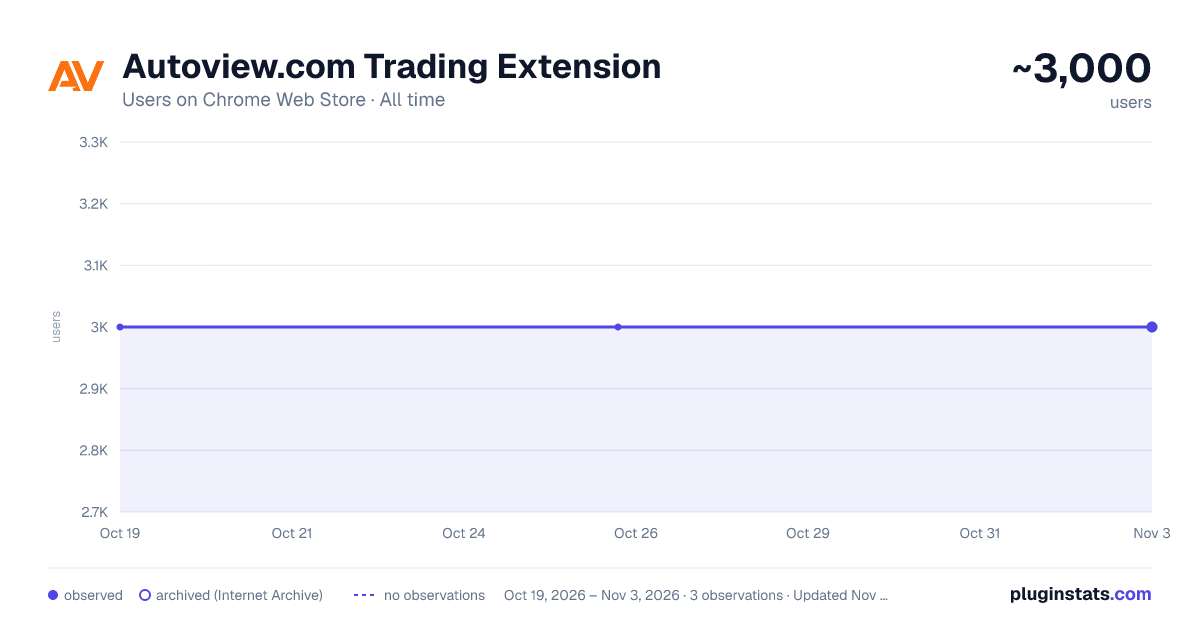
Autoview.com Trading Extension has approximately 3,000 recorded users on Chrome Web Store, ranking #629 of 2,952 tracked listings.
Rating: 3.40 / 5 from 7 ratings
About Autoview.com Trading Extension
Automates TradingView alert execution across 20+ crypto and forex exchanges and brokers, with demo and testnet account support.
Autoview turns TradingView alerts into live orders across a wide range of exchanges and brokers. You build the strategy; Autoview handles the execution. Every alert becomes an order at your exchange within seconds, while your API keys and funds stay entirely under your control.
HOW IT WORKS
- Your TradingView alert fires with an Autoview command in its message.
- Autoview parses the command; quantity, order type, stop-loss, take-profit, reduce-only, and more, all in a single line.
- The order is sent directly from your browser to your exchange's API. Autoview never holds funds and never needs withdrawal access.
SUPPORTED EXCHANGES AND BROKERS
- Crypto
- Forex / CFDs
- Futures and stocks
TRY IT FREE (NO ACCOUNT REQUIRED) No Autoview.com account is needed to get started. Over half the supported exchanges and brokers have a testnet/demo integration. On any exchange, you can add API keys, test credentials, pull live market data, and execute the full alert workflow in demo mode; before ever needing to connect anything live. Live (real-money) order execution is enabled with an Autoview.com subscription.
KEY FEATURES
- Syntax Builder -- compose alert commands visually against your configured account, with live symbols and prices, then copy the result straight into a TradingView alert.
- Expressive one-line command syntax -- quantity, order type, stop-loss, take-profit, reduce-only, and multi-account routing in a single alert message.
- Multiple accounts per venue, each with its own credentials and settings.
- Carbon Copy -- forward every alert to your own HTTP endpoint (your server, a logger, a custom webhook), included free for everyone.
- Encrypted credential export and import for easy backup, recovery, and transfer between machines.
- Activity log with configurable retention, so you can audit every alert received and every order placed.
YOUR KEYS, YOUR FUNDS API keys are stored in your browser's extension storage and used only to communicate directly with your exchange. Autoview never takes custody of funds, and withdrawal permissions are never required -- we recommend leaving them disabled on every key you create.
PORTFOLIO Connect your Autoview.com account to manage your subscription and see your trades in one place. While connected, the extension sends your order fills to your account for portfolio tracking. Your API keys stay in your browser and are never sent to Autoview. You can turn portfolio tracking off in Settings or disconnect at any time.
ALERT SYNTAX Full syntax reference: https://autoview.com/syntax/
SUPPORT Support ticket: support@autoview.com Discord: https://discord.gg/autoview Guides: https://autoview.com/guides/
AFFILIATE DISCLOSURE This extension uses affiliate programs, which means we earn a small commission at no extra cost to you when you trade through a broker provided by our extension.
RISK DISCLOSURE Futures, forex, and crypto trading carries substantial risk and is not suitable for every investor. Only risk capital should be used for trading. Past performance is not necessarily indicative of future results.
Description from the Chrome Web Store listing.
README badge
Show your rank in a README or on your website. The badge updates automatically.
Charts
Images: 30d · 1y · all time · 1600×900 dark
Adoption over time
7/30/90-day growth
Ranking history
Ratings over time
Listing placement
Listing placement
Filled points are observed values; hollow points come from Internet Archive snapshots of the listing page. Dashed segments span periods with no observations — values between points are not interpolated.
Each band is one page of 20. Users on a linear scale. Placement is projected from users, so it can differ from the marketplace's own sort order. Hover a dot to see the listing.
Recent observations
Full history (1)Similar Chrome Web Store Workflow & Planning plugins
All 20 Autoview.com Trading Extension alternatives



Data source
Covers every Chrome Web Store extension with at least 100 users, found through the store's public sitemap. User counts are read from public listing pages. The 10% most-used extensions are refreshed daily, the next 40% weekly and the next 40% monthly; the least-used 10% are not refreshed. Google displays rounded user counts (and caps the display at 10,000,000+), so small changes may not be visible. Rating counts above 1,000 are rounded (e.g. 1.6K).
Listing: https://chromewebstore.google.com/detail/autoviewcom-trading-exten/hjjeplacckkpgfcmgpcnlpmabddkeioi. First seen Oct 19, 2026; last successful collection Oct 19, 2026. See the methodology.