 PluginStats
TeleBackup - Telegram Downloader & Multimedia Archiving Tool users statistics
Save Telegram videos & photos in one click. Desktop client for bulk private media mirroring, history export & channel cloning.
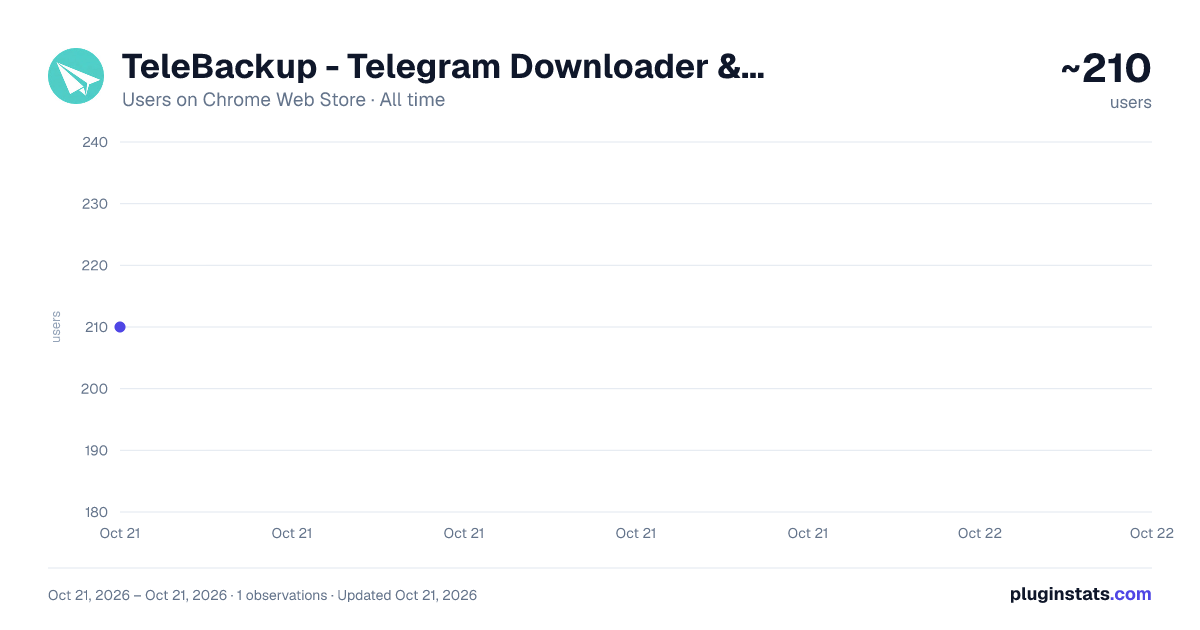
TeleBackup - Telegram Downloader & Multimedia Archiving Tool has approximately 210 recorded users on Chrome Web Store, ranking #2139 of 2,952 tracked listings.
About TeleBackup - Telegram Downloader & Multimedia Archiving Tool
Save Telegram videos & photos in one click. Desktop client for bulk private media mirroring, history export & channel cloning.
🌟 Key Features of the Plugin
Seamless Integration: Takes effect immediately after installation, automatically generating a download link next to your Telegram feed without disrupting your existing workflow.
Compatibility with All Media Types: Whether it’s HD 4K videos, lossless audio archives, or massive photo albums and images, the plugin automatically detects them and triggers high-speed downloads with a single tap.
Support for Large Files: Fully supports downloading Telegram’s 2–4GB large files, letting you save any file you want with a single click.
Private Downloads & Security: 100% protection of user privacy. The download process is handled entirely locally, without passing through any intermediate servers or bots, ensuring your private information remains secure.
Multi-Platform Support: Compatible with all Chromium-based browsers, including Chrome and Edge, so you can download anywhere. TeleBackup is dedicated to providing an unrestricted download experience. We promise an ad-free experience—simply install the extension to use reliable Telegram web media saving features. For full backups, cloning, and automated migration, please refer to the section below regarding the standalone desktop client. Note: This browser extension and the TeleBackup desktop client are two completely independent tools with no shared interfaces or functional dependencies, eliminating any risk of data leakage. Download link: https://chatdex.cc
[About the Standalone Desktop Client] For scenarios involving large-scale data processing, our development team has released a separate, full-featured local desktop client (TeleBackup). This client supports the following features: Batch automated saving of private media Retrieval of Telegram chat history Cloning entire group resources and automated channel cloning
Core Features Full Media Backup and Download: Supports all types of content, including text (with formatting preserved), images, videos, audio, documents, stickers, and albums, as well as private media. Smart Cloning/Migration: 1:1 replication of channel content, with support for text-only or media-only modes, while preserving the comments section (displayed in original order), media group albums, and custom rules for link/button replacement. Incremental Sync and Resume Downloads: Downloads only new content, supports resume downloads, parallel processing, and deduplication. Local Archiving: Stores message logs in SQLite, supports full-text search, tree-view organization by date/type, and export to HTML/CSV (with media previews). Multi-Account Management: Switch accounts, import Telegram Desktop tdata sessions, and supports proxies (SOCKS5/HTTP). Smart Task Scheduling: Automatic retries, smart reconnection, and real-time progress monitoring ensure stable operation. Other Features: Disk usage monitoring, custom renaming, message tagging, and favorites. Use Cases Channel content archiving, cross-channel synchronization, historical message migration, bulk download of private media, and operational backups. The Pro version offers more advanced cloning rules, multi-account support, and one-on-one technical assistance.
Frequently Asked Questions (FAQ) Q: Does it support private channels/groups? A: Yes. However, your account must already be a member of the private channel/group to access and clone it. Q: How fast is the download speed? Does the computer need to stay on? A: Speed depends on your network and settings. Download speeds typically range from 6–15 MB/s, depending on your account permissions (priority is given to stability). The program must remain running to complete the task, but it supports resuming interrupted downloads; you can continue after restarting. Q: Is the data secure? A: It runs entirely locally. All data (chats, messages, media) is stored in a local folder and is not uploaded to any cloud service.
Description from the Chrome Web Store listing.
README badge
Show your rank in a README or on your website. The badge updates automatically.
Charts
Images: 30d · 1y · all time · 1600×900 dark
Adoption over time
7/30/90-day growth
Ranking history
Ratings over time
Listing placement
Listing placement
Filled points are observed values; hollow points come from Internet Archive snapshots of the listing page. Dashed segments span periods with no observations — values between points are not interpolated.
Each band is one page of 20. Users on a linear scale. Placement is projected from users, so it can differ from the marketplace's own sort order. Hover a dot to see the listing.
Recent observations
Full history (1)Similar Chrome Web Store Tools plugins
All 20 TeleBackup - Telegram Downloader & Multimedia Archiving Tool alternatives



Data source
Covers every Chrome Web Store extension with at least 100 users, found through the store's public sitemap. User counts are read from public listing pages. The 10% most-used extensions are refreshed daily, the next 40% weekly and the next 40% monthly; the least-used 10% are not refreshed. Google displays rounded user counts (and caps the display at 10,000,000+), so small changes may not be visible. Rating counts above 1,000 are rounded (e.g. 1.6K).
Listing: https://chromewebstore.google.com/detail/telebackup-telegram-downl/dkcchpfpgnpdjnppelkbcdojkapcacma. First seen Oct 21, 2026; last successful collection Oct 21, 2026. See the methodology.