 PluginStats
Circle for Google Maps / Draw a circle on Google Maps. users statistics
This tool allows you to draw circles of any size on Google Maps.
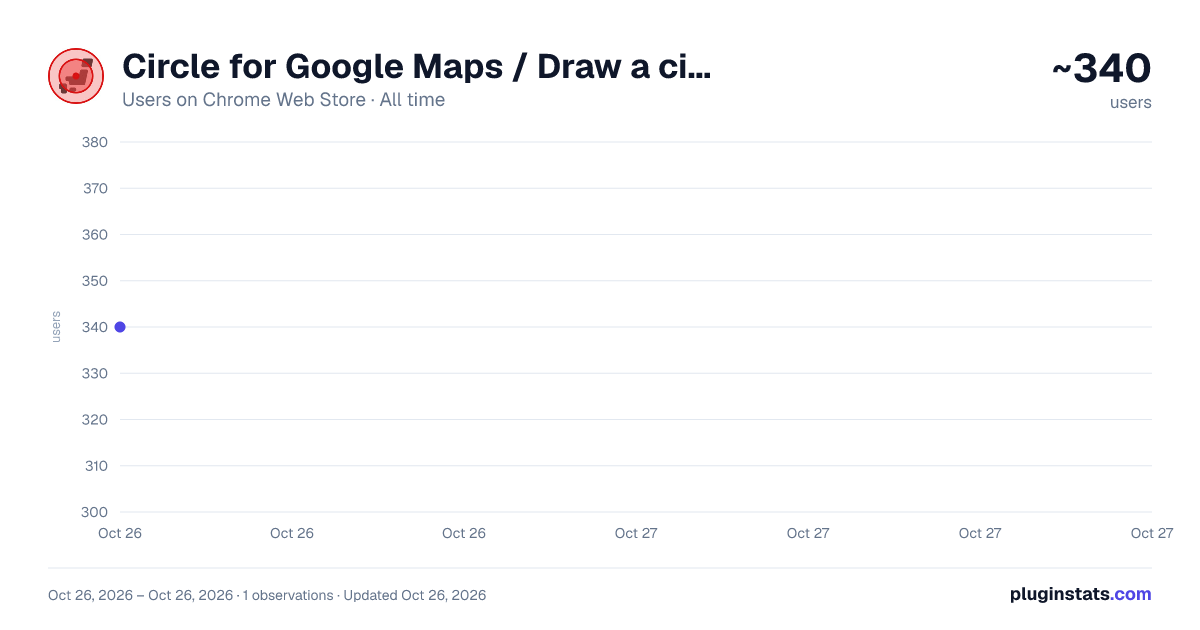
Circle for Google Maps / Draw a circle on Google Maps. has approximately 340 recorded users on Chrome Web Store, ranking #2890 of 4,880 tracked listings.
About Circle for Google Maps / Draw a circle on Google Maps.
This tool allows you to draw circles of any size on Google Maps.
Right-click anywhere on the map to specify a location, then intuitively display a circle with your chosen radius (e.g., 500m, 2km). By visualizing distances, it's ideal for understanding geographic boundaries—perfect for trade area analysis, area survey strategies, and more.
Due to specification changes in Google Maps, circles may occasionally fail to render. In such cases, we are already working on a fix and waiting for review. Thank you for your patience.
Key Features ✔ Easy Drawing: Right-click anywhere on the map and select "Draw Circle" to create a circle instantly. ✔ Multiple Circles: Draw multiple circles to compare different areas with ease. ✔ Precise & Persistent: Circles maintain their scale when zooming. Drag to fine-tune positions. Your circles are saved automatically and persist even after reloading the page. ✔ Flexible Units: Switch between kilometers (km) and meters (m) at any time. Adjust circle size in 100m increments directly on the map. ✔ Undo/Redo History: Includes a history button (↺) to revert changes to circle size or position. ✔ Cloud Sync: Your circle data now syncs across any Chrome browser where you are logged into the same Google account. ✔ Quick Toggle: Enable or disable drawing mode via the icon in the bottom-right corner. ✔ When you select text on a web page, the option “Search for ‘selected text’ on Google Maps” will be added to the right-click menu.
Install Circle for Google Maps today and start visualizing distances on your map!
Use Cases
Service & Sales Area Visualization
Clearly define service boundaries for delivery, business trips, or door-to-door sales.
Example: Visualize a "Free Delivery Zone" within 5km of your shop.
Site & Trade Area Analysis
Analyze locations relative to competitors and customer distribution for new store openings.
Example: Evaluate commuter inflow by marking walking distances (1km, 2km) from major stations.
Event & Marketing Planning
Define target areas for promotions based on the expected travel range of attendees.
Example: Distribute flyers within a 3km radius of a fireworks festival venue.
Real Estate & Location Marketing
Visually present "walking distance from station" or proximity to local amenities.
Example: Show that supermarkets, schools, and hospitals are within 800m of a property.
Education & Research
Geographically categorize school districts or survey areas.
Example: Create materials showing the impact radius of observation points for biological surveys or regional studies.
Disaster Prevention & Safety Planning
Visualize impact zones from hazardous facilities (chemical plants, rivers, fault lines).
Example: Plan supplies by estimating the population within 500m of a designated evacuation center.
==== Latest Update 0.1.15 ==== The minimum unit for changing the size of a circle has been changed from 100 meters to 50 meters.
Fixes & Updates:
Improved circle tracking when moving the map.
Fixed a bug where circles multiplied when opening the popup.
Pins are no longer dropped on the map when closing the popup.
Scale labels are now hidden if they overlap or exceed the circle boundary.
Fixed a bug where circles appeared in incorrect positions when rotating the map.
Added bounding boxes for selected circles.
Enabled data synchronization across Chrome browsers.
Map orientation (bearing) and tilt are now reset when drawing a circle via the right-click menu for better accuracy.
Description from the Chrome Web Store listing.
README badge
Show your rank in a README or on your website. The badge updates automatically.
Charts
Images: 30d · 1y · all time · 1600×900 dark
Adoption over time
7/30/90-day growth
Ranking history
Ratings over time
Listing placement
Listing placement
Filled points are observed values; hollow points come from Internet Archive snapshots of the listing page. Dashed segments span periods with no observations — values between points are not interpolated.
Each band is one page of 20. Users on a linear scale. Placement is projected from users, so it can differ from the marketplace's own sort order. Hover a dot to see the listing.
Recent observations
Full history (1)Similar Chrome Web Store Tools plugins
All 20 Circle for Google Maps / Draw a circle on Google Maps. alternatives



Data source
Covers every Chrome Web Store extension with at least 100 users, found through the store's public sitemap. User counts are read from public listing pages. The 10% most-used extensions are refreshed daily, the next 40% weekly and the next 40% monthly; the least-used 10% are not refreshed. Google displays rounded user counts (and caps the display at 10,000,000+), so small changes may not be visible. Rating counts above 1,000 are rounded (e.g. 1.6K).
Listing: https://chromewebstore.google.com/detail/circle-for-google-maps-dr/dncbgldjifeigclagpfdmoakmckdnmbe. First seen Oct 26, 2026; last successful collection Oct 26, 2026. See the methodology.