 PluginStats
Dev Dark Mode Toggle users statistics
Chrome Web Store · Developer Tools
Flip any tab between light and dark using its own native theme. Real prefers-color-scheme emulation, no color inversion.
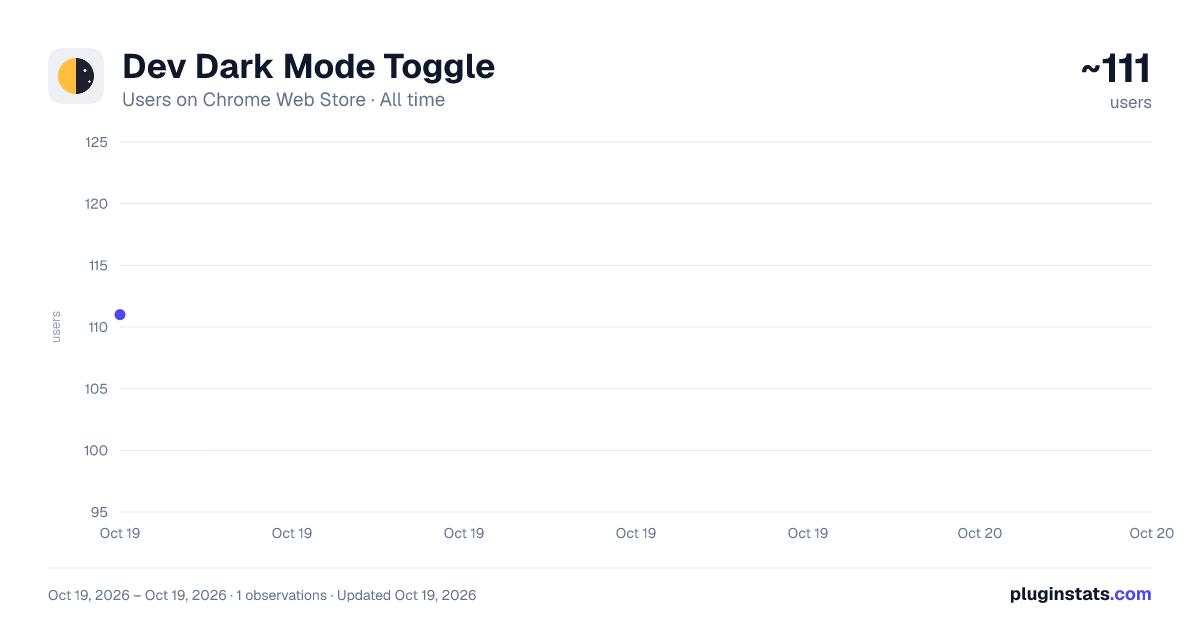
Dev Dark Mode Toggle has approximately 111 recorded users on Chrome Web Store, ranking #2403 of 2,495 tracked listings.
About Dev Dark Mode Toggle
Flip any tab between light and dark using its own native theme. Real prefers-color-scheme emulation, no color inversion.
Dev Dark Mode Toggle flips the current tab between light and dark by genuinely
emulating the CSS prefers-color-scheme media feature — so every site renders
the theme it already ships. No color inversion, no injected stylesheets, no
distorted images.
HOW IT WORKS • Click the toolbar icon (or press Ctrl+Shift+L / ⌘+Shift+L) on any tab. • The first toggle forces the opposite of your system setting: if your system is dark, the tab goes Light; if light, it goes Dark. Toggle again to return to your system default. • State is per-tab and temporary — nothing is saved, nothing persists across reloads, and each tab is independent. • The toolbar icon adapts to your browser theme and shows the current
WHY IT'S DIFFERENT
Most dark-mode extensions fake darkness by inverting colors or overriding CSS,
which wrecks photos and fights the site's design. This extension uses the same
mechanism as Chrome DevTools' "Emulate CSS media feature" so @media (prefers-color-scheme) actually matches and the site's own theme takes over.
A NOTE YOU SHOULD KNOW True prefers-color-scheme emulation is only possible via Chrome's debugger API, so while a scheme is forced Chrome shows a "started debugging this browser" banner on that tab. That is a Chrome security notice, not an error — toggling back to System removes it. The extension only attaches to the tab you toggle.
PRIVACY No data is collected, stored, or transmitted. No analytics. No servers. No host permissions. Everything runs locally.
Description from the Chrome Web Store listing.
README badge
Show your rank in a README or on your website. The badge updates automatically.
Charts
Images: 30d · 1y · all time · 1600×900 dark
Adoption over time
7/30/90-day growth
Ranking history
Ratings over time
Listing placement
Listing placement
Filled points are observed values; hollow points come from Internet Archive snapshots of the listing page. Dashed segments span periods with no observations — values between points are not interpolated.
Each band is one page of 20. Users on a linear scale. Placement is projected from users, so it can differ from the marketplace's own sort order. Hover a dot to see the listing.
Recent observations
Full history (1)Similar Chrome Web Store Developer Tools plugins
All 20 Dev Dark Mode Toggle alternatives



Data source
Covers every Chrome Web Store extension with at least 100 users, found through the store's public sitemap. User counts are read from public listing pages. The 10% most-used extensions are refreshed daily, the next 40% weekly and the next 40% monthly; the least-used 10% are not refreshed. Google displays rounded user counts (and caps the display at 10,000,000+), so small changes may not be visible. Rating counts above 1,000 are rounded (e.g. 1.6K).
Listing: https://chromewebstore.google.com/detail/dev-dark-mode-toggle/oadbljjdlpmnhnndgkpgccnjcemkfnei. First seen Oct 19, 2026; last successful collection Oct 19, 2026. See the methodology.