 PluginStats
Tab Pinner (Keyboard Shortcuts) users statistics
By Brandon Buck · Chrome Web Store · Tools
Pin or Unpin a tab easily from the keyboard
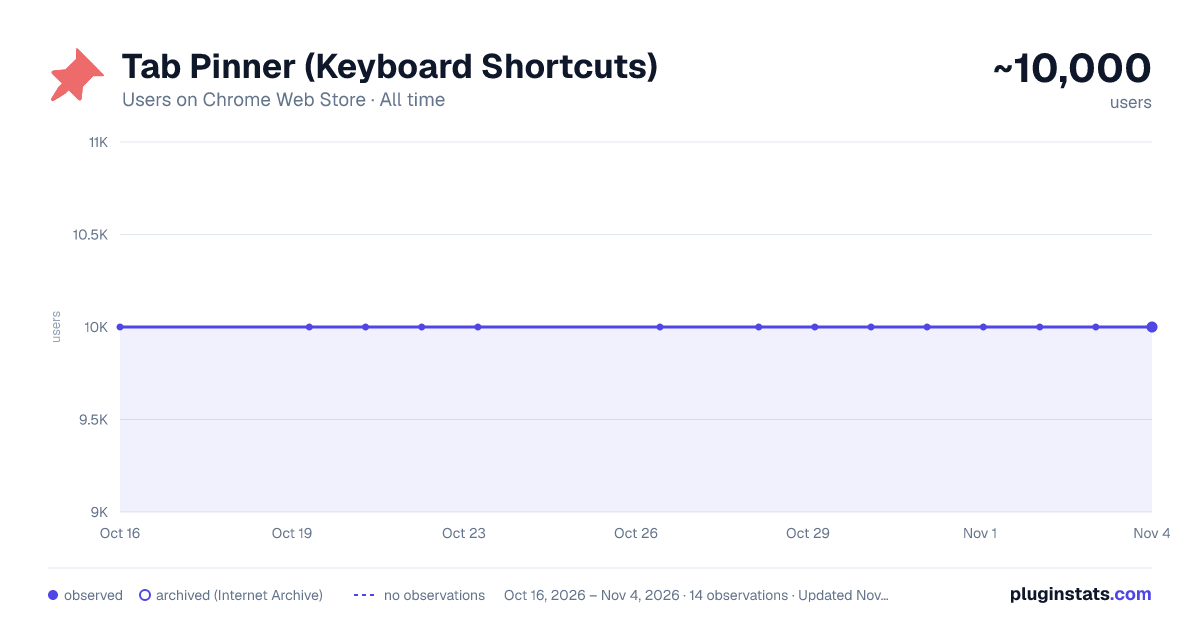
Tab Pinner (Keyboard Shortcuts) has approximately 10,000 recorded users on Chrome Web Store, ranking #250 of 2,495 tracked listings.
Rating: 4.70 / 5 from 128 ratings
About Tab Pinner (Keyboard Shortcuts)
Pin or Unpin a tab easily from the keyboard
It's annoying to have to right click a tab and choose "Pin Tab," and slows down your browsing workflow. This extension seeks to solve that by adding in a simple key binding for doing just that: Pinning and Unpinning tabs while browsing.
The default key binding is Ctrl + Shift + X (or Command + Shift + X on Mac OS X).
This extension requires no special permissions and doesn't inject anything into a page, the key binding is configurable from your extensions page so you can bind this to whatever you feel comfortable typing regularly.
To edit keybindings click the menu icon in the top left to open the sidebar and select "Keyboard Shortcuts." Or, you can navigate to chrome://extensions/shortcuts with your address bar.
Once you've got it set up the way you want to get to pinning those tabs quickly and easily!
November 27, 2017 Note
I've uploaded the source for this extension (extremely small) to Github. If you're interested to see what it takes to make this thing tick check out the "tab_pinner.js" file, if you want to make changes just make a PR with your proposed update. Enjoy!
https://github.com/bbuck/tab-pinner
April 30, 2015 Update!
Due to another comment (I guess another will come shortly after I post this update) there is yet another new command now that allows you to PIN all tabs at once (in the current window). Now you can pin/unpin your current tab and Pin/Unpin all tabs of the current window! Hooray!
I don't think I'll be willing to add anything more to keep things quite simple; however, if more suggestions do come in and they're not very complex or fit will with what is already done then I will most likely implement them when I can.
April 24, 2015 Update!
Due to comment request (even though it was just one, but I try and take care of you guys) I've added another keyboard shortcut for unpinning all pinned times at once. No other functionality was changed so feel free to use or ignore the new feature!
Description from the Chrome Web Store listing.
README badge
Show your rank in a README or on your website. The badge updates automatically.
Charts
Images: 30d · 1y · all time · 1600×900 dark
Adoption over time
7/30/90-day growth
Ranking history
Ratings over time
Listing placement
Listing placement
Filled points are observed values; hollow points come from Internet Archive snapshots of the listing page. Dashed segments span periods with no observations — values between points are not interpolated.
Each band is one page of 20. Users on a linear scale. Placement is projected from users, so it can differ from the marketplace's own sort order. Hover a dot to see the listing.
Recent observations
Full history (2)Similar Chrome Web Store Tools plugins
All 20 Tab Pinner (Keyboard Shortcuts) alternatives



Data source
Covers every Chrome Web Store extension with at least 100 users, found through the store's public sitemap. User counts are read from public listing pages. The 10% most-used extensions are refreshed daily, the next 40% weekly and the next 40% monthly; the least-used 10% are not refreshed. Google displays rounded user counts (and caps the display at 10,000,000+), so small changes may not be visible. Rating counts above 1,000 are rounded (e.g. 1.6K).
Listing: https://chromewebstore.google.com/detail/tab-pinner-keyboard-short/mbcjcnomlakhkechnbhmfjhnnllpbmlh. First seen Oct 16, 2026; last successful collection Oct 20, 2026. See the methodology.