 PluginStats
Enhancer for YouTube™ users statistics
Take control of YouTube and boost your user experience!
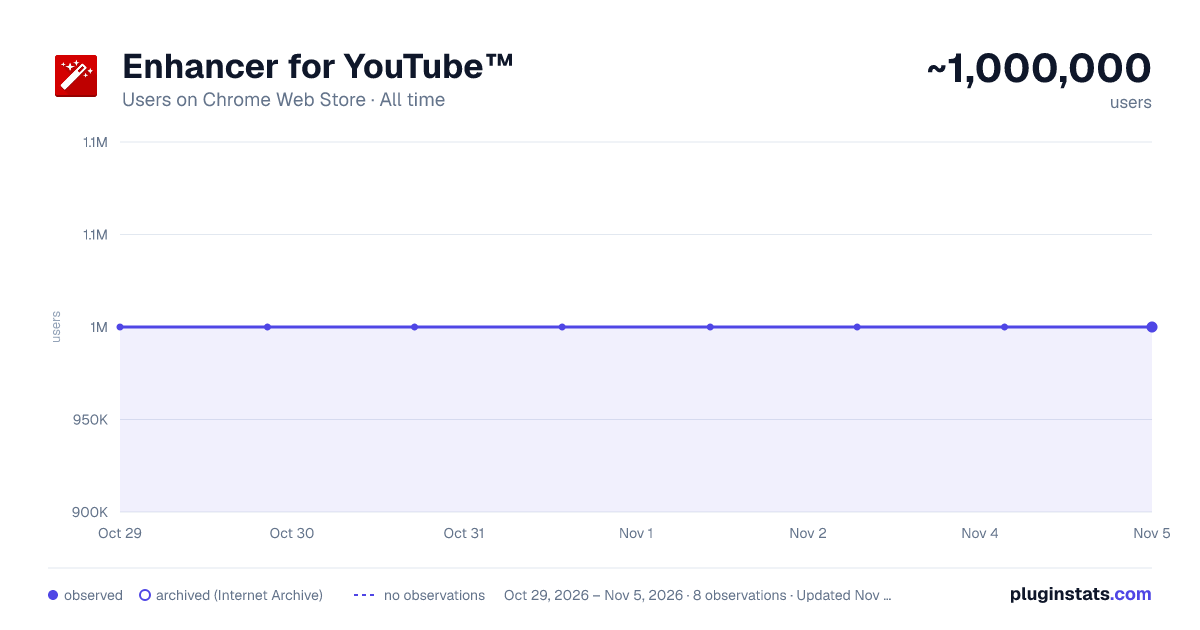
Enhancer for YouTube™ has approximately 1,000,000 recorded users on Chrome Web Store, ranking #54 of 5,223 tracked listings.
Rating: 4.50 / 5 from 17,600 ratings
About Enhancer for YouTube™
Take control of YouTube and boost your user experience!
Enhancer for YouTube™ is the ultimate tool to supercharge your YouTube experience with a host of highly customizable features, making it smoother and more enjoyable. Whether you’re looking to fine-tune playback settings or customize the look and feel, this YouTube enhancer gives you complete control to tailor YouTube to your needs.
Key Features:
Video Playback: • Quickly adjust playback speed, quality, volume, and more with the mouse wheel or keyboard shortcuts. • Playback Speed: Set a default playback speed and adjust it anywhere from 0.07x to 16x while watching. • Playback Quality: Set a default playback quality for videos, playlists, and embedded videos. • Volume Booster: Boost volume and bass for louder, clearer sound (up to 10x audio boost). • Enhanced Loop Mode: Repeat specific parts or the entire video effortlessly. • Autoplay Control: Fine-tune or disable YouTube’s autoplay features for better control. • Video Formats: Disable high frame rate formats (60fps).
Appearance and Themes: • Video Filters: Adjust brightness, contrast, color, and more without changing your monitor's settings. • Enhanced Dark Mode: Enjoy a sleek, eye-friendly interface with the built-in Dark Theme and its 50+ variants. • Custom Themes: Personalize YouTube's appearance with custom themes to suit your style. • Cinema Mode: Dim everything around the player to keep your focus on the video.
Video Player: • Wide Player: Expand the player beyond the default Theater Mode, or fill the entire screen without going full screen. • Mini Player: Keep watching while reading comments so you never miss a moment. • Pop-up Player: Watch videos in a resizable window while multitasking or browsing other content.
Distractions and Shorts: • Block Distractions: Hide end screens, info cards, recommendations, related videos, chat, or comments. • YouTube Shorts: Hide Shorts or watch Shorts like regular videos.
Other Features: • Screenshot: Capture high-quality screenshots of your favorite video moments. • Keyboard Shortcuts: Set up customizable keyboard shortcuts to control YouTube like a pro. • Reverse Playlists: Watch playlists in reverse order for a fresh viewing experience.
And more!
Get the most popular YouTube enhancer now and transform the way you watch YouTube forever!
Enhancer for YouTube™ is a third-party extension and is not affiliated with YouTube. YouTube is a trademark of Google LLC. Use of this trademark is subject to Google Permissions.
Description from the Chrome Web Store listing.
README badge
Show your rank in a README or on your website. The badge updates automatically.
Charts
Images: 30d · 1y · all time · 1600×900 dark
Adoption over time
7/30/90-day growth
Ranking history
Ratings over time
Listing placement
Listing placement
Filled points are observed values; hollow points come from Internet Archive snapshots of the listing page. Dashed segments span periods with no observations — values between points are not interpolated.
Each band is one page of 20. Users on a linear scale. Placement is projected from users, so it can differ from the marketplace's own sort order. Hover a dot to see the listing.
Recent observations
Full history (1)Similar Chrome Web Store Tools plugins
All 20 Enhancer for YouTube™ alternatives



Data source
Covers every Chrome Web Store extension with at least 100 users, found through the store's public sitemap. User counts are read from public listing pages. The 10% most-used extensions are refreshed daily, the next 40% weekly and the next 40% monthly; the least-used 10% are not refreshed. Google displays rounded user counts (and caps the display at 10,000,000+), so small changes may not be visible. Rating counts above 1,000 are rounded (e.g. 1.6K).
Listing: https://chromewebstore.google.com/detail/enhancer-for-youtube/ponfpcnoihfmfllpaingbgckeeldkhle. First seen Oct 29, 2026; last successful collection Oct 29, 2026. See the methodology.