 PluginStats
Prompt Optimizer users statistics
Refine AI prompts in-page or in a popup. Gemini, OpenAI, or local Ollama. Templates, secure keys, side-by-side preview.
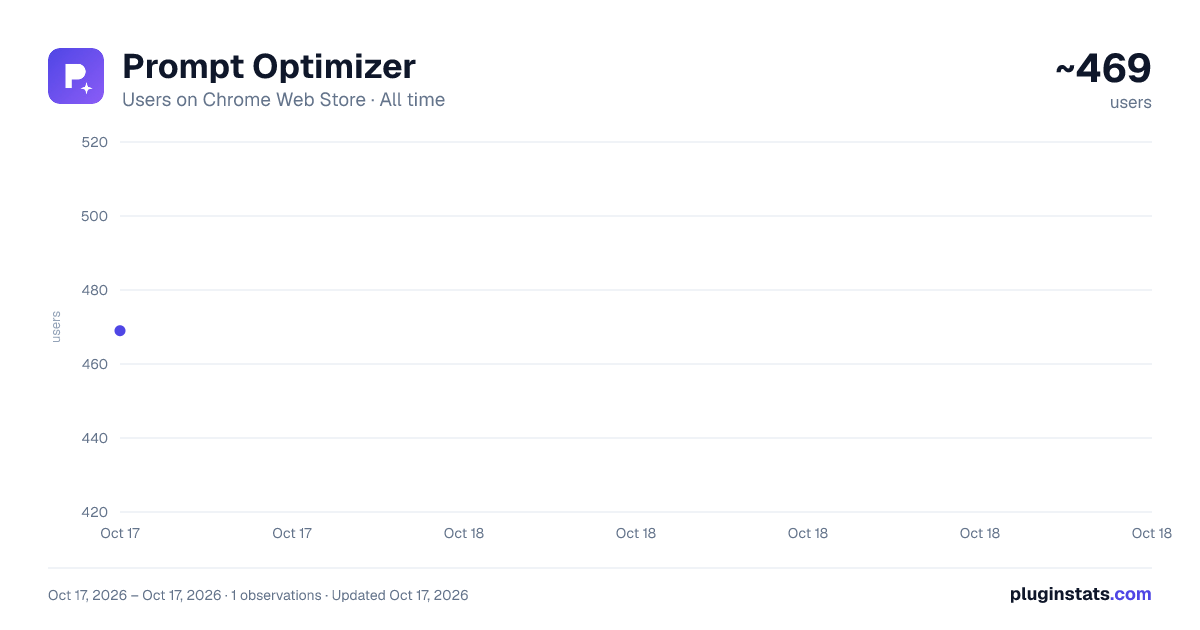
Prompt Optimizer has approximately 469 recorded users on Chrome Web Store, ranking #1053 of 2,033 tracked listings.
About Prompt Optimizer
Refine AI prompts in-page or in a popup. Gemini, OpenAI, or local Ollama. Templates, secure keys, side-by-side preview.
Optimize your prompts for AI models like Gemini, GPT, and local Ollama.
Prompt Optimizer is a Chrome extension that helps you craft clearer, more effective prompts for large language models—without leaving the page you're on.
What's new in 1.1.0
• Workspace UI refresh for popup, options, and in-page preview • Custom prompt templates (toolbar / popup / both) • Text template library with in-page trigger expansion • Ollama (local) provider — run optimizations against your own machine • Improved built-in optimization pills and popup quick actions
Important: Guest Mode has been removed. If you previously used Guest Mode, open Options and set up Gemini, OpenAI, or Ollama (Local). Your other settings are kept after the update.
KEY FEATURES
• In-page floating toolbar — Select text in a textarea, input, or contenteditable field on any site. A compact toolbar appears with one-click optimization actions. • Popup Prompt Workspace — Open the extension popup to write, paste, and refine longer prompts. Compare original and optimized text side by side before you apply changes. • Advanced prompt engineering — Built-in suggestion pills use structured meta-prompts (persona, constraints, format) so models return higher-quality results—not generic rewrites. • Custom optimization templates — Save your own instruction templates in Options and show them on the toolbar, popup, or both. • Text template library — Store reusable snippets with triggers (e.g. ;;po:meeting) and expand them in-page while you type. • Multi-provider support — Use your own API keys for Google Gemini or OpenAI, or connect to a local Ollama server for private, on-device optimization. • Secure and private — API keys stay in your browser (chrome.storage.local). Keys are only used in the background service worker to call your chosen provider. Optional AES-GCM encryption with a passphrase you control. • Local storage — Settings and libraries stay on your device, not in our cloud. Export text templates from Options (JSON/CSV) if you want your own backup before uninstalling or switching browsers. • Themes — Light, dark, or system appearance across popup, options, and in-page UI.
GETTING STARTED
- Install the extension and open Options.
- Choose Gemini, OpenAI, or Ollama (Local) and configure your provider.
- Select text on any site or use the popup to optimize.
- Enter the special prefix to insert custom snippets.
Description from the Chrome Web Store listing.
README badge
Show your rank in a README or on your website. The badge updates automatically.
Charts
Images: 30d · 1y · all time · 1600×900 dark
Adoption over time
7/30/90-day growth
Ranking history
Ratings over time
Listing placement
Listing placement
Filled points are observed values; hollow points come from Internet Archive snapshots of the listing page. Dashed segments span periods with no observations — values between points are not interpolated.
Each band is one page of 20. Users on a linear scale. Placement is projected from users, so it can differ from the marketplace's own sort order. Hover a dot to see the listing.
Recent observations
Full history (1)Similar Chrome Web Store Tools plugins
All 20 Prompt Optimizer alternatives



Prompt Optimizer on other marketplaces
Data source
Covers every Chrome Web Store extension with at least 100 users, found through the store's public sitemap. User counts are read from public listing pages. The 10% most-used extensions are refreshed daily, the next 40% weekly and the next 40% monthly; the least-used 10% are not refreshed. Google displays rounded user counts (and caps the display at 10,000,000+), so small changes may not be visible. Rating counts above 1,000 are rounded (e.g. 1.6K).
Listing: https://chromewebstore.google.com/detail/prompt-optimizer/agppepokoppdohhdfbkonfalcjbggomm. First seen Oct 17, 2026; last successful collection Oct 17, 2026. See the methodology.