 PluginStats
Stox.AI - Stock Analysis Assistant users statistics
By shreyanshss7 · Chrome Web Store · Education
AI-powered stock analysis browser extension that provides intelligent insights.
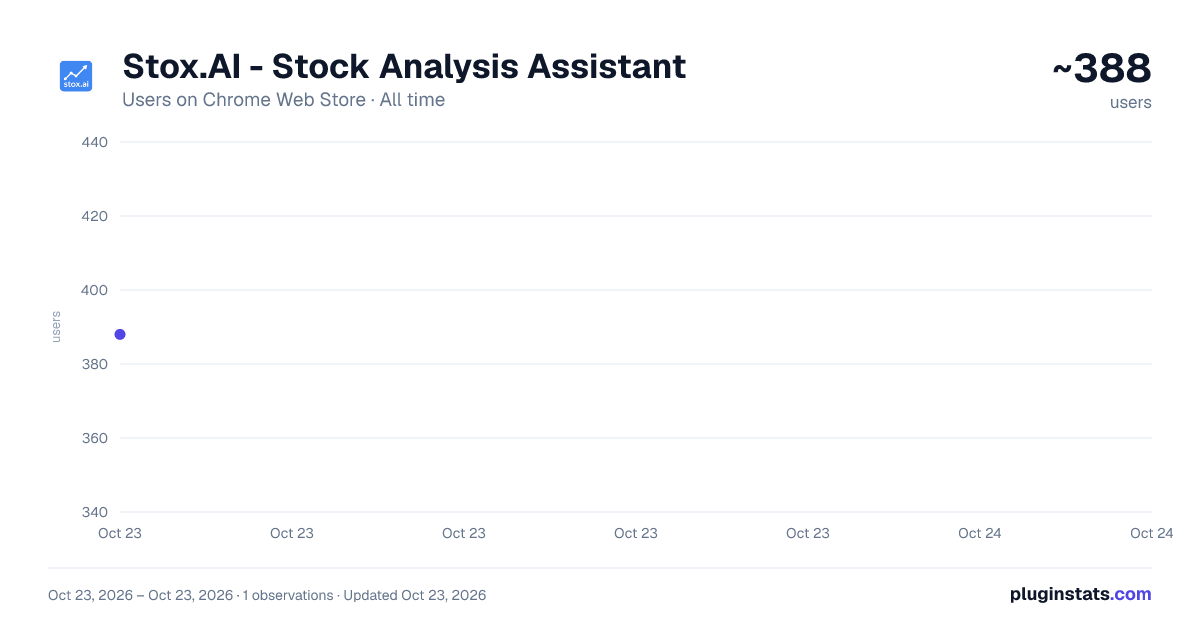
Stox.AI - Stock Analysis Assistant has approximately 388 recorded users on Chrome Web Store, ranking #2155 of 3,853 tracked listings.
About Stox.AI - Stock Analysis Assistant
AI-powered stock analysis browser extension that provides intelligent insights.
Stox.AI - Intelligent Stock Analysis & Screening Assistant
Transform your stock research with AI-powered insights and advanced screening capabilities, automatically.
What is Stox.AI?
Stox.AI is a powerful browser extension that brings intelligent stock analysis and advanced AI-powered stock screening directly to your browsing experience. Whether you're on Yahoo Finance, Google Finance, MarketWatch, Robinhood, or TradingView, our AI assistant provides comprehensive analysis and discovers stocks matching your criteria with just a few clicks.
🚀 Key Features
🤖 AI-Powered Stock Analysis
- Comprehensive stock analysis using advanced AI
- Real-time streaming responses for instant insights
- Multiple analysis types: fundamental, technical, and sentiment analysis
🔍 Smart Symbol Detection
- Automatically detects stock symbols on financial websites
- Works seamlessly with Yahoo Finance, Google Finance, MarketWatch, Robinhood, and TradingView
- No manual symbol entry required
📊 Advanced AI Stock Screening
- Intelligent Stock Discovery: Ask natural language questions to find stocks matching specific criteria
- Multi-Market Support: Screen both US and Indian stock markets
- Data-Driven Results: Get stocks with relevant metrics, scores, and rationale
- Popular Screens: Pre-built queries for dividend aristocrats, growth stocks, value plays, and more
- Screening History: Save and revisit your previous screening sessions
🔐 Hassle-Free Experience
- Simple user authentication
- Instant access to professional-grade analysis and screening tools
- Subscription-based access with generous limits
📈 Real-Time Data Integration
- Live financial data integration
- Current market insights and trends
- News sentiment analysis
- Key financial metrics and ratios
How It Works
Stock Analysis
- Browse Naturally - Visit any supported financial website
- Automatic Detection - Extension detects stock symbols automatically
- Click & Analyze - Click the extension icon for instant AI analysis
- Get Insights - Receive comprehensive, real-time stock analysis
Stock Screening
- Open Extension - Click the Stox.AI icon from any webpage
- Choose Market - Select US or Indian stock markets
- Ask Questions - Use natural language to describe your screening criteria
- Discover Stocks - Get ranked results with key metrics and relevance scores
Perfect For
- Day Traders - Quick technical analysis and market sentiment plus screening for breakout opportunities
- Long-term Investors - Fundamental analysis and discovery of undervalued gems
- Financial Students - Learning tool with detailed explanations and diverse screening examples
- Market Researchers - Comprehensive data aggregation, analysis, and systematic stock discovery
- Portfolio Managers - Advanced screening for sector rotation and opportunity identification
Screening Examples Ask questions like:
- "High dividend yield stocks with consistent earnings growth"
- "Tech companies with P/E ratios under 20 and strong revenue growth"
- "Small-cap value stocks trading below book value"
- "REITs with occupancy rates above 90% and dividend yields over 4%"
- "Energy stocks that outperformed the market this quarter"
Supported Websites ✅ Yahoo Finance✅ Google Finance✅ MarketWatch✅ Robinhood✅ TradingView
Market Coverage 🇺🇸 US Markets - NYSE, NASDAQ, and major exchanges 🇮🇳 Indian Markets - NSE, BSE, and major Indian exchanges
Privacy & Security
- Your data is secure and never shared
- Minimal data collection (email and preferences only)
- No financial or personal trading data stored
Getting Started
- Install the extension
- Create your free account
- Start screening: Ask natural language questions about market criteria
- Analyze symbols: Navigate to supported financial websites for automatic analysis
- Enjoy intelligent insights: Make smarter investment decisions with AI-powered research tools
Subscription Plans
- Free Plan: 20 daily screenings + 20 basic analysis
- Premium Plan: 100 daily screenings + advanced features + streaming analysis
Experience the future of stock research and discovery. Install Stox.AI today and make smarter investment decisions with AI-powered insights and screening capabilities.
Disclaimer: This extension provides educational information only and should not be considered as financial advice. Always consult qualified financial advisors for investment decisions.
Description from the Chrome Web Store listing.
README badge
Show your rank in a README or on your website. The badge updates automatically.
Charts
Images: 30d · 1y · all time · 1600×900 dark
Adoption over time
7/30/90-day growth
Ranking history
Ratings over time
Listing placement
Listing placement
Filled points are observed values; hollow points come from Internet Archive snapshots of the listing page. Dashed segments span periods with no observations — values between points are not interpolated.
Each band is one page of 20. Users on a linear scale. Placement is projected from users, so it can differ from the marketplace's own sort order. Hover a dot to see the listing.
Recent observations
Full history (1)Similar Chrome Web Store Education plugins
All 20 Stox.AI - Stock Analysis Assistant alternatives



Data source
Covers every Chrome Web Store extension with at least 100 users, found through the store's public sitemap. User counts are read from public listing pages. The 10% most-used extensions are refreshed daily, the next 40% weekly and the next 40% monthly; the least-used 10% are not refreshed. Google displays rounded user counts (and caps the display at 10,000,000+), so small changes may not be visible. Rating counts above 1,000 are rounded (e.g. 1.6K).
Listing: https://chromewebstore.google.com/detail/stoxai-stock-analysis-ass/fkkgkihmgohiliodoagnojjgcpkglofa. First seen Oct 23, 2026; last successful collection Oct 23, 2026. See the methodology.