 PluginStats
TagPipes Companion users statistics
Chrome Web Store · Developer Tools
Inspect analytics, marketing tags, consent, events, cookies and network requests directly in Chrome DevTools.
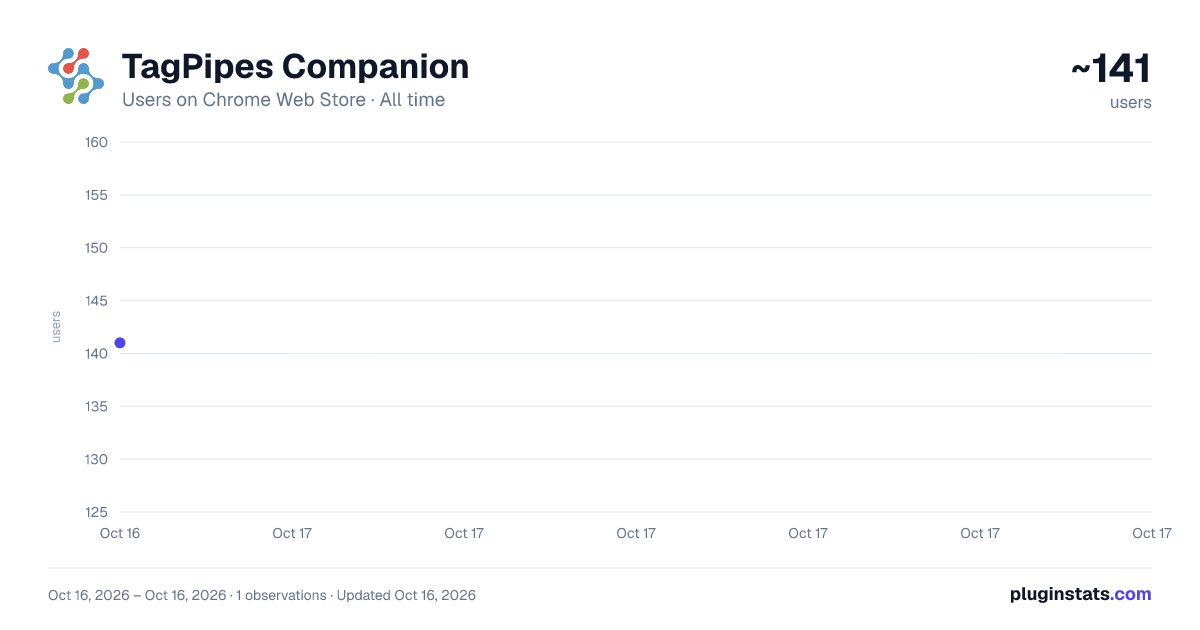
TagPipes Companion has approximately 141 recorded users on Chrome Web Store, ranking #2172 of 2,495 tracked listings.
Rating: 5.00 / 5 from 2 ratings
About TagPipes Companion
Inspect analytics, marketing tags, consent, events, cookies and network requests directly in Chrome DevTools.
See what your marketing and analytics setup is actually doing.
TagPipes Companion is a free Chrome DevTools extension for marketers, analysts and implementation teams.
It helps you inspect analytics events, marketing tags, consent signals, cookies, browser storage and network requests directly in Chrome.
What you can inspect
• Analytics and marketing events sent from the page • Problems such as duplicate purchases, missing event values and unexpected tracking behavior • Marketing and analytics tools detected on the page • Google Consent Mode signals and consent-state changes • Consent-management and browser privacy signals when observable • Network requests and the parameters sent with them • Cookies and browser storage written during a captured page load
Page-load capture
Use Reload and Capture when you need to see what happened from the first moment the page loaded.
Companion can show the sequence of consent defaults, tag requests, visitor choice, consent updates, cookies and browser storage writes.
See what happened before a choice
When a consent choice can be observed, Companion can show requests and browser-storage activity that occurred before that choice was recorded.
Findings are observational. Companion distinguishes conditions worth reviewing from expected behavior and informational observations rather than treating every technical condition as an error.
Designed for marketers and analysts
The Overview, Problems, Events, Vendors, Privacy and Storage views provide plain-English summaries of what Companion observes.
When deeper technical investigation is needed, the Network view provides access to the underlying requests and parameters.
Your data stays in your browser
Companion performs its inspection locally in Chrome. Captured page activity is not sent to TagPipes.
Exporting data is an explicit action you control.
TagPipes Companion is free and does not require an account.
TagPipes monitors, configures and reports. It does not determine legal compliance and does not provide legal advice. Output is informational and reflects observed state at the time of observation.
Description from the Chrome Web Store listing.
README badge
Show your rank in a README or on your website. The badge updates automatically.
Charts
Images: 30d · 1y · all time · 1600×900 dark
Adoption over time
7/30/90-day growth
Ranking history
Ratings over time
Listing placement
Listing placement
Filled points are observed values; hollow points come from Internet Archive snapshots of the listing page. Dashed segments span periods with no observations — values between points are not interpolated.
Each band is one page of 20. Users on a linear scale. Placement is projected from users, so it can differ from the marketplace's own sort order. Hover a dot to see the listing.
Recent observations
Full history (1)Similar Chrome Web Store Developer Tools plugins
All 20 TagPipes Companion alternatives



Data source
Covers every Chrome Web Store extension with at least 100 users, found through the store's public sitemap. User counts are read from public listing pages. The 10% most-used extensions are refreshed daily, the next 40% weekly and the next 40% monthly; the least-used 10% are not refreshed. Google displays rounded user counts (and caps the display at 10,000,000+), so small changes may not be visible. Rating counts above 1,000 are rounded (e.g. 1.6K).
Listing: https://chromewebstore.google.com/detail/tagpipes-companion/mpflnbdgfnlnllagfgfiinpncjbajmmj. First seen Oct 16, 2026; last successful collection Oct 16, 2026. See the methodology.