 PluginStats
EverythingToNotion users statistics
Clip content from Xiaohongshu, Zhihu, WeChat, Twitter to Notion with one click. Batch collect and organize effortlessly.
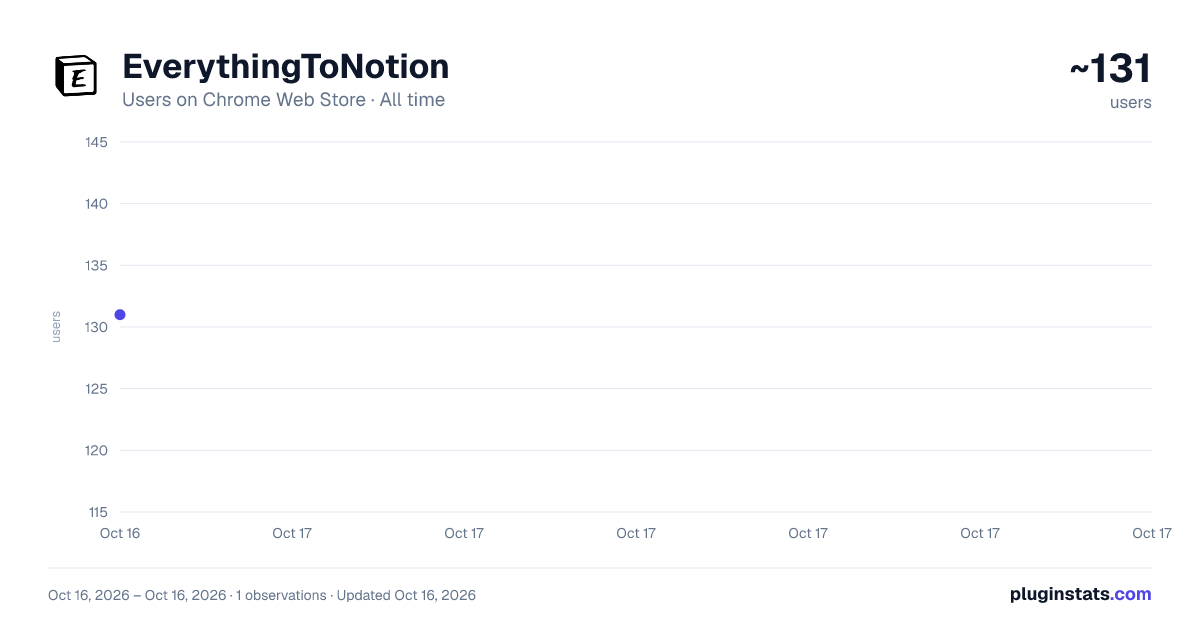
EverythingToNotion has approximately 131 recorded users on Chrome Web Store.
It ranks #1405 of 1,556 tracked Chrome Web Store listings by users.
It is rated 5.0 out of 5 from 2 ratings.
PluginStats has 1 daily observations since Oct 16, 2026; the latest is from Oct 16, 2026.
Rating: 5.00 / 5 from 2 ratings
About EverythingToNotion
Clip content from Xiaohongshu, Zhihu, WeChat, Twitter to Notion with one click. Batch collect and organize effortlessly.
Clip Web Content to Notion | 一键剪藏网页内容到 Notion
Everything to Notion is a powerful content clipping tool that helps you seamlessly sync quality content from various platforms to Notion, building your personal knowledge base.
Everything to Notion 是一款功能强大的内容剪藏工具,帮助你轻松将各大平台的优质内容同步到 Notion,打造你的个人知识库。
✨ Key Features | 核心功能
• 📱 Multi-Platform Support | 多平台支持 - Xiaohongshu 小红书: Batch collect notes with images - Zhihu 知乎: Articles, answers, and columns - WeChat 微信公众号: Preserve original layout and images - Twitter: Save tweets, images, and video links - Bilibili/YouTube: Video info, covers, embedded players
• 🏷️ Smart Label Management | 智能标签管理 - Hierarchical tag system for organized content - Auto-linking and quick retrieval - 层级标签体系,内容分类井然有序
• 🖼️ Complete Content Preservation | 完整内容保存 - Auto-upload images to cloud storage - Retain original formatting for best reading experience - Support rich text, code blocks, tables, and more - 图片自动上传云存储,永久访问
• ⚡ Batch Operations | 批量操作 - Batch collect from Xiaohongshu - Smart deduplication to avoid duplicates - 一次保存多篇笔记,智能去重
• 🔐 Secure & Reliable | 安全可靠 - Data syncs directly to your Notion workspace - UUID and email login supported - 数据直接同步到你的 Notion 工作区
🚀 Use Cases | 使用场景
- Build personal knowledge base and inspiration library - Save quality articles, tutorials, and notes - Collect design inspiration and product cases - Organize industry news and learning materials
- 构建个人知识库和灵感素材库 - 保存优质文章、教程、笔记 - 收集设计灵感、产品案例
📖 How to Use | 如何使用
1. Install the extension and register at everythingto.site 2. Log in to the extension (UUID or email verification) 3. Visit supported websites and click the extension icon 4. Select tags and sync to Notion with one click
1. 安装插件后,访问 everythingto.site 注册账号 2. 在插件中登录(UUID 或邮箱验证码) 3. 访问支持的网站,点击插件图标开始剪藏 4. 选择标签,一键同步到 Notion
🌐 Official Website | 官方网站 https://www.everythingtonotion.cn
💬 Feedback | 问题反馈 Email: xlz669233@163.com
Description from the Chrome Web Store listing.
Where EverythingToNotion sits in the listing
Each band is one page of 20. Users on a log scale. Placement is projected from users, so it can differ from the marketplace's own sort order. Hover a dot to see the listing.
Charts
Images: 30d · 1y · all time · 1600×900 dark
Adoption over time
7/30/90-day growth
Ranking history
Filled points are observed values; hollow points come from Internet Archive snapshots of the listing page. Dashed segments span periods with no observations — values between points are not interpolated.
Recent observations
Full history (1)Similar Chrome Web Store Tools plugins




Data source
User counts are read from public Chrome Web Store listing pages. Google displays rounded user counts (and caps the display at 10,000,000+), so small changes may not be visible. Rating counts above 1,000 are rounded (e.g. 1.6K).
Listing: https://chromewebstore.google.com/detail/everythingtonotion/dbijlccgkknamolnkiolkancnkjjbfie. First seen Oct 16, 2026; last successful collection Oct 16, 2026. See the methodology.