 PluginStats
Quick Expand users statistics
Free Text Expander & Snippet Manager for Zendesk, Gmail & Chrome
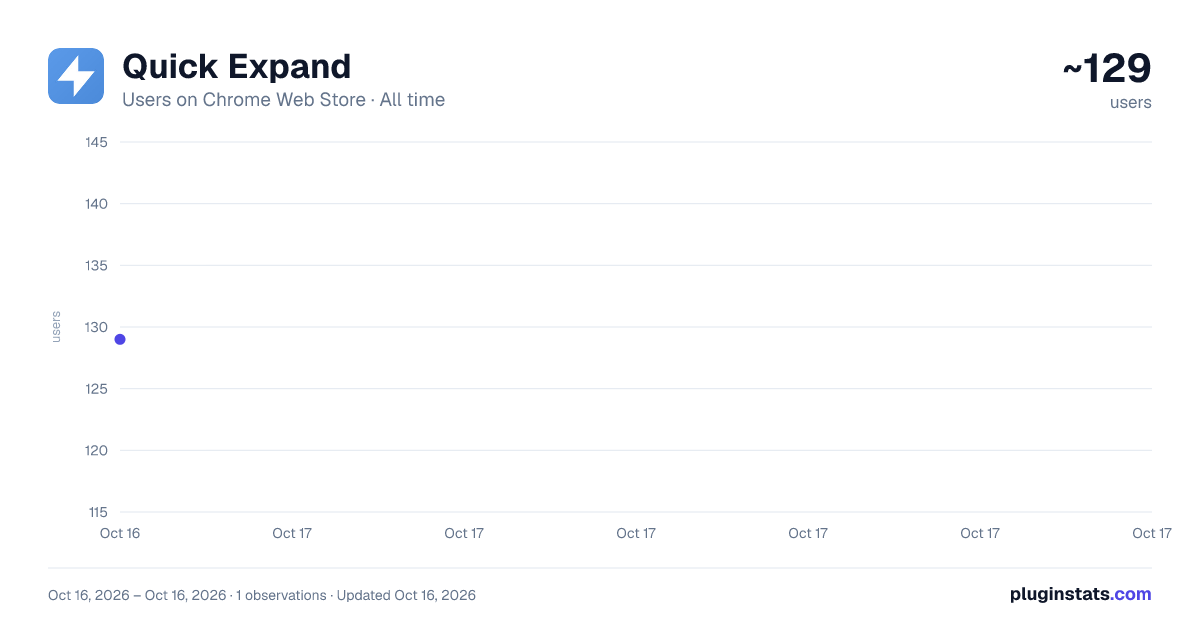
Quick Expand has approximately 129 recorded users on Chrome Web Store.
It ranks #1412 of 1,556 tracked Chrome Web Store listings by users.
It is rated 5.0 out of 5 from 2 ratings.
PluginStats has 1 daily observations since Oct 16, 2026; the latest is from Oct 16, 2026.
Rating: 5.00 / 5 from 2 ratings
About Quick Expand
Free Text Expander & Snippet Manager for Zendesk, Gmail & Chrome
Quick Expand is a fast, privacy-friendly text expander for Chrome. Save your most common replies as snippets and insert them anywhere – in Zendesk, Gmail, helpdesks, forms, or any website – using either keyboard shortcuts or a searchable snippet library.
Stop re-typing the same responses and start focusing on the actual conversation.
🚀 Key Features:
• Two ways to insert: Use shortcuts like /refund directly in the text field or click a snippet from the popup. Both options work together so you are not forced to memorise dozens of hotkeys.
• Built for hundreds of snippets: Scroll, search, and filter through a clean snippet library designed for large collections of replies, templates, and code blocks.
• Zendesk-friendly, works (almost) everywhere: Carefully tuned to work inside Zendesk ticket replies while still working in Gmail, Help Scout, Intercom, GitHub comments, forms, and almost any other text area in Chrome.
• Local and privacy-focused: Snippets are stored securely on your device. No accounts, no cloud storage, no data collection.
• Rich content support: Store phrases, full emails, replies, and code blocks. Use formatting like bold, italics, lists, and links where supported.
• Backup and restore: Export your snippets to a JSON file and import them on another machine to keep your setup in sync.
✅ Who Quick Expand is for
• Customer support teams handling similar tickets all day • Power users and founders answering repetitive emails • Anyone who needs fast access to hundreds of reusable snippets without having to remember every shortcut
Tailored for customer support teams and power users who handle large volumes of repetitive replies and need fast access to hundreds of snippets without having to remember every shortcut.
🔧 Actively developed
Quick Expand is an actively developed indie project. If you spot a bug or need a feature, you can reach out via the support page – feedback directly shapes what comes next.
🆕 What’s new in recent versions (0.6.3)
• Added /shortcut-style expansion directly in text fields • Improved behaviour in complex editors like Zendesk • General stability and UI polish • Added optional cloud Sync via Google Drive.
Install Quick Expand today and make repetitive replies a one-click (or one-shortcut) job.
Description from the Chrome Web Store listing.
Where Quick Expand sits in the listing
Each band is one page of 20. Users on a log scale. Placement is projected from users, so it can differ from the marketplace's own sort order. Hover a dot to see the listing.
Charts
Images: 30d · 1y · all time · 1600×900 dark
Adoption over time
7/30/90-day growth
Filled points are observed values; hollow points come from Internet Archive snapshots of the listing page. Dashed segments span periods with no observations — values between points are not interpolated.
Recent observations
Full history (1)Similar Chrome Web Store Tools plugins




Data source
User counts are read from public Chrome Web Store listing pages. Google displays rounded user counts (and caps the display at 10,000,000+), so small changes may not be visible. Rating counts above 1,000 are rounded (e.g. 1.6K).
Listing: https://chromewebstore.google.com/detail/quick-expand/mbkfocmifaknjekgchcfabgficgoaaob. First seen Oct 16, 2026; last successful collection Oct 16, 2026. See the methodology.