 PluginStats
Edit with Sublime Text™ users statistics
By rynu.smith (5 listings) · Chrome Web Store · Developer Tools
Live editing text and HTML content of the page with the Sublime Text from the page context or DevTools.
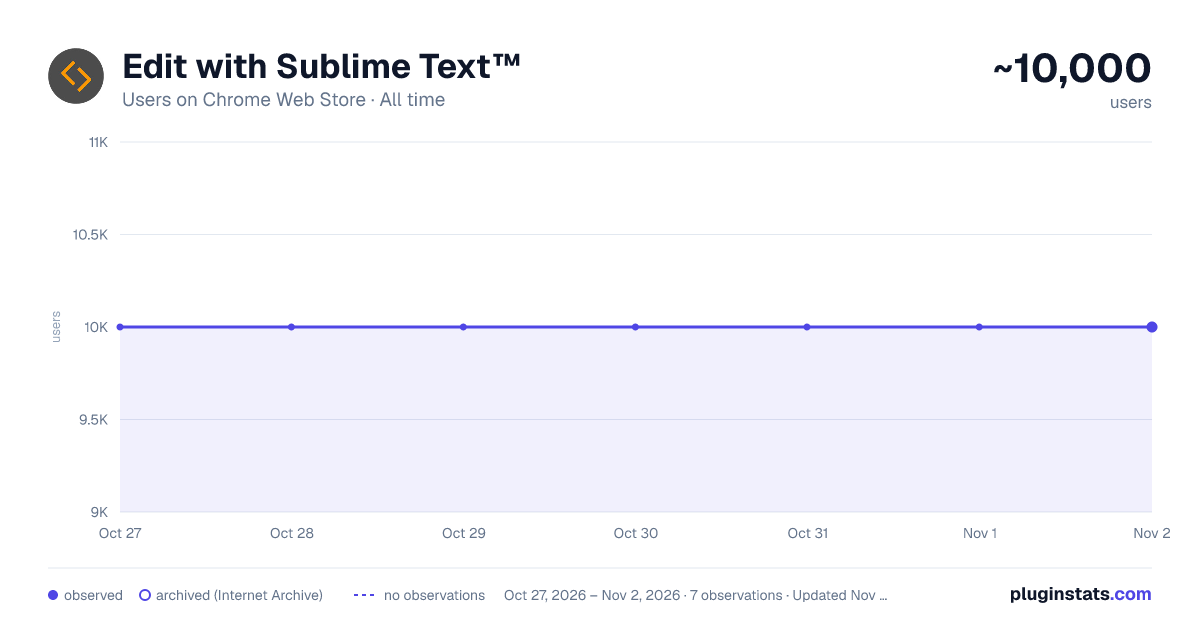
Edit with Sublime Text™ has approximately 10,000 recorded users on Chrome Web Store, ranking #590 of 4,880 tracked listings.
Rating: 3.70 / 5 from 39 ratings
About Edit with Sublime Text™
Live editing text and HTML content of the page with the Sublime Text from the page context or DevTools.
This extension facilitates editing of HTML node element's content within the popular Sublime Text editor, providing real-time updates upon saving the generated temporary file. Additionally, it enables external editing of "TEXTAREA," "INPUT[type=search]," and "INPUT[type=text]" elements.
There are three methods for sending content to the Sublime Editor:
- Activate the simple inspector using the action button, click on the HTML node, and press the ESC key to cancel the operation if needed.
- Use the DevTools "Elements" panel, where a new sub-pane is added. Select "Edit as HTML," choose an HTML node, and press the button to open the content in the Sublime Text editor.
- Right-click on a "TEXTAREA" or "INPUT[type=text]" element and use the context menu item.
This extension supports simultaneous editing of multiple nodes. Each editor has its unique temporary text file, and saving updates the content of the respective node. These files are stored in the operating system's temporary directory with random filenames.
Additionally, the extension allows the DevTools panel to convert an external script or CSS resource to an internal equivalent. This functionality enables sending the content of remote resources to the external editor.
File extensions used for temporary resource creation:
- HTML -> when innerHTML or outerHTML content is sent to the external editor.
- JS -> when editing an inline script.
- TXT -> when editing an editable area.
--- Legal "Sublime Text" is a trademark of Sublime HQ Pty Ltd, registered in the U.S. and other countries. This extension is an independent project with no affiliation to the mentioned product.
Description from the Chrome Web Store listing.
README badge
Show your rank in a README or on your website. The badge updates automatically.
Charts
Images: 30d · 1y · all time · 1600×900 dark
Adoption over time
7/30/90-day growth
Ranking history
Ratings over time
Listing placement
Listing placement
Filled points are observed values; hollow points come from Internet Archive snapshots of the listing page. Dashed segments span periods with no observations — values between points are not interpolated.
Each band is one page of 20. Users on a linear scale. Placement is projected from users, so it can differ from the marketplace's own sort order. Hover a dot to see the listing.
Recent observations
Full history (2)Similar Chrome Web Store Developer Tools plugins
All 20 Edit with Sublime Text™ alternatives



Data source
Covers every Chrome Web Store extension with at least 100 users, found through the store's public sitemap. User counts are read from public listing pages. The 10% most-used extensions are refreshed daily, the next 40% weekly and the next 40% monthly; the least-used 10% are not refreshed. Google displays rounded user counts (and caps the display at 10,000,000+), so small changes may not be visible. Rating counts above 1,000 are rounded (e.g. 1.6K).
Listing: https://chromewebstore.google.com/detail/edit-with-sublime-text/eiejadjdcchfommckmikpcdnihljbpai. First seen Oct 27, 2026; last successful collection Oct 28, 2026. See the methodology.