 PluginStats
Tab Rename users statistics
By Free Apps (4 listings) · Chrome Web Store · Tools
Quickly rename the current tab title.
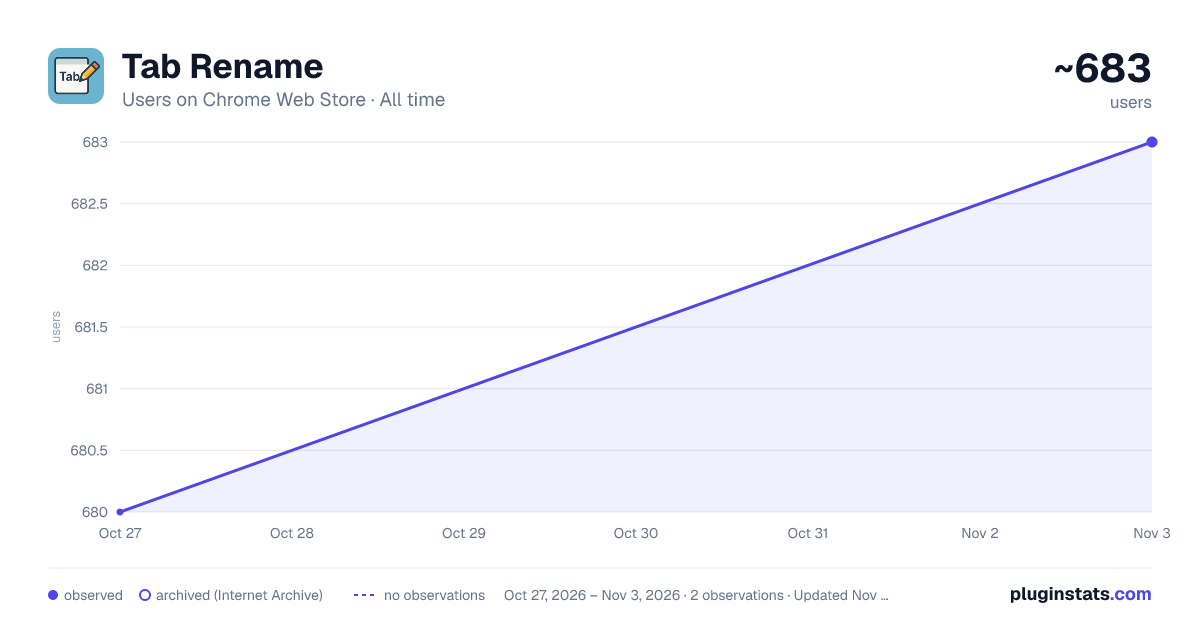
Tab Rename has approximately 680 recorded users on Chrome Web Store, ranking #1998 of 4,553 tracked listings.
Rating: 5.00 / 5 from 3 ratings
About Tab Rename
Quickly rename the current tab title.
Modern knowledge workers juggle dozens—sometimes hundreds—of open tabs each day. While browsers offer basic tab-management tools, they rarely tackle the most fundamental cognitive burden: remembering which tab is which. A rename-tabs extension lets you edit the title of any open tab, so instead of twenty pages that all read “Dashboard – Company Name,” you see clear, task-oriented labels such as “Q2 Metrics,” “Client A Brief,” or “Invoice Template.” That seemingly simple change delivers a surprising range of benefits, from faster navigation to better focus and lower memory load. Below are the key reasons a rename-tabs plugin deserves a permanent slot in your productivity toolkit.
Instant Visual Landmarks for Faster Navigation Default page titles are often generic, truncated, or identical across multiple tabs. Renaming converts those cryptic snippets into meaningful labels you choose, creating visual landmarks your brain can scan in milliseconds. Instead of hovering over favicons or cycling with Ctrl + Tab, you jump directly to “Marketing Plan DRAFT” or “Vendor Contract v3,” shortening retrieval time on every context switch. Compounded over a full workday, that recovery adds up to minutes—or even hours—of reclaimed time.
Cognitive Off-Loading and Reduced Mental Fatigue Working memory is finite; the more details you try to juggle, the quicker you tire. By externalizing tab context into explicit names, you off-load that information from your brain onto the interface. This “second brain” approach frees cognitive bandwidth for higher-level thinking, research, or creative problem-solving. The effect is subtle but significant: fewer “What was I doing in this tab?” moments and a smoother mental flow, especially during long stretches of deep work.
Enhanced Focus During Presentations and Screen Sharing Nothing derails a client demo faster than fumbling through a sea of ambiguous tabs while your audience waits. Renaming helps you script your flow: arrange tabs in order and label them “Step 1,” “Step 2,” “Live Demo,” and “Q&A Resources.” When sharing your screen, viewers see crisp, purposeful titles instead of half-visible URLs or irrelevant brand slogans, projecting professionalism and keeping the meeting on track.
Description from the Chrome Web Store listing.
README badge
Show your rank in a README or on your website. The badge updates automatically.
Charts
Images: 30d · 1y · all time · 1600×900 dark
Adoption over time
7/30/90-day growth
Ranking history
Ratings over time
Listing placement
Listing placement
Filled points are observed values; hollow points come from Internet Archive snapshots of the listing page. Dashed segments span periods with no observations — values between points are not interpolated.
Each band is one page of 20. Users on a linear scale. Placement is projected from users, so it can differ from the marketplace's own sort order. Hover a dot to see the listing.
Recent observations
Full history (1)Similar Chrome Web Store Tools plugins
All 20 Tab Rename alternatives



Data source
Covers every Chrome Web Store extension with at least 100 users, found through the store's public sitemap. User counts are read from public listing pages. The 10% most-used extensions are refreshed daily, the next 40% weekly and the next 40% monthly; the least-used 10% are not refreshed. Google displays rounded user counts (and caps the display at 10,000,000+), so small changes may not be visible. Rating counts above 1,000 are rounded (e.g. 1.6K).
Listing: https://chromewebstore.google.com/detail/tab-rename/ehpgmafhbcgjlpoadjepkiokghjnhmil. First seen Oct 27, 2026; last successful collection Oct 27, 2026. See the methodology.