 PluginStats
Marble: Automatically Organized Tab Groups users statistics
By Mr Violets · Chrome Web Store · Workflow & Planning
Marble keeps your tabs organized by automatically grouping them by domain.
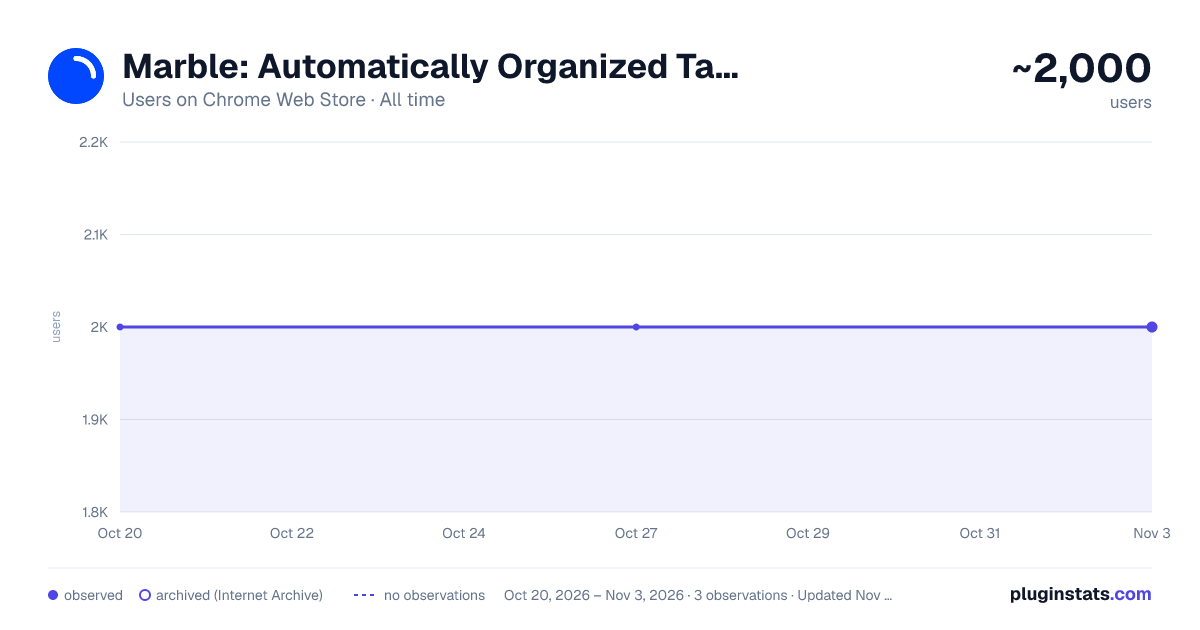
Marble: Automatically Organized Tab Groups has approximately 2,000 recorded users on Chrome Web Store, ranking #779 of 2,952 tracked listings.
Rating: 4.50 / 5 from 26 ratings
About Marble: Automatically Organized Tab Groups
Marble keeps your tabs organized by automatically grouping them by domain.
A cluttered browser can slow you down, with tabs scattered and hard to find. Marble tackles this by introducing automatic tab grouping. With Marble, your tabs are sorted into domain/subdomain-specific clusters, transforming a jumbled pile of tabs into an structured, easily navigable workspace.
Features
- Domain-Specific Organization: Marble’s auto-grouping system arranges tabs by their domain and subdomain for better browser management.
- Smart Tab Sorting: Each new tab is intelligently sorted with tabs of the same domain, simplifying tab navigation.
- Dynamic Group Colors: Tab groups visually match the color of the websites they contain.
- Flexible Grouping Control: Easily switch Marble’s tab organizer on or off to suit your browsing style.
- Custom Grouping Options: Control how your tab groups behave by customizing Marble's options.
Usage
Install Marble, and it immediately organizes your open tabs by domain. Access settings with a click on the Marble icon to adjust grouping preferences as desired.
Marble streamlines your web browsing by organizing tabs into domain/subdomain groups, helping you maintain a clean browser space and find tabs quickly. Install Marble and experience a clear, efficient tab management system.
Description from the Chrome Web Store listing.
README badge
Show your rank in a README or on your website. The badge updates automatically.
Charts
Images: 30d · 1y · all time · 1600×900 dark
Adoption over time
7/30/90-day growth
Ranking history
Ratings over time
Listing placement
Listing placement
Filled points are observed values; hollow points come from Internet Archive snapshots of the listing page. Dashed segments span periods with no observations — values between points are not interpolated.
Each band is one page of 20. Users on a linear scale. Placement is projected from users, so it can differ from the marketplace's own sort order. Hover a dot to see the listing.
Recent observations
Full history (1)Similar Chrome Web Store Workflow & Planning plugins
All 20 Marble: Automatically Organized Tab Groups alternatives



Data source
Covers every Chrome Web Store extension with at least 100 users, found through the store's public sitemap. User counts are read from public listing pages. The 10% most-used extensions are refreshed daily, the next 40% weekly and the next 40% monthly; the least-used 10% are not refreshed. Google displays rounded user counts (and caps the display at 10,000,000+), so small changes may not be visible. Rating counts above 1,000 are rounded (e.g. 1.6K).
Listing: https://chromewebstore.google.com/detail/marble-automatically-orga/faadmipaelbkbdfjkfpiiomoplihjhdm. First seen Oct 20, 2026; last successful collection Oct 20, 2026. See the methodology.