 PluginStats
Gmail Bulk Print Selected: Email PDFs & ZIP & DOWNLOAD ATTACHMENTS users statistics
Gmail Bulk print selected emails, save PDFs, download attachments, or export emails + attachments to a dated ZIP. 10-use trial.
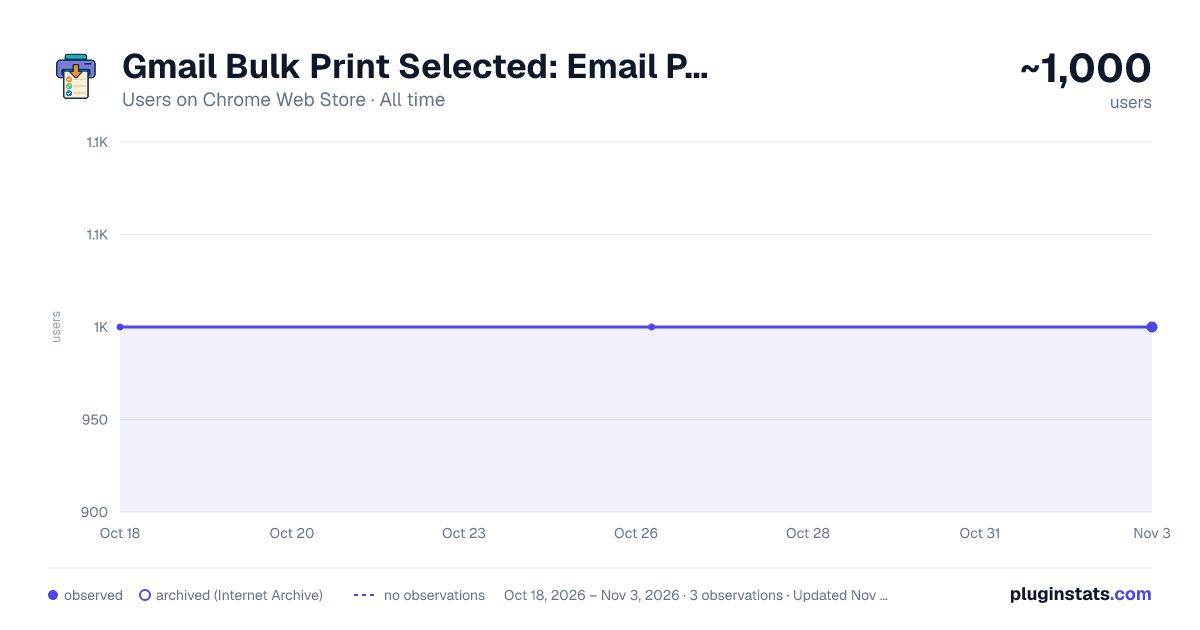
Gmail Bulk Print Selected: Email PDFs & ZIP & DOWNLOAD ATTACHMENTS has approximately 1,000 recorded users on Chrome Web Store, ranking #820 of 2,495 tracked listings.
Rating: 4.10 / 5 from 37 ratings
About Gmail Bulk Print Selected: Email PDFs & ZIP & DOWNLOAD ATTACHMENTS
Gmail Bulk print selected emails, save PDFs, download attachments, or export emails + attachments to a dated ZIP. 10-use trial.
Gmail Bulk Print Selected – Bulk Batch Print, PDF, Attachments & ZIP Export for Gmail & Google Workspace
✅ Print selected emails in bulk ✅ Download selected emails as PDFs ✅ Download attachments from selected emails ✅ Export selected emails + attachments to a dated ZIP file
The 'Gmail Bulk Print Selected' chrome extension adds simple buttons directly to the Gmail toolbar allowing you to save time - bulk printing, bulk save as pdfs, downloading attachments, saving emails to zip, from your selected Gmail or Workspace emails and conversations.
Works with both: Gmail and Google Workspace (business Gmail)
Gmail only lets you print one email at a time… and saving multiple downloads or emails as PDFs is slow.
🚀 New Features 📎 Download Attachments (Selected Emails)
Download all attachments from your selected emails in one click, including popular file types such as: .pdf .gif .png .jpg or any other attachments from your emails or conversations.
📦 Export ZIP (Emails + Attachments)
Export selected emails into a single ZIP file that includes: email content (HTML) all attachments organised folders per email/thread ZIP file name automatically prefixed with the date downloaded (example: 2026-02-06 - Gmail Export.zip)
⭐ Key Use Cases (Real World)
Users report this extension will save time: Print email conversations for legal discovery Save email trails for audits and compliance Export approvals and order trails for small business Download all attachments for client records Create ZIP packs for bookkeeping Print receipts, invoices, and quotes from Gmail in bulk Build job packs for trades, services, and customer projects Popular Searches This Solves (SEO) How to print multiple Gmail emails at once Bulk print Gmail emails Export selected Gmail emails to PDF Save Gmail emails as PDFs in bulk Download Gmail attachments in bulk Export Gmail emails and attachments to ZIP Google Workspace bulk print emails Print email threads for record keeping Designed for all Industries
Trial + Pro
Includes a 10-use free trial, then upgrade to Pro for a small subscription to support development.
Support, examples, guides, and more information at: engineit.com
⭐ Cancel immediately at any time - Click the 'account' button in the google toolbar (right next to the other extension buttons), enter your Gmail or Google workspace email you signed up with, and click cancel.
Please Support Us
Your feedback really helps. Click above to leave a review
Thank you for supporting an independent developer 🙏
Description from the Chrome Web Store listing.
README badge
Show your rank in a README or on your website. The badge updates automatically.
Charts
Images: 30d · 1y · all time · 1600×900 dark
Adoption over time
7/30/90-day growth
Ranking history
Ratings over time
Listing placement
Listing placement
Filled points are observed values; hollow points come from Internet Archive snapshots of the listing page. Dashed segments span periods with no observations — values between points are not interpolated.
Each band is one page of 20. Users on a linear scale. Placement is projected from users, so it can differ from the marketplace's own sort order. Hover a dot to see the listing.
Recent observations
Full history (1)Similar Chrome Web Store Tools plugins
All 20 Gmail Bulk Print Selected: Email PDFs & ZIP & DOWNLOAD ATTACHMENTS alternatives



Data source
Covers every Chrome Web Store extension with at least 100 users, found through the store's public sitemap. User counts are read from public listing pages. The 10% most-used extensions are refreshed daily, the next 40% weekly and the next 40% monthly; the least-used 10% are not refreshed. Google displays rounded user counts (and caps the display at 10,000,000+), so small changes may not be visible. Rating counts above 1,000 are rounded (e.g. 1.6K).
Listing: https://chromewebstore.google.com/detail/gmail-bulk-print-selected/oaieikeebnkagbakclfnfoehfbdckhic. First seen Oct 18, 2026; last successful collection Oct 18, 2026. See the methodology.