 PluginStats
Firefox-Style Tab Switching users statistics
By Luis Braga · Chrome Web Store · Tools
Switch between your two most recently used tabs, just like Firefox's Ctrl+Tab behavior.
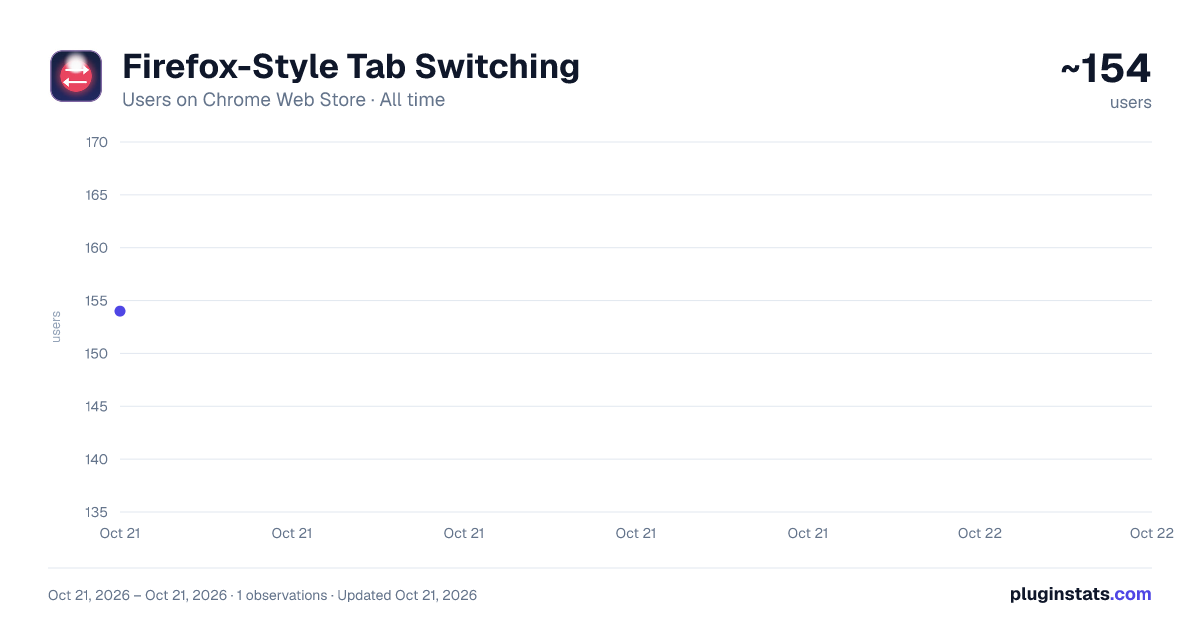
Firefox-Style Tab Switching has approximately 154 recorded users on Chrome Web Store, ranking #2470 of 2,952 tracked listings.
Rating: 5.00 / 5 from 1 ratings
About Firefox-Style Tab Switching
Switch between your two most recently used tabs, just like Firefox's Ctrl+Tab behavior.
Tired of Chrome's Ctrl+Tab cycling through tabs in order? Miss Firefox's smart tab switching that jumps between your two most recent tabs?
Firefox-Style Tab Switching brings that beloved behavior to Chrome. Press Option+Q (⌥Q) and instantly flip between the tab you're on and the one you were just using — exactly like ⌘Tab switches between apps, but for your browser tabs.
🔄 How It Works The extension keeps track of which tabs you visit, in order. When you press the shortcut, it takes you back to the tab you were just looking at. Press it again, and you're back. Simple as that.
⌨️ Default Shortcuts • Option+Q (⌥Q) — Switch to previous tab (the one you were just on) • Option+W (⌥W) — Go further back in your tab history • On Windows/Linux: Alt+Q and Alt+W • Fully customizable at chrome://extensions/shortcuts
✨ Features • MRU (Most Recently Used) tab ordering — tabs are sorted by when you last visited them, not by their position in the tab bar • Works across windows — switch to a tab in any Chrome window • Visual tab history — click the extension icon to see your recent tabs and jump to any of them • Lightweight — zero impact on browsing performance, no content scripts injected into pages • Private — no data collection, no analytics, no network requests. Everything stays in your browser.
💡 Perfect For • Firefox users who switched to Chrome but miss the tab switching • Power users who juggle many tabs and need fast navigation • Developers switching between code and documentation tabs • Anyone who uses Ctrl+Tab and wishes it worked smarter
🔒 Privacy This extension requires only the "tabs" permission to track which tabs you visit. It does not read page content, does not collect any data, and makes zero network requests. Your browsing history stays entirely in your browser's memory and is never stored or transmitted.
Description from the Chrome Web Store listing.
README badge
Show your rank in a README or on your website. The badge updates automatically.
Charts
Images: 30d · 1y · all time · 1600×900 dark
Adoption over time
7/30/90-day growth
Ranking history
Ratings over time
Listing placement
Listing placement
Filled points are observed values; hollow points come from Internet Archive snapshots of the listing page. Dashed segments span periods with no observations — values between points are not interpolated.
Each band is one page of 20. Users on a linear scale. Placement is projected from users, so it can differ from the marketplace's own sort order. Hover a dot to see the listing.
Recent observations
Full history (1)Similar Chrome Web Store Tools plugins
All 20 Firefox-Style Tab Switching alternatives



Data source
Covers every Chrome Web Store extension with at least 100 users, found through the store's public sitemap. User counts are read from public listing pages. The 10% most-used extensions are refreshed daily, the next 40% weekly and the next 40% monthly; the least-used 10% are not refreshed. Google displays rounded user counts (and caps the display at 10,000,000+), so small changes may not be visible. Rating counts above 1,000 are rounded (e.g. 1.6K).
Listing: https://chromewebstore.google.com/detail/firefox-style-tab-switchi/epaenpmjkncnkjmgkdgklgapoaikadhp. First seen Oct 21, 2026; last successful collection Oct 21, 2026. See the methodology.