 PluginStats
Image to Text for ChatGPT users statistics
By Tshetrim Lhendup · Chrome Web Store · Workflow & Planning
Add OCR Image to Text to ChatGPT
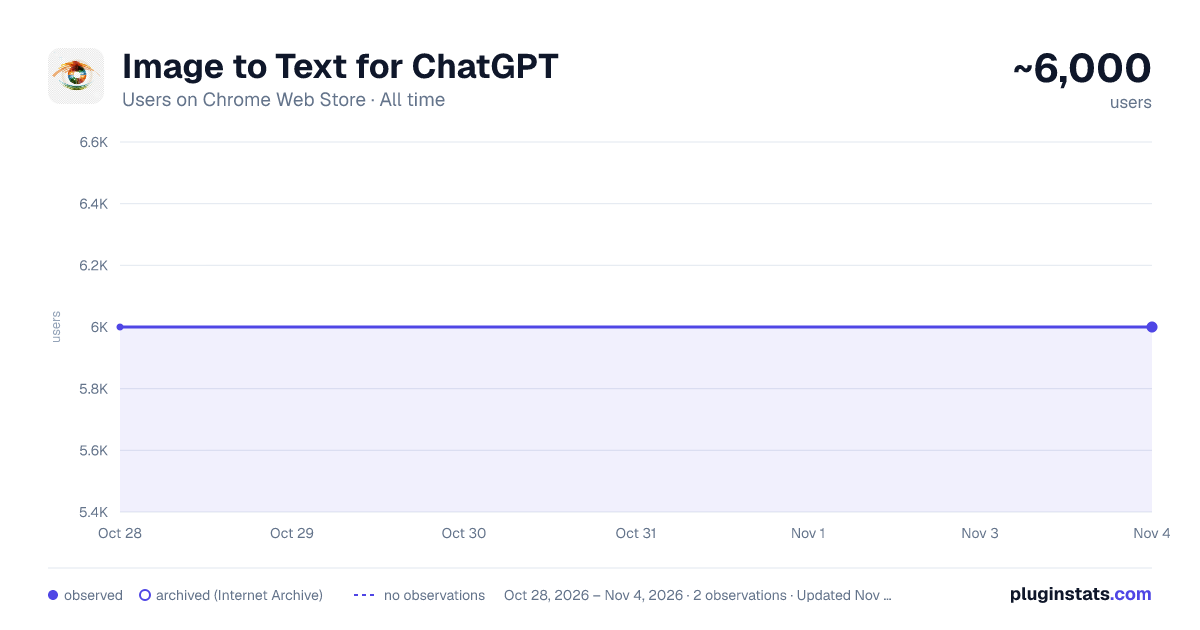
Image to Text for ChatGPT has approximately 6,000 recorded users on Chrome Web Store, ranking #783 of 4,880 tracked listings.
Rating: 4.20 / 5 from 13 ratings
About Image to Text for ChatGPT
Add OCR Image to Text to ChatGPT
Update: Supports 12+ Major Languages!
Full Tutorial Video: https://www.youtube.com/watch?v=zob0us4bPc8
This extension was born out of a need for a fast, quick and intuitive way to get text from images into the textbox for ChatGPT. This extension accomplishes this with a great degree of accuracy and average speeds of ~5 seconds or less.
Now, you don't have to switch between multiple tools just for Optical Character Recognition (OCR). With this extension, you can easily upload an image file or drag and drop it for conversion into text, which will automatically populate your ChatGPT textbox.
Additionally, if you have a screenshot in your clipboard, you can directly paste (Ctrl+V) it into the textbox. Quick, hassle-free, and highly efficient - this extension is built with a focus on speed, user-friendliness, and most importantly, privacy.
For the Tech Savvy: Powered by Tesseract.js, this extension runs OCR directly in your browser, keeping your data secure as none of your information leaves your device. All the OCR work is performed locally, ensuring maximum privacy.
But we understand that sometimes, you may need an extra level of precision or need to retain the original format of the image, especially when dealing with content like Python code. For such instances, we provide an option to enable an embedded third-party solution created by Pieces.app. Check out their service at: https://www.codefromscreenshot.com/
All source code for complete transparency can be found on GitHub at: https://github.com/Tshetrim/Image-To-Text-OCR-extension-for-ChatGPT
Join the Discord to share feedback, errors, or just chat: https://discord.gg/8hnkBhwTJ5
Disclaimer: Please note, if you opt to use the third-party embedded option, your privacy and data handling will be subject to their policy as this extension is not affiliated with them.
Invest in your productivity today with our Chrome GPT extension, and experience the future of text transcription!
Description from the Chrome Web Store listing.
README badge
Show your rank in a README or on your website. The badge updates automatically.
Charts
Images: 30d · 1y · all time · 1600×900 dark
Adoption over time
7/30/90-day growth
Ranking history
Ratings over time
Listing placement
Listing placement
Filled points are observed values; hollow points come from Internet Archive snapshots of the listing page. Dashed segments span periods with no observations — values between points are not interpolated.
Each band is one page of 20. Users on a linear scale. Placement is projected from users, so it can differ from the marketplace's own sort order. Hover a dot to see the listing.
Recent observations
Full history (1)Similar Chrome Web Store Workflow & Planning plugins
All 20 Image to Text for ChatGPT alternatives



Data source
Covers every Chrome Web Store extension with at least 100 users, found through the store's public sitemap. User counts are read from public listing pages. The 10% most-used extensions are refreshed daily, the next 40% weekly and the next 40% monthly; the least-used 10% are not refreshed. Google displays rounded user counts (and caps the display at 10,000,000+), so small changes may not be visible. Rating counts above 1,000 are rounded (e.g. 1.6K).
Listing: https://chromewebstore.google.com/detail/image-to-text-for-chatgpt/kihikabndlcbnpbgjapkhlonoddholga. First seen Oct 28, 2026; last successful collection Oct 28, 2026. See the methodology.