 PluginStats
DeepRead AI: Web Summarizer & Response Generator users statistics
Summarize webpages, PDFs & YouTube. Get AI replies, listen to summaries aloud, and turn any page into a PowerPoint in one click.
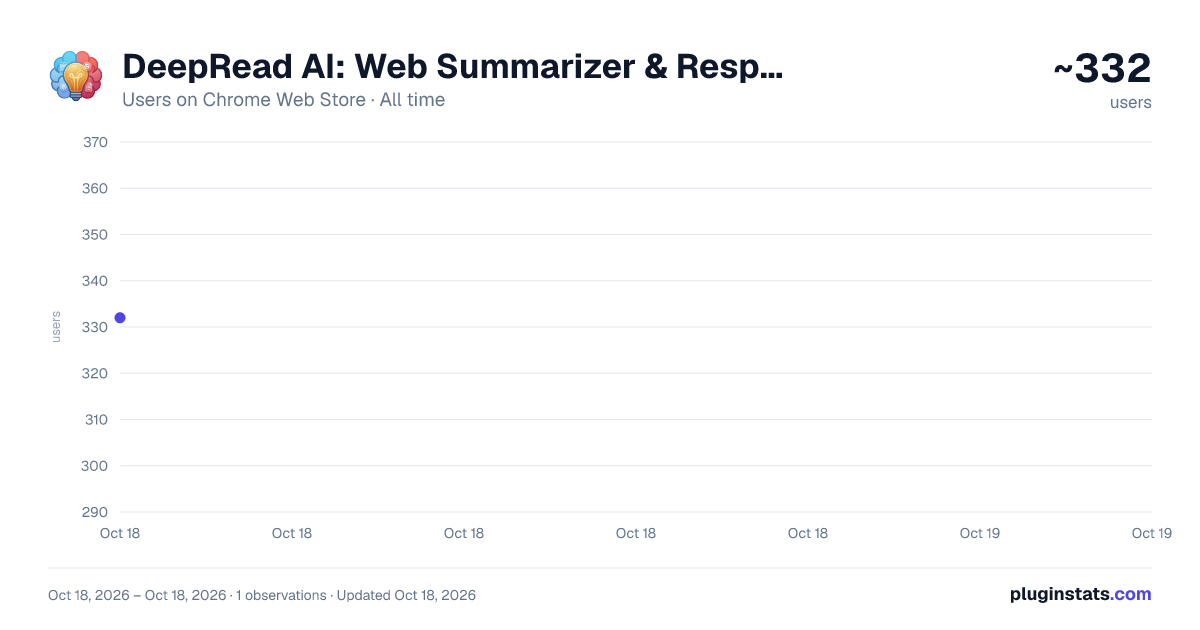
DeepRead AI: Web Summarizer & Response Generator has approximately 332 recorded users on Chrome Web Store, ranking #1227 of 2,033 tracked listings.
Rating: 5.00 / 5 from 15 ratings
About DeepRead AI: Web Summarizer & Response Generator
Summarize webpages, PDFs & YouTube. Get AI replies, listen to summaries aloud, and turn any page into a PowerPoint in one click.
-
Long articles, dense PDFs, technical docs, and endless videos slow you down every day. DeepRead AI is designed to eliminate information overload by turning large volumes of content into clear, structured, useful output. This Chrome extension helps you focus on what truly matters when browsing online, studying, researching, or replying to messages.
-
This extension works as an advanced AI copilot powered by modern AI models. It lets you summarize webpages, summarize PDFs, summarize YouTube videos, analyze screenshots and images, explain difficult text, translate content, solve math problems, and ask follow-up questions based on the page or highlighted text. You can even listen to summaries and answers read aloud with natural text-to-speech, and turn any page, PDF, or article into a downloadable PowerPoint (PPTX) presentation with one click. This makes understanding online content faster, easier, and far more efficient. ⚡
-
As a flexible web summarizer and browser AI assistant, DeepRead supports blogs, articles, documentation, reports, contracts, research papers, study material, transcripts, screenshots, and visual content. You can use it as a website summarizer AI tool, an article summarizer, a PDF summarizer, a YouTube summarizer, an AI translator, a math solver, and an AI response generator in one workflow. It is built for learning, productivity, communication, and everyday browsing.
🚀 Get started in three simple steps: 1️⃣ Install from the Chrome Web Store 2️⃣ Open any page, PDF, image, video, or text you want to analyze 3️⃣ Highlight text or use the sidebar to summarize, explain, translate, solve, ask questions, or generate responses instantly
🌟 Core Capabilities ➤ Web page summarizer for instant results ➤ Read aloud / voice mode — natural text-to-speech for summaries and answers ➤ to Slides — turn any page, PDF, or article into a downloadable PowerPoint (PPTX) presentation ➤ AI page explainer for difficult sections and technical text ➤ PDF summarizer for long documents, papers, and reports ➤ YouTube summarizer for transcript-based video understanding ➤ Screenshot and image AI analysis for visual context ➤ Highlight Summarize, Highlight Explain, Highlight Translate, and Highlight Ask actions ➤ AI chat with page context for follow-up questions ➤ AI response generator for Gmail, LinkedIn, and YouTube comments ➤ AI translator for multilingual reading and browsing ➤ Math solver with step-by-step explanation support ➤ Multiple output formats including TL;DR, bullet points, structured notes, rewrite, and table mode ➤ Deep-reading assistant workflows for students, researchers, lawyers, engineers, and professionals
💡 Key Benefits
- Instant summary generator for any webpage
- Smart AI website summarizer technology for blogs, docs, articles, and research pages
- Works like a modern upgrade to basic summarization tools by combining explain, summarize, translate, ask, solve, and response generation
- Summarize an article whenever needed for study, research, work, or fast review
- AI to summarize web pages in seconds and improve productivity
- Save time reading long documents, reports, transcripts, and technical references
- Improve comprehension with structured summaries and simpler explanations
- Enhance focus by filtering out irrelevant information
- Translate content into your preferred language while browsing
- Generate polished replies faster in email, professional networking, and comment workflows
- Reduce tab switching by keeping AI actions inside the browser
- Perfect for students, researchers, professionals, and heavy readers
💎 Who Uses This Extension Students rely on DeepRead for studying, exam preparation, lecture review, and summarizing textbooks or PDFs. Professionals use it to review reports, presentations, documentation, and business material. Researchers and analysts depend on AI summary features to speed up source review and comparison. Lawyers and legal professionals use it to read dense text more efficiently. Engineers use it to understand technical docs and API references faster. Content creators and marketers use it to research topics, summarize competitor content, and generate better replies quickly.
📘 Common Use Cases ▸ Students summarizing textbooks, study guides, and lectures ▸ Researchers processing articles, whitepapers, and academic papers ▸ Analysts reviewing long reports and business documents ▸ Developers reading technical documentation and API references ▸ Lawyers reviewing contracts, legal text, and dense policy documents ▸ Marketers scanning competitor websites and market research ▸ Professionals drafting Gmail and LinkedIn replies faster ▸ Creators replying to YouTube comments with better context ▸ Anyone who needs to summarize web content quickly and understand it better
🔍 Problems This Extension Solves Information overload from long pages and documents Slow reading and scanning speed Difficult terminology and dense language Repetitive research across multiple sources Loss of focus while reading online Time wasted on irrelevant content Too many tools for summarize, explain, translate, and reply tasks Too much context switching between browser, chatbot, notes, and email Manual rewriting of long content into useful notes Slow communication when replying to messages and comments…
Description from the Chrome Web Store listing.
README badge
Show your rank in a README or on your website. The badge updates automatically.
Charts
Images: 30d · 1y · all time · 1600×900 dark
Adoption over time
7/30/90-day growth
Ranking history
Ratings over time
Listing placement
Listing placement
Filled points are observed values; hollow points come from Internet Archive snapshots of the listing page. Dashed segments span periods with no observations — values between points are not interpolated.
Each band is one page of 20. Users on a linear scale. Placement is projected from users, so it can differ from the marketplace's own sort order. Hover a dot to see the listing.
Recent observations
Full history (1)Similar Chrome Web Store Tools plugins
All 20 DeepRead AI: Web Summarizer & Response Generator alternatives



Data source
Covers every Chrome Web Store extension with at least 100 users, found through the store's public sitemap. User counts are read from public listing pages. The 10% most-used extensions are refreshed daily, the next 40% weekly and the next 40% monthly; the least-used 10% are not refreshed. Google displays rounded user counts (and caps the display at 10,000,000+), so small changes may not be visible. Rating counts above 1,000 are rounded (e.g. 1.6K).
Listing: https://chromewebstore.google.com/detail/deepread-ai-web-summarize/bfkmhmfbmkdmhldmkoobpneodafbnhpg. First seen Oct 18, 2026; last successful collection Oct 18, 2026. See the methodology.