 PluginStats
QuickFire by MuteDeck users statistics
Create custom keyboard shortcuts to click any button or element on any webpage.
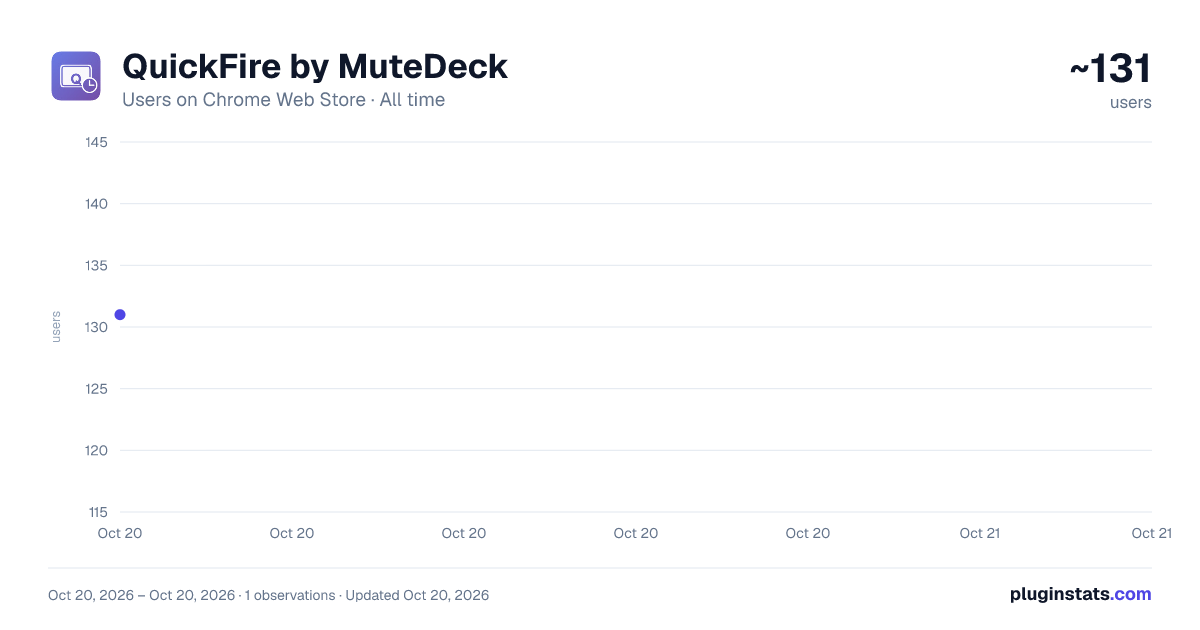
QuickFire by MuteDeck has approximately 131 recorded users on Chrome Web Store, ranking #2650 of 2,952 tracked listings.
About QuickFire by MuteDeck
Create custom keyboard shortcuts to click any button or element on any webpage.
Click any element on any webpage with a keyboard shortcut.
QuickFire lets you create custom keyboard shortcuts that click buttons, links, and interactive elements on any website. Each shortcut is scoped to a specific site by default.
Key Features
- Works on any website, with any clickable element
- Target elements by text content, aria-label, or CSS selector
- Live preview highlights matching elements as you configure
- Site-specific shortcuts via URL patterns
- Shortcuts sync across all your Chrome devices via Chrome sync
- Lightweight; zero impact on browsing performance when idle
Use Cases
- Video conferencing apps (mute/unmute, camera, screen share)
- Email and messaging platforms (send, reply, archive)
- Social media (like, share, comment)
- Project management tools (submit, approve, assign)
- Any repetitive clicking task on the web
How It Works
- Click the QuickFire icon to open settings
- Add a shortcut, select a selector type, and enter the element identifier
- Record your keyboard combination
- Use your shortcut on the matching webpage
Privacy
Shortcuts are stored locally in Chrome's sync storage. No data leaves your browser. No tracking, no analytics, no servers.
Tips
- Right-click an element and select "Inspect" to find aria-labels
- Use URL patterns to scope shortcuts to specific sites
- Combine with MuteDeck for hardware control of meeting apps
Built by MuteDeck
QuickFire is made by the team behind MuteDeck, the hardware controller for video conferencing apps. QuickFire is free.
Feedback
Found a bug or have a feature request? Email support@mutedeck.com
Description from the Chrome Web Store listing.
README badge
Show your rank in a README or on your website. The badge updates automatically.
Charts
Images: 30d · 1y · all time · 1600×900 dark
Adoption over time
7/30/90-day growth
Ranking history
Ratings over time
Listing placement
Listing placement
Filled points are observed values; hollow points come from Internet Archive snapshots of the listing page. Dashed segments span periods with no observations — values between points are not interpolated.
Each band is one page of 20. Users on a linear scale. Placement is projected from users, so it can differ from the marketplace's own sort order. Hover a dot to see the listing.
Recent observations
Full history (1)Similar Chrome Web Store Tools plugins
All 20 QuickFire by MuteDeck alternatives



Data source
Covers every Chrome Web Store extension with at least 100 users, found through the store's public sitemap. User counts are read from public listing pages. The 10% most-used extensions are refreshed daily, the next 40% weekly and the next 40% monthly; the least-used 10% are not refreshed. Google displays rounded user counts (and caps the display at 10,000,000+), so small changes may not be visible. Rating counts above 1,000 are rounded (e.g. 1.6K).
Listing: https://chromewebstore.google.com/detail/quickfire-by-mutedeck/ljppmhpjlecenofcbfcijanpkkldoomp. First seen Oct 20, 2026; last successful collection Oct 20, 2026. See the methodology.