 PluginStats
Check Broken Links users statistics
By check.broken.links.extension · Chrome Web Store · Tools
Use check broken links app to run url check on your website. Quick highlight urls with an easy-to-use broken link checker.
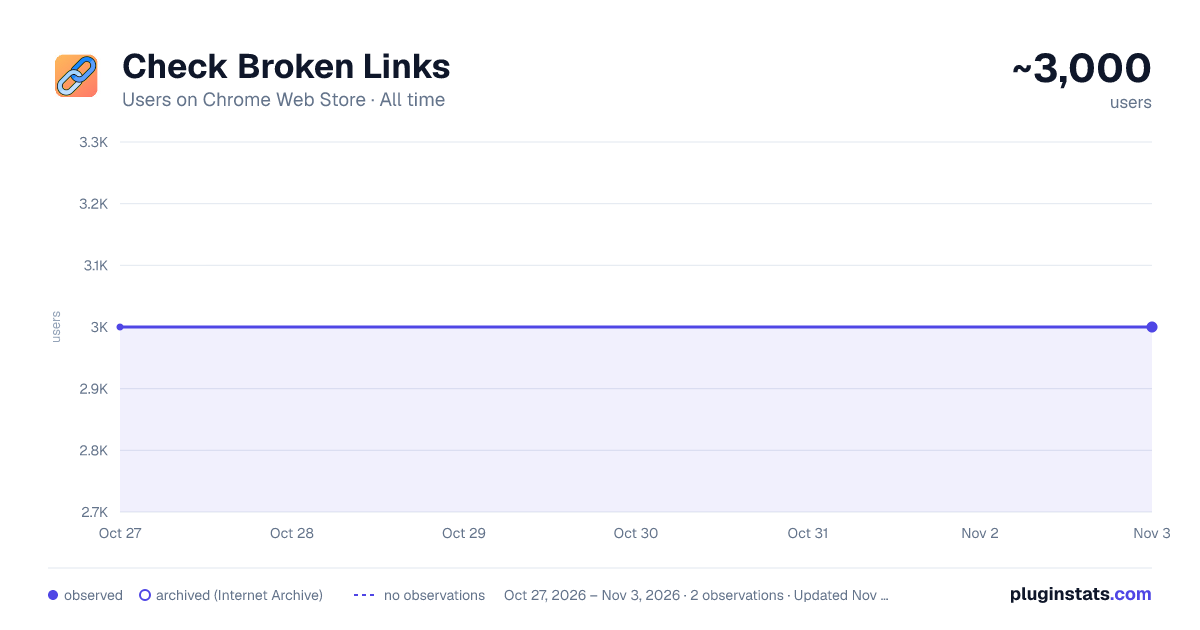
Check Broken Links has approximately 3,000 recorded users on Chrome Web Store, ranking #1068 of 4,880 tracked listings.
Rating: 4.40 / 5 from 10 ratings
About Check Broken Links
Use check broken links app to run url check on your website. Quick highlight urls with an easy-to-use broken link checker.
🚀 Keep your website healthy with the app Are you tired of dead urls on your website? They not only create a bad user experience, they can also impact your SEO ranking. That’s why it’s good to have broken link checker on your site
🚀 How does check broken links work? Here's how it works: Scan your webpage– the app is running to find any bad link. It also works as 404 checker Scanning – the program will show a report of all urls found across your website Fix the issue – after check broken links you can fix hrefs by updating or removing them With our tool, you can easily scan on your website and ensure all your “a” tags are well
🚀 Features of check broken links ⚙️ Comprehensive scanning: the extension scans your page to see which urls are inactive ⚙️ Multiple urls detection: the app can detect internal and external urls ⚙️ Reports: get reports showing how many inactive urls in the site ⚙️ Friendly interface: click on the icon, and you’re good to go ⚙️ Colors: check broken links app paints the targets so you can address them fast ⚙️ Updates: the tool stays updated with to keep your hrefs working well ⚙️ Find everything: the tool will find hidden “a” tags even in small images
🚀 Why use the check broken links? ⭐️ Improved SEO: when you look after urls, you improve SEO performance ⭐️ User experience: url issues frustrate users, leading to high bounce rates ⭐️ Time: searching for non-working “a” tags can be tedious ⭐️ Trust: if a site contains invalid adresses, it appears outdated and unreliable This powerful extension helps to find dead links website. This tool saves you time and effort.
🚀 Key benefits of the check broken links tool Here are some of the key benefits of using this app: Efficient: the broke link checker scans in a fraction of the time it would take manually Find hidden: it works even in the smallest details Platforms: the app is browser extension so it can work on every os properly If you don’t have a good broken link checker tool - it can low ui experience and search engine rankings. That is why using a linkchecker is crucial
🚀 How to use the check broken links Start the scan: click on the extension, and you are ready to go Color: during the scan all hrefs will be colored so you can test hyperlink Report: after the app is done you will get an full detailed report Fix the issues: now you can quickly fix them Whether you have a blog, an e-commerce platform, or a corporate page, using broken links checker will help you keep your site free of hrefs which is not working, so your visitors can have a seamless experience
🚀 Find issues and fix them across your site The problem is “a” tags on your page. From blog posts to product pages, by using our check webpage for errors app, you can go across your site. The tool looks for external and internal href data. The site link checker functionality ensures that all hyperlinks lead to the right pages, preventing 404 errors
🚀 The importance of regular testing With the check broken links you are scanning for hrefs regularly which is crucial for website maintenance. You can periodically run tests to catch any new dead url’s data that may have appeared in the link anaylzer reports. The check broken links saves you from letting minor issues snowball into bigger problems. In the other hand, simple caring about your site's data can show that your content is actively maintained and earns user's trust. Whether you’re a beginner or an experienced web developer, using a broken link checker helps keep your site running optimally
🚀 Frequently asked questions ❓ Why is it important to run to use web url checker on website? 💡 Scanning is essential for user experience. Avoiding damaging your SEO. Inactive hrefs can lead to high bounce rates and make your website appear outdated ❓ How does the tool work? 💡 The check broken links scans your website, detects internal and external “a” tags, images, and resources, and generates a report showing which urls are broken ❓ What features does the tool have? 💡 The tool offers comprehensive search for broken links, multiple detection, real-time reports, a user-friendly interface, and regular updates ❓ Why is using this important for my website? 💡 It helps to site’s SEO, provide a better experience and save time ❓ How do I use the check broken links tool? 💡 Click on the icon, and it will scan website. Once it's done, a report'll show with all urls. Now you can update or remove them ❓ What types of urls the tool detect? 💡 The tool can see internal, external and images ❓ Why is regular testing important for my website? 💡 Testing using check broken links helps to see new hyperlinks appearing. Prevent emerging issues
Description from the Chrome Web Store listing.
README badge
Show your rank in a README or on your website. The badge updates automatically.
Charts
Images: 30d · 1y · all time · 1600×900 dark
Adoption over time
7/30/90-day growth
Ranking history
Ratings over time
Listing placement
Listing placement
Filled points are observed values; hollow points come from Internet Archive snapshots of the listing page. Dashed segments span periods with no observations — values between points are not interpolated.
Each band is one page of 20. Users on a linear scale. Placement is projected from users, so it can differ from the marketplace's own sort order. Hover a dot to see the listing.
Recent observations
Full history (1)Similar Chrome Web Store Tools plugins
All 20 Check Broken Links alternatives



Data source
Covers every Chrome Web Store extension with at least 100 users, found through the store's public sitemap. User counts are read from public listing pages. The 10% most-used extensions are refreshed daily, the next 40% weekly and the next 40% monthly; the least-used 10% are not refreshed. Google displays rounded user counts (and caps the display at 10,000,000+), so small changes may not be visible. Rating counts above 1,000 are rounded (e.g. 1.6K).
Listing: https://chromewebstore.google.com/detail/check-broken-links/eiapdnamnopdeokkmmkdbikhlncgdeno. First seen Oct 27, 2026; last successful collection Oct 27, 2026. See the methodology.