 PluginStats
SteamChecker users statistics
By Zortrox · Chrome Web Store · Workflow & Planning
Grays-out & highlights owned/wishlisted Steam games on Humble Bundle
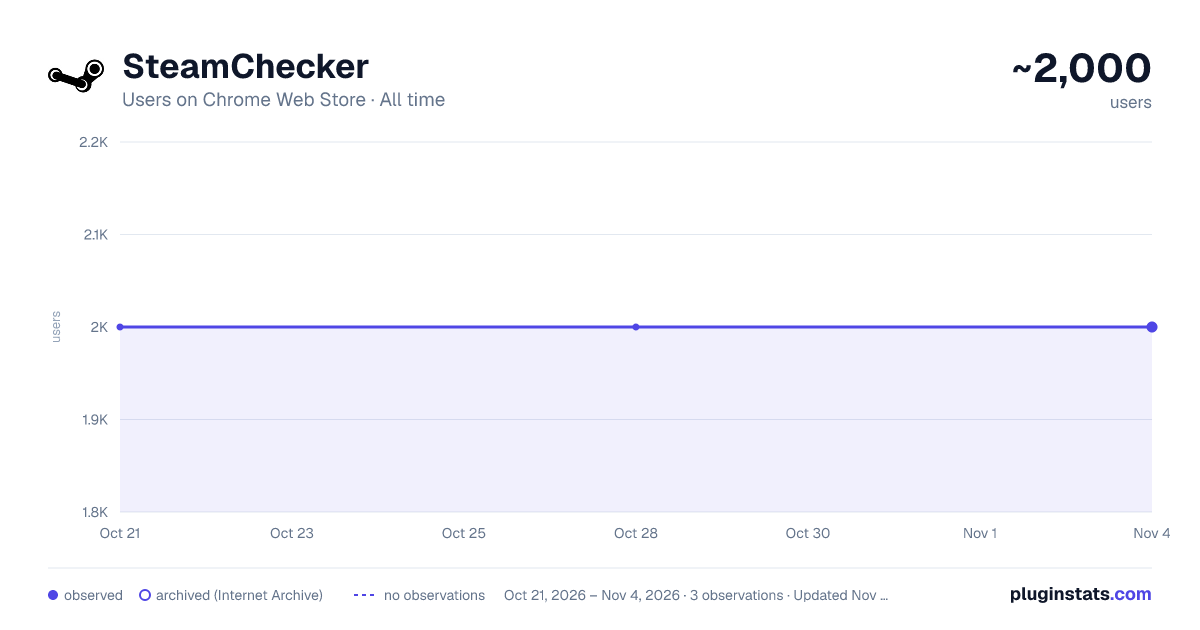
SteamChecker has approximately 2,000 recorded users on Chrome Web Store, ranking #788 of 2,952 tracked listings.
Rating: 3.90 / 5 from 35 ratings
About SteamChecker
Grays-out & highlights owned/wishlisted Steam games on Humble Bundle
FEATURES: Shows owned/wishlisted games:
- on the Humble Choice pages (https://www.humblebundle.com/membership/home)
- on the main game bundle pages
- in the Humble Bundle Store and Search pages
- keys in your Humble Bundle library (https://www.humblebundle.com/home/keys)
Besides looking through every one of your steam games, searching for a specific title to see if you own it or not, there is no way of determining if a bundle you're about to get on HumbleBundle.com has games in your Steam library. Although it may be cheap, spending money on a 10-game bundle where you already owned 9 of the games always makes me frustrated, so I created this extension! This will gray-out any game you own on Steam that is on any of the weekly bundles, store pages, and keys to let you know if you own the game or not. Additionally, it will highlight wishlisted games you may have forgotten about so you don't miss a great deal on a wanted game!
HOW TO USE: There will be a new extension icon in Chrome. Click on that to input your 64bit SteamID or steam profile name (NOT nickname) if you have set your URL. Click "Save" and you're done! This information can be found in your profile URL "steamcommunity.com/id/XXXXXXXXXX/" or "steamcommunity.com/profiles/XXXXXXXXXXXXXXXXXX/"
NOTE: Humble Bundle uses a different naming format than Steam does for some games, but I will try to keep the alias file as up to date as possible whenever new bundles come out or new games are added to a bundle. If you see that games aren't showing up in a bundle, don't hesitate to contact me! The extension currently doesn't support steam DLC collections (Season Pass, Master Collection, Collector's Edition, etc.).
VERSION 1.0 CHANGES:
- Manifest V3 update
- Changed how styles are applied for easier maintenance
VERSION 0.9 CHANGES:
- Added support for the Humble Choice subscription page
- Fixed game aliases not loading in some circumstances
VERSION 0.8 CHANGES:
- Added support for the Humble Bundle Store and Search pages
- Fixed for new Humble Bundle keys layout
- Fixed single quote in game title issues
CONTACT ME: https://twitter.com/Zortrox
Description from the Chrome Web Store listing.
README badge
Show your rank in a README or on your website. The badge updates automatically.
Charts
Images: 30d · 1y · all time · 1600×900 dark
Adoption over time
7/30/90-day growth
Ranking history
Ratings over time
Listing placement
Listing placement
Filled points are observed values; hollow points come from Internet Archive snapshots of the listing page. Dashed segments span periods with no observations — values between points are not interpolated.
Each band is one page of 20. Users on a linear scale. Placement is projected from users, so it can differ from the marketplace's own sort order. Hover a dot to see the listing.
Recent observations
Full history (1)Similar Chrome Web Store Workflow & Planning plugins
All 20 SteamChecker alternatives



Data source
Covers every Chrome Web Store extension with at least 100 users, found through the store's public sitemap. User counts are read from public listing pages. The 10% most-used extensions are refreshed daily, the next 40% weekly and the next 40% monthly; the least-used 10% are not refreshed. Google displays rounded user counts (and caps the display at 10,000,000+), so small changes may not be visible. Rating counts above 1,000 are rounded (e.g. 1.6K).
Listing: https://chromewebstore.google.com/detail/steamchecker/eopegaefgepfdedhecfbclehhffiebpk. First seen Oct 21, 2026; last successful collection Oct 21, 2026. See the methodology.