 PluginStats
NotebookLM Source Uploader users statistics
By karel.test.special · Chrome Web Store · Tools
Automates adding multiple website or YouTube links to Google NotebookLM.
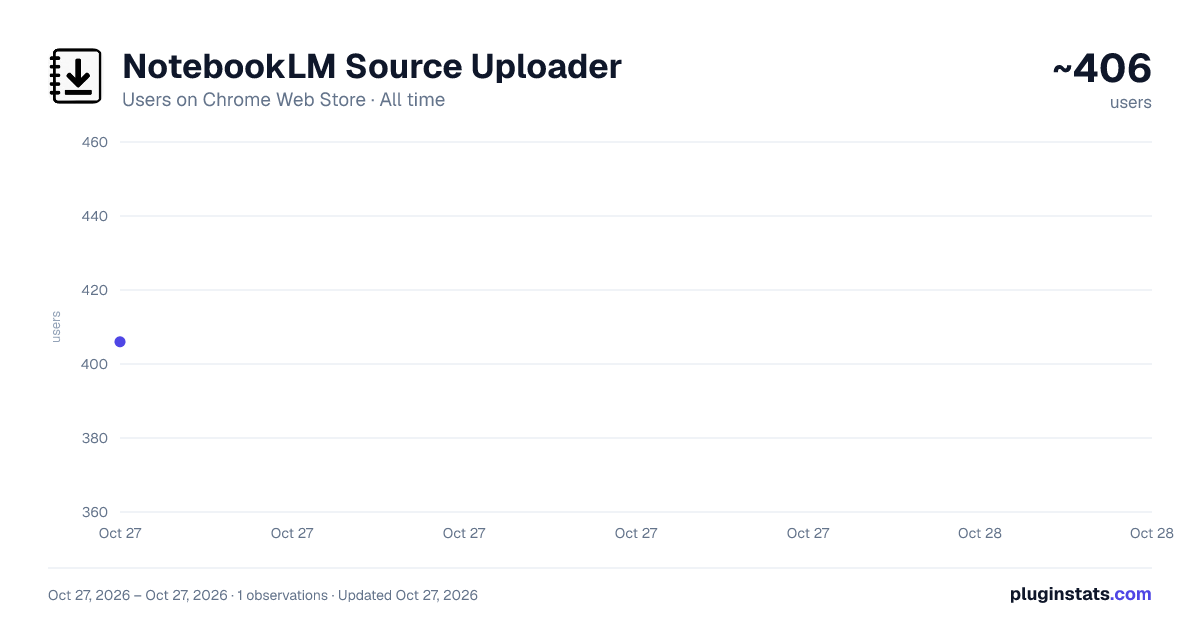
NotebookLM Source Uploader has approximately 406 recorded users on Chrome Web Store, ranking #2507 of 4,553 tracked listings.
Rating: 5.00 / 5 from 1 ratings
About NotebookLM Source Uploader
Automates adding multiple website or YouTube links to Google NotebookLM.
NotebookLM Source Uploader
Supercharge your research and learning workflow in Google NotebookLM! Are you tired of the tedious, one-by-one process of adding sources to your notebooks? The NotebookLM Source Uploader is the essential utility designed to eliminate repetitive clicks and save you valuable time. With this extension, you can add dozens of Website or YouTube sources to your notebook in the time it would normally take to add just a few. Simply paste your list of links, click one button, and watch as the extension automates the entire process for you.
How It Works: Make sure you have a Google NotebookLM notebook open in a browser tab. Click the extension icon in your toolbar to open the uploader. Choose the source type (Website or YouTube). Paste all your URLs into the text field, with each URL on a new line. Click "Upload to NotebookLM". The extension will automatically find the correct tab and begin adding each source, one after the other, until the job is done.
Key Features: Batch Uploading: Add an unlimited number of sources in a single operation. Supports Key Formats: Works seamlessly with both standard Websites and YouTube links. Automatic Tab Handling: Intelligently finds your open NotebookLM tab or opens a new one for you. Simple & Intuitive Interface: No complicated settings. Just paste your links and go. Built-in Guide: A clear and simple help section is included to get you started instantly.
Privacy First: Your privacy is paramount. This extension operates entirely within your browser. Your URLs and any other data are never stored, collected, or sent to any external server. It's a simple, secure automation tool.
Stop wasting time on manual data entry and focus on what truly matters: your research, learning, and insights. Install the NotebookLM Source Uploader today and streamline your workflow
Save time by automatically uploading lists of Website or YouTube URLs to your Google NotebookLM notebooks.
Automate adding multiple websites and YouTube links to Google NotebookLM.
The fastest way to batch-upload all your research sources to NotebookLM.
Description from the Chrome Web Store listing.
README badge
Show your rank in a README or on your website. The badge updates automatically.
Charts
Images: 30d · 1y · all time · 1600×900 dark
Adoption over time
7/30/90-day growth
Ranking history
Ratings over time
Listing placement
Listing placement
Filled points are observed values; hollow points come from Internet Archive snapshots of the listing page. Dashed segments span periods with no observations — values between points are not interpolated.
Each band is one page of 20. Users on a linear scale. Placement is projected from users, so it can differ from the marketplace's own sort order. Hover a dot to see the listing.
Recent observations
Full history (1)Similar Chrome Web Store Tools plugins
All 20 NotebookLM Source Uploader alternatives



Data source
Covers every Chrome Web Store extension with at least 100 users, found through the store's public sitemap. User counts are read from public listing pages. The 10% most-used extensions are refreshed daily, the next 40% weekly and the next 40% monthly; the least-used 10% are not refreshed. Google displays rounded user counts (and caps the display at 10,000,000+), so small changes may not be visible. Rating counts above 1,000 are rounded (e.g. 1.6K).
Listing: https://chromewebstore.google.com/detail/notebooklm-source-uploade/cflibmhmbbbnkjhobikinkkabplcijdj. First seen Oct 27, 2026; last successful collection Oct 27, 2026. See the methodology.