 PluginStats
Auto Follow Scroll, Like, Save – TokMaster users statistics
Automate with auto-follow scroll , likes, saves, and download videos & audio without watermarks.
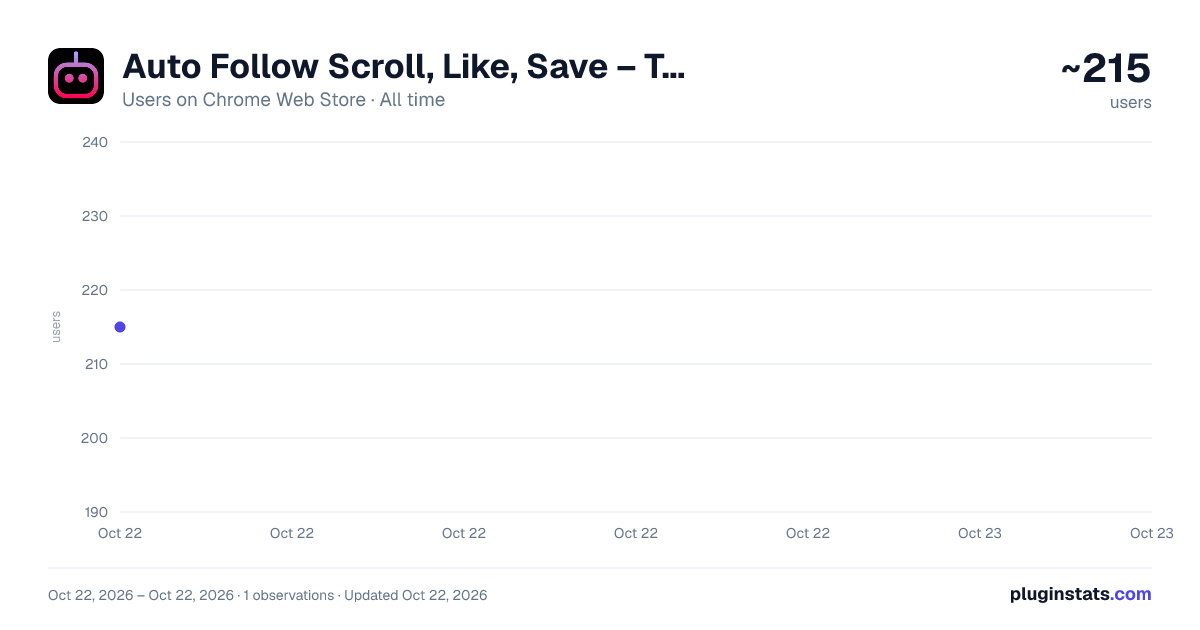
Auto Follow Scroll, Like, Save – TokMaster has approximately 215 recorded users on Chrome Web Store, ranking #2456 of 3,404 tracked listings.
Rating: 5.00 / 5 from 1 ratings
About Auto Follow Scroll, Like, Save – TokMaster
Automate with auto-follow scroll , likes, saves, and download videos & audio without watermarks.
TokMaster is a helpful Chrome extension created for people who love using TikTok and want to make the experience smoother, faster, and more convenient. Instead of spending extra time on repetitive actions like scrolling, following, or saving videos, it provides simple tools that handle these tasks automatically, letting you focus on enjoying content. It also includes a built-in video and audio downloader, making it easy to keep your favorite clips saved for later.
Whether you use it casually for fun, or more actively for content discovery and inspiration, it makes it easier to engage with videos and manage your time online.
✅ Why Choose TokMaster?
TikTok is one of the most engaging platforms today, but sometimes the constant scrolling and repeating the same actions can take extra effort. For example, following multiple accounts, liking a series of videos, or saving content for later can feel repetitive. it was designed to reduce that effort by automating simple tasks in a safe and customizable way.
Instead of clicking the same buttons again and again, you can set up it to:
Automatically follow accounts at your chosen speed.
Scroll through your feed without needing to touch the screen.
Like and save videos while keeping full control over timing and intervals.
Download videos and audio without watermarks so you can keep them on your device.
This makes it easier to use, especially if you enjoy spending time on the platform or if you want to save videos for offline viewing or reference.
🎯 Key Features
-
Auto Follow Easily follow multiple accounts without manually clicking button each time. it allows you to set the speed and interval so that you remain in control.
-
Auto Scroll Enjoy endless videos without lifting a finger. it can automatically scroll through your feed, making the experience more relaxing.
-
Auto Like and Save Quickly like and save videos with automated actions. This is helpful when you want to collect your favorite clips or support content creators without needing to press the same buttons again and again.
-
Video & Audio Downloader Save TikTok videos and audio directly to your device in high quality and without watermarks. With one click, your favorite content can be downloaded and enjoyed offline.
-
Custom Time Intervals You decide how fast or slow the automation runs. By adjusting the interval settings, it ensures that the extension works exactly the way you want it to.
🌟 Benefits of Using it
Save Time: No more repeating the same actions manually.
Stay Comfortable: Watch without constant scrolling or clicking.
Collect Content Easily: Keep your favorite videos and sounds stored on your device.
Full Control: Customize the speed, intervals, and actions to match your style.
Simple & Friendly: Easy to use for beginners and advanced users alike.
👥 Who Is TokMaster For?
Casual Users: People who enjoy TikTok daily and want a smoother, more fun experience.
Content Lovers: Users who like to save and collect videos or audio clips for personal use.
Creators & Marketers: Those who want an easier way to manage engagement without spending too much time on repetitive tasks.
Productivity Seekers: Anyone who values efficiency and wants to reduce the extra effort spent on basic actions.
🚀 How It Works
Install it from the Chrome Web Store.
Open TikTok in your browser.
Choose the feature you want to use (follow, scroll, like, save, download).
Adjust the settings such as speed or intervals.
Let it handle the rest while you enjoy your way.
The extension is built to be lightweight, user-friendly, and efficient, so you can start using it right away without needing technical knowledge.
🔒 Safe & Secure
it runs directly inside your browser and gives you full control. You decide when to enable or disable each feature. Nothing is stored or shared, ensuring that your use remains private and secure.
Description from the Chrome Web Store listing.
README badge
Show your rank in a README or on your website. The badge updates automatically.
Charts
Images: 30d · 1y · all time · 1600×900 dark
Adoption over time
7/30/90-day growth
Ranking history
Ratings over time
Listing placement
Listing placement
Filled points are observed values; hollow points come from Internet Archive snapshots of the listing page. Dashed segments span periods with no observations — values between points are not interpolated.
Each band is one page of 20. Users on a linear scale. Placement is projected from users, so it can differ from the marketplace's own sort order. Hover a dot to see the listing.
Recent observations
Full history (1)Similar Chrome Web Store Tools plugins
All 20 Auto Follow Scroll, Like, Save – TokMaster alternatives



Data source
Covers every Chrome Web Store extension with at least 100 users, found through the store's public sitemap. User counts are read from public listing pages. The 10% most-used extensions are refreshed daily, the next 40% weekly and the next 40% monthly; the least-used 10% are not refreshed. Google displays rounded user counts (and caps the display at 10,000,000+), so small changes may not be visible. Rating counts above 1,000 are rounded (e.g. 1.6K).
Listing: https://chromewebstore.google.com/detail/auto-follow-scroll-like-s/gboboohoflpgphhihpofgbikmfngchlp. First seen Oct 22, 2026; last successful collection Oct 22, 2026. See the methodology.