 PluginStats
Font Finder by Image users statistics
Quickly detect font from any picture with Font Finder by Image – smart and simple recognition tool
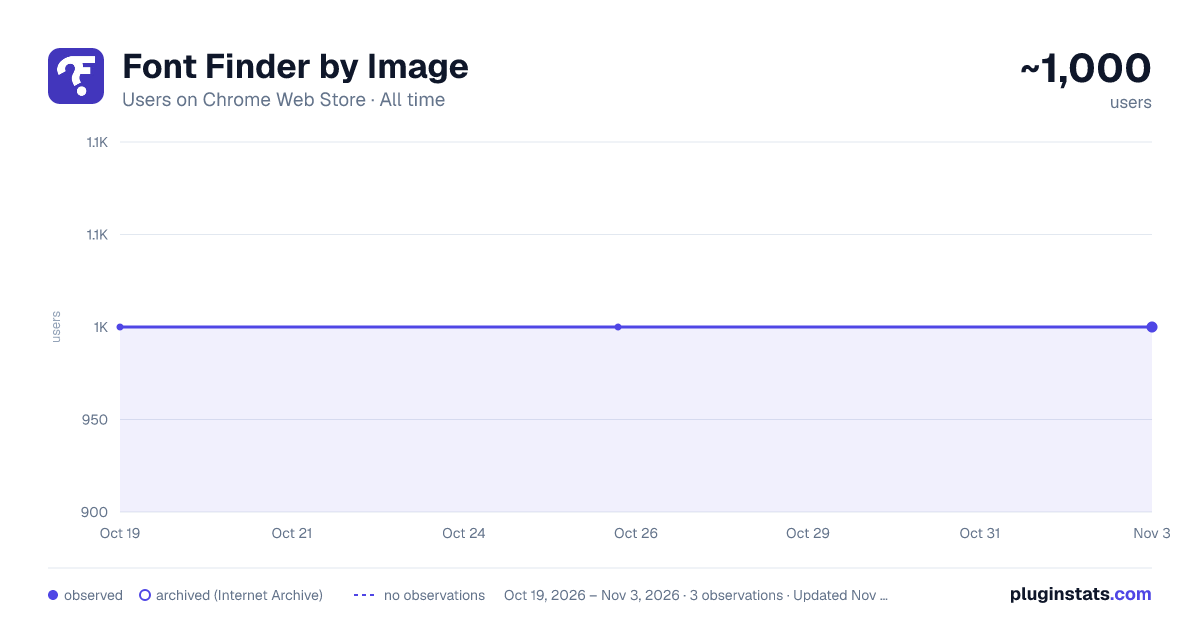
Font Finder by Image has approximately 1,000 recorded users on Chrome Web Store, ranking #722 of 2,033 tracked listings.
Rating: 4.00 / 5 from 4 ratings
About Font Finder by Image
Quickly detect font from any picture with Font Finder by Image – smart and simple recognition tool
Finding the right typeface can be frustrating and slow. Font Finder by Image streamlines your workflow by instantly recognizing text styles from any media directly in your browser, helping you work faster.
🚀 How font finder from image works
1️⃣ Upload a picture to the sidebar. 2️⃣ Instantly detect typography from the picture, showing the exact style used and visually similar alternatives. 3️⃣ Click the provided link to download or purchase your chosen style quickly.
Typeface finder by image stands out for its simplicity—just install and start identifying styles instantly. No settings are needed, and the intuitive sidebar makes it easy for anyone to use.
🔑 Key features of font finder by image
• Automatic typeface detection from any uploaded media. • Recommendations of visually similar styles. • Quick links to download or purchase identified styles. • Ability to easily rate and review the extension. • Direct feedback channel with developers to suggest improvements or new features.
🌟 Who Should Use Font Finder by Image?
This handy Chrome extension is essential for anyone dealing with text and visual content:
➤ Graphic and web designers needing precise style matches. ➤ Marketers and social media specialists (SMM) crafting standout visuals. ➤ Developers and content creators optimizing user experiences. ➤ Bloggers and copywriters enhancing content aesthetics. ➤ Anyone looking to identify a typeface from an image quickly.
This font finder by image extension is perfect for anyone who values their time. Just upload media and instantly get the exact typeface and similar styles—no more manual searching or endless comparisons.
❓ FAQ – Frequently Asked Questions
- Is font finder by image free? Absolutely! The extension itself is entirely free. However, some premium styles may require purchase.
- How quickly does extension identify typefaces? Typeface identification usually takes just seconds after uploading your picture.
- Which media formats are supported by this font detector? Typeface finder supports all standard media formats, including JPG, PNG, GIF, and more.
- Can I immediately download or purchase the detected typeface? Yes, font finder by image provides direct links for immediate download or purchase.
- What if the typeface detector identifies a style incorrectly? Use our built-in feedback form to report inaccuracies—we'll swiftly rectify the issue.
- How can I suggest improvements or new features? Use the Suggest Improvements option within the extension or contact our developers directly.
✨ Why Font finder by image is Your сhoice
Are you struggling with questions like how to check font image or find a typeface from a picture?
Font finder by any image instantly and accurately detects typefaces from any uploaded media. No more manual searching—just upload a logo, poster, or screenshot and get results in seconds.
Our font identifier from image is fast, intuitive, and perfect for designers, marketers, and creatives. Enhance your visuals, streamline your workflow, and find the right font effortlessly.
🎨 Powerful typeface recognition for professionals and hobbyists alike
Font recognition is critical for effective visual communication. With typeface finder, you can:
📍 Instantly detect text styles from any media. 📍 Quickly find font by photo without manual effort. 📍 Identify font from image in seconds, boosting your workflow.
Whether you're wondering what the typeface identifier shows or how to find a font from a picture, our extension provides clear, immediate answers.
📌 How font finder by any image Improves your workflow
Typeface finder ensures smooth, uninterrupted workflow by:
▸ Providing accurate typeface detection from media uploads. ▸ Saving valuable time spent searching manually. ▸ Allowing instant download or purchase of the exact text style you discover. ▸ We keep you connected with our team through easy feedback and suggestions for improvement.
No more second-guessing or confusion about typography styles—just clear, accurate, and actionable results you can use right away.
🚩 Get Started with Typeface Finder Today
Would you like to simplify your style-searching tasks? Install font identifier today and effortlessly find styles from any media with just a few clicks!
💡 Easily identify typography styles from any pictures. 💡 Access powerful typeface recognition technology. 💡 Improve visual content quickly and efficiently.
💬 Feedback & Support
Your opinions and suggestions matter greatly! You can leave reviews, suggest features, or report issues directly. We continuously strive to improve your experience.
Install font finder now and revolutionize your approach to finding styles!
Description from the Chrome Web Store listing.
README badge
Show your rank in a README or on your website. The badge updates automatically.
Charts
Images: 30d · 1y · all time · 1600×900 dark
Adoption over time
7/30/90-day growth
Ranking history
Ratings over time
Listing placement
Listing placement
Filled points are observed values; hollow points come from Internet Archive snapshots of the listing page. Dashed segments span periods with no observations — values between points are not interpolated.
Each band is one page of 20. Users on a linear scale. Placement is projected from users, so it can differ from the marketplace's own sort order. Hover a dot to see the listing.
Recent observations
Full history (1)Similar Chrome Web Store Tools plugins
All 20 Font Finder by Image alternatives



Data source
Covers every Chrome Web Store extension with at least 100 users, found through the store's public sitemap. User counts are read from public listing pages. The 10% most-used extensions are refreshed daily, the next 40% weekly and the next 40% monthly; the least-used 10% are not refreshed. Google displays rounded user counts (and caps the display at 10,000,000+), so small changes may not be visible. Rating counts above 1,000 are rounded (e.g. 1.6K).
Listing: https://chromewebstore.google.com/detail/font-finder-by-image/npnmlcocpockdmoadokglefijkdlnaep. First seen Oct 19, 2026; last successful collection Oct 19, 2026. See the methodology.