 PluginStats
Autolin: LinkedIn/Indeed Auto Applier users statistics
By QuickTools · Chrome Web Store · Tools
Auto-apply to jobs on LinkedIn and Indeed with one click
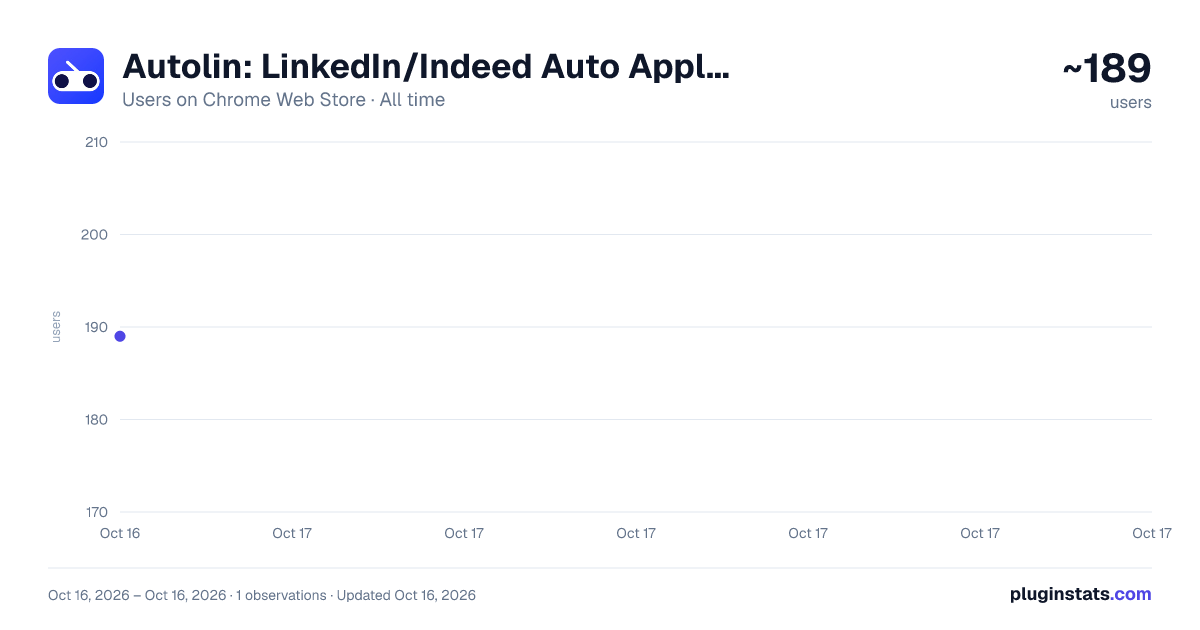
Autolin: LinkedIn/Indeed Auto Applier has approximately 189 recorded users on Chrome Web Store, ranking #1902 of 2,495 tracked listings.
About Autolin: LinkedIn/Indeed Auto Applier
Auto-apply to jobs on LinkedIn and Indeed with one click
Transform your job search with Autolin - the intelligent Chrome extension that automates job applications on LinkedIn and Indeed, saving you hours of repetitive work.
What is Autolin?
Autolin is an AI-powered job application assistant that automatically fills out job application forms on LinkedIn Easy Apply and Indeed, allowing you to apply to multiple positions in seconds instead of hours. Simply set up your profile once, and let Autolin handle the rest.
Key Features
✅ One-Click Applications
- Apply to dozens of jobs with a single click
- Works seamlessly on LinkedIn Easy Apply and Indeed
- Smart form detection and automatic filling
✅ AI-Powered Form Filling
- Integrates with Google's Gemini AI for intelligent question answering
- Handles complex application questions automatically
- Adapts to different form types and formats
How It Works
- Setup Your Profile
- Upload your resume (PDF, DOC, DOCX)
- Enter your phone number and location
- Set your work preferences (authorization, sponsorship, remote, relocation)
- Add your Gemini API key for AI-powered responses (optional)
- Search for Jobs
- Navigate to LinkedIn or Indeed
- Search for jobs as you normally would
- Filter for "Easy Apply" on LinkedIn or applicable jobs on Indeed
- Start Auto-Applying
- Click the Autolin button on the job listing page
- Watch as applications are submitted automatically
- Review the session summary when complete
- Track Your Progress
- Check the History tab to see all your applications
- View statistics and success rates
- Monitor your job search progress
Perfect For
- Job Seekers looking to apply to multiple positions quickly
- Career Changers exploring opportunities across different companies
- Recent Graduates casting a wide net in their job search
- Professionals conducting passive job searches
- Anyone tired of filling out repetitive application forms
Description from the Chrome Web Store listing.
README badge
Show your rank in a README or on your website. The badge updates automatically.
Charts
Images: 30d · 1y · all time · 1600×900 dark
Adoption over time
7/30/90-day growth
Ranking history
Ratings over time
Listing placement
Listing placement
Filled points are observed values; hollow points come from Internet Archive snapshots of the listing page. Dashed segments span periods with no observations — values between points are not interpolated.
Each band is one page of 20. Users on a linear scale. Placement is projected from users, so it can differ from the marketplace's own sort order. Hover a dot to see the listing.
Recent observations
Full history (1)Similar Chrome Web Store Tools plugins
All 20 Autolin: LinkedIn/Indeed Auto Applier alternatives



Data source
Covers every Chrome Web Store extension with at least 100 users, found through the store's public sitemap. User counts are read from public listing pages. The 10% most-used extensions are refreshed daily, the next 40% weekly and the next 40% monthly; the least-used 10% are not refreshed. Google displays rounded user counts (and caps the display at 10,000,000+), so small changes may not be visible. Rating counts above 1,000 are rounded (e.g. 1.6K).
Listing: https://chromewebstore.google.com/detail/autolin-linkedinindeed-au/mpfldolknplpcgfehphjkpjlacpofimm. First seen Oct 16, 2026; last successful collection Oct 16, 2026. See the methodology.