 PluginStats
Video2PPT - Browse YouTube by Slide users statistics
Browse YouTube by slide, jump to matching timestamps, follow synchronized captions, and continue in the Video2PPT workspace.
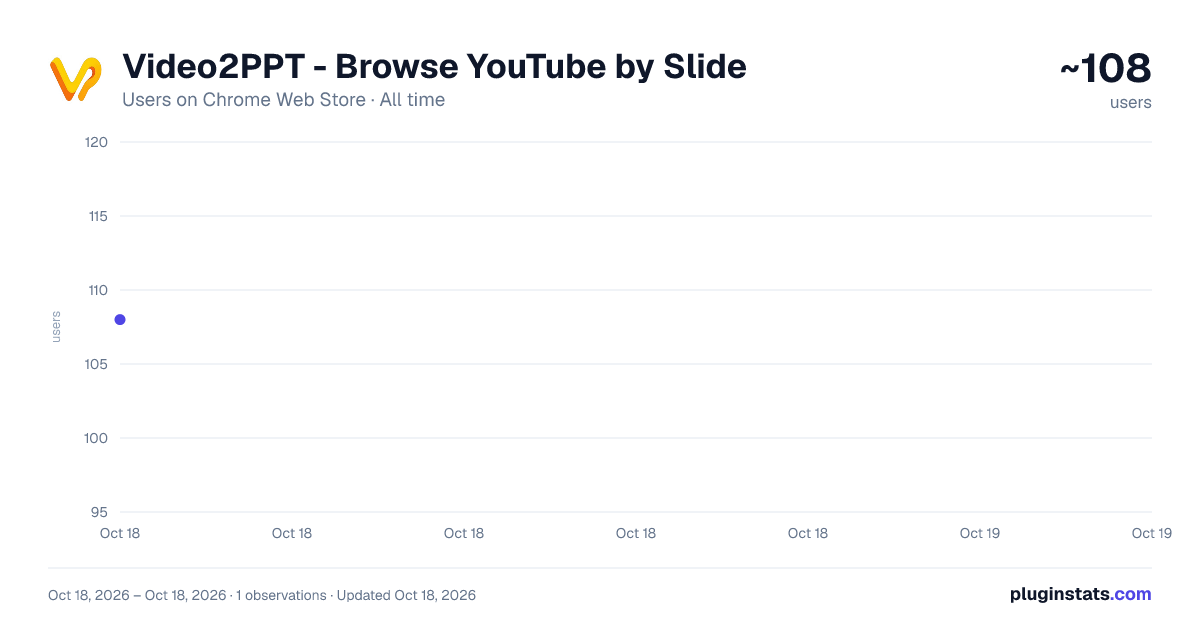
Video2PPT - Browse YouTube by Slide has approximately 108 recorded users on Chrome Web Store, ranking #2429 of 2,495 tracked listings.
About Video2PPT - Browse YouTube by Slide
Browse YouTube by slide, jump to matching timestamps, follow synchronized captions, and continue in the Video2PPT workspace.
Browse YouTube by slide, directly beside the video.
Video2PPT adds a compact slide navigator to Chrome's Side Panel. Open a supported YouTube lecture, tutorial, webinar, or presentation and the extension organizes its key visual moments into slide previews. Click any slide to jump the YouTube player to the matching timestamp.
Key features:
- View presentation slides without leaving YouTube
- Click a slide to jump to its exact moment in the video
- Follow synchronized captions while the video plays
- Optionally follow the current slide automatically
- Crop or remove slide previews before continuing
- Keep recent slide previews available in the browser cache
- Send the selected slides to the Video2PPT workspace for editing and export
Use Video2PPT as a visual table of contents for long videos. Scan the presentation structure, revisit a chart or idea, compare slide changes, and move through a lecture without repeatedly scrubbing the timeline. The slide list scrolls independently, while optional follow mode keeps the current slide in view during playback.
When you are ready to continue, keep the slides you need, crop or remove unwanted frames, and open the selection in the Video2PPT workspace for further editing and export.
Slide browsing runs in the browser using preview data made available by YouTube. Video2PPT does not record your screen or capture browser audio. Account, caption, workspace, and export features connect to video2ppt.com. Slide and caption availability depends on the source video and the data provided by YouTube.
Video2PPT is an independent product and is not affiliated with YouTube or Google.
Description from the Chrome Web Store listing.
README badge
Show your rank in a README or on your website. The badge updates automatically.
Charts
Images: 30d · 1y · all time · 1600×900 dark
Adoption over time
7/30/90-day growth
Ranking history
Ratings over time
Listing placement
Listing placement
Filled points are observed values; hollow points come from Internet Archive snapshots of the listing page. Dashed segments span periods with no observations — values between points are not interpolated.
Each band is one page of 20. Users on a linear scale. Placement is projected from users, so it can differ from the marketplace's own sort order. Hover a dot to see the listing.
Recent observations
Full history (1)Similar Chrome Web Store Tools plugins
All 20 Video2PPT - Browse YouTube by Slide alternatives



Data source
Covers every Chrome Web Store extension with at least 100 users, found through the store's public sitemap. User counts are read from public listing pages. The 10% most-used extensions are refreshed daily, the next 40% weekly and the next 40% monthly; the least-used 10% are not refreshed. Google displays rounded user counts (and caps the display at 10,000,000+), so small changes may not be visible. Rating counts above 1,000 are rounded (e.g. 1.6K).
Listing: https://chromewebstore.google.com/detail/video2ppt-browse-youtube/oajighidbgedggpbehaemkhjicfhkcod. First seen Oct 18, 2026; last successful collection Oct 18, 2026. See the methodology.