 PluginStats
Search Console Insights users statistics
By Albert Badalyan · Chrome Web Store · Tools
Analyze Google Search Console data directly in Google Chrome browser.
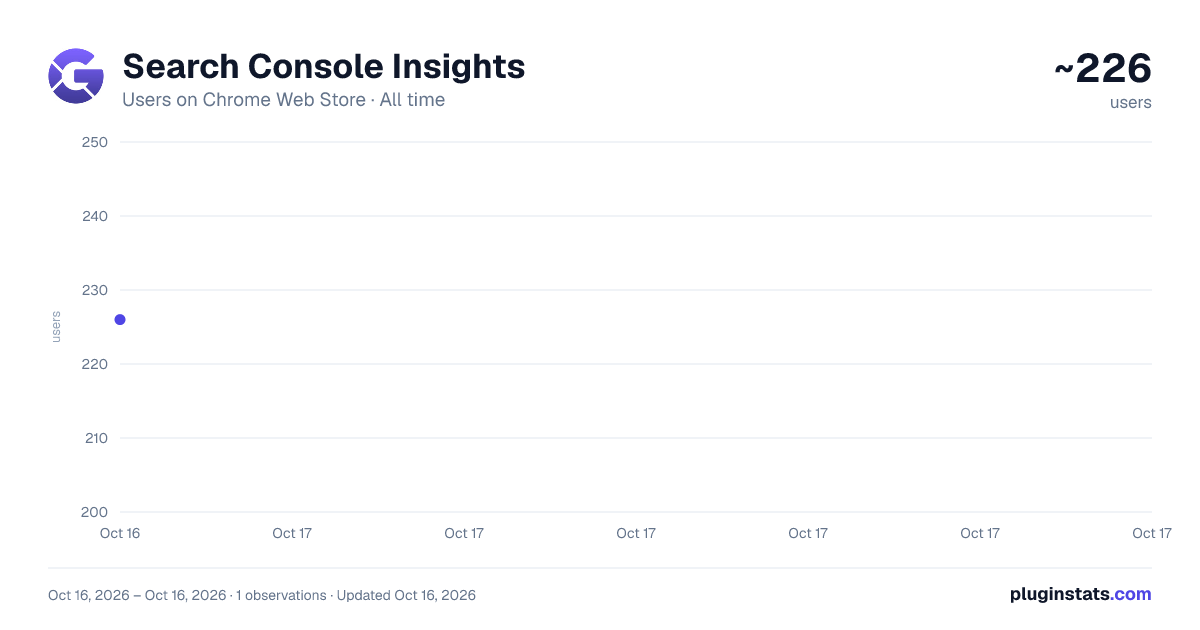
Search Console Insights has approximately 226 recorded users on Chrome Web Store, ranking #1452 of 2,033 tracked listings.
Rating: 5.00 / 5 from 33 ratings
About Search Console Insights
Analyze Google Search Console data directly in Google Chrome browser.
Analyze data from Google Search Console with real-time insights. Improve your SEO strategy by exploring visualized data about each page metrics, improved or declined pages, AI Overviews opportunities, implement quick analysis about keyword cannibalization and see which pages rank for the same keyword, and even more - all directly in your browser.
Your data is 100% safe and secure! We do NOT store your GSC data.
EVERYTHING you see in the extension is pulled from your GSC account, through the official GSC API.
The extension has both Dark and Light versions.
Unlock the Full Power of Your Search Console Data, Simplified
GSC Insights transforms the standard Google Search Console interface into a high-performance SEO workstation.
Built for SEOs, agencies, and positioned companies, this extension provides instant clarity on ranking shifts, AI-intercepted traffic, and content optimization opportunities.
Key Features:
-
Comprehensive Performance Dashboard: View Clicks, Impressions, CTR, and Average Position with dynamic Chart visualizations for any selected timeframe.
-
Wide Range of Analysis Period: Review your website or page analytics data for 24hs, 7 days, last 28 days, 1 year of 16 months (all data).
-
AI Overview (AIO) Gap Analysis: Identify pages ranking in the Top 5 that are losing clicks to AI-generated search results.
-
Keyword Cannibalization Check: Instantly detect if multiple pages are competing for the same exact keyword to prevent ranking self-sabotage.
-
Country Selection: Explore data and page or website performance in a list of top 15 countries now.
-
Actionable SEO Filters: Find "Quick Wins" (keywords in positions 4-10), extract actual user questions for FAQ sections, and identify "GEO Queries" for long-tail voice search.
-
Live URL Inspection: Fetch real-time indexation status directly from Google servers to verify page coverage and crawl dates.
-
Bulk Recommendations Export: Download curated SEO audits and actionable tasks into CSV format for immediate client reporting.
The Google Search Console Chrome extension will have 3 plans for you to choose:
- FREE plan: You will get a 14-Day Free Trial to test ALL the PREMIUM features. After, you will move to the Free plan unless you upgrade to see more insights and features. In the Free plan, you will still have access to the core Search Console metrics (Clicks, Impressions, CTR, Position) and the 24hr and 7-day lookback.
- PRO plan: You will have access to the FREE plan and some of the premium features (but not all of them) from the higher (ENTERPRISE) plan.
- ENTERPRISE plan: You will have access to all the free and premium features of the extension, including Keyword Cannibalization checker, AIO Gap analysis, Quick Wins, 1-Year data lookback, All Recommendations, and CSV Exports.
Why Use GSC Insights?
-
No Data Storage: We value your privacy. Your Search Console data is fetched via the official API, processed in real-time, and is never stored on our servers.
-
Scale Ready: Manage multiple seats and team licenses with our seamless license key system.
-
Efficiency: Save hours of manual filtering. What takes 20 minutes in the standard GSC interface takes 20 seconds with our advanced filters.
Description from the Chrome Web Store listing.
README badge
Show your rank in a README or on your website. The badge updates automatically.
Charts
Images: 30d · 1y · all time · 1600×900 dark
Adoption over time
7/30/90-day growth
Ranking history
Ratings over time
Listing placement
Listing placement
Filled points are observed values; hollow points come from Internet Archive snapshots of the listing page. Dashed segments span periods with no observations — values between points are not interpolated.
Each band is one page of 20. Users on a linear scale. Placement is projected from users, so it can differ from the marketplace's own sort order. Hover a dot to see the listing.
Recent observations
Full history (1)Similar Chrome Web Store Tools plugins
All 20 Search Console Insights alternatives



Data source
Covers every Chrome Web Store extension with at least 100 users, found through the store's public sitemap. User counts are read from public listing pages. The 10% most-used extensions are refreshed daily, the next 40% weekly and the next 40% monthly; the least-used 10% are not refreshed. Google displays rounded user counts (and caps the display at 10,000,000+), so small changes may not be visible. Rating counts above 1,000 are rounded (e.g. 1.6K).
Listing: https://chromewebstore.google.com/detail/search-console-insights/mpliimmbdikjlndlipjejgkhlgimcbpa. First seen Oct 16, 2026; last successful collection Oct 16, 2026. See the methodology.